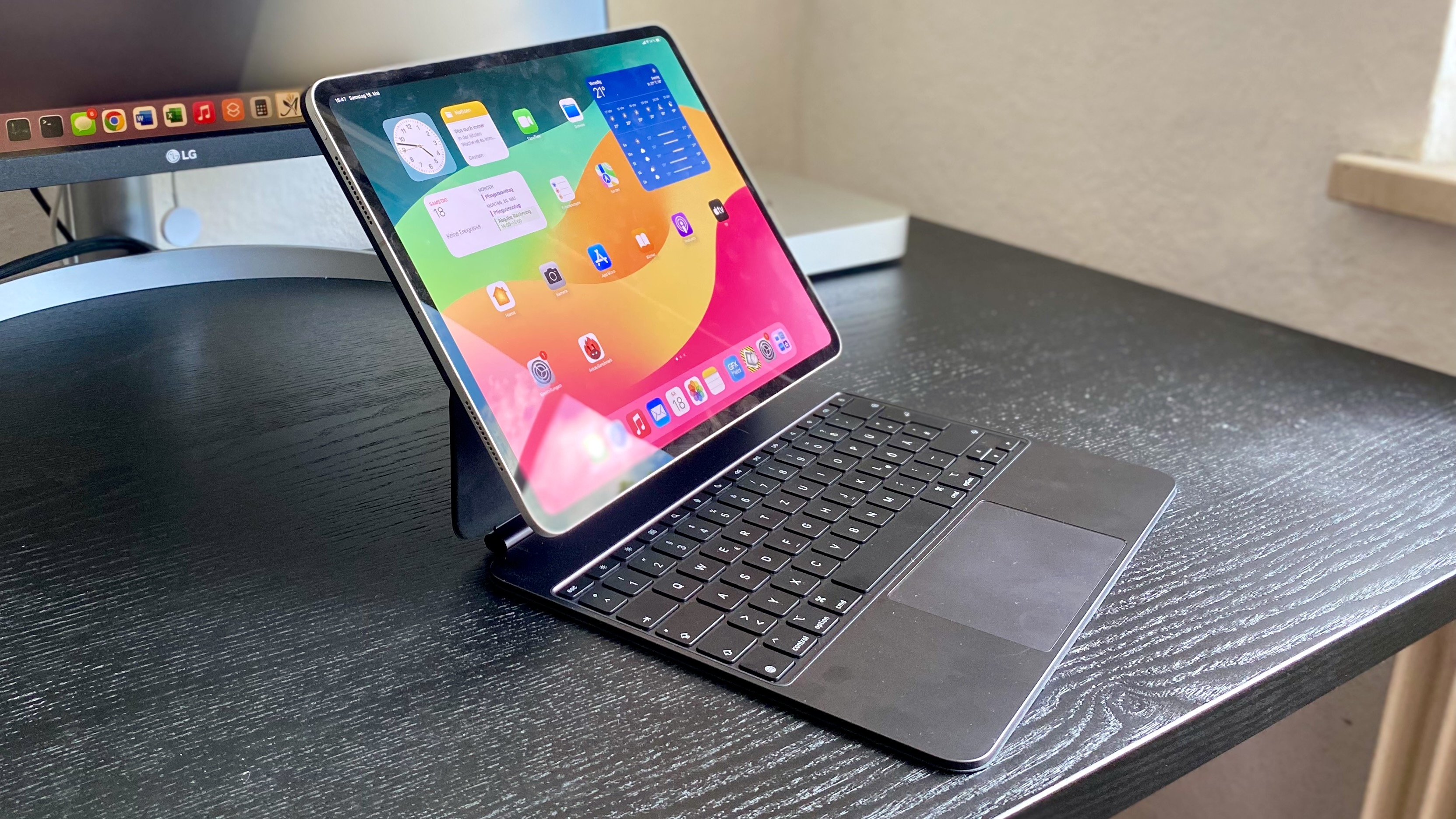
So you just spent at least a grand on a new iPad Pro, and you’re wondering why you should waste $299-$349 more on a mere keyboard case. Well, that’s just it. Apple’s overhauled Magic Keyboard for the M4 and M5 iPad Pro models isn’t a mere keyboard case.
The accessory has been rebuilt with higher-end materials and now supports even more features, turning your tablet into an effective laptop replacement. While there are cheaper third-party replicas that manage to get some things right, you’re unlikely to find one that ticks the 5 checkboxes that follow.
Keyboard warrior
The iPad Pro is renowned for its crisp OLED screen, a feature which is appreciated by artists and movie fans alike. iPad users, however, know all too well that most of the time they don’t get to enjoy that screen in its entirety. Whenever you tap on a text field, the software keyboard pops up, occupying around half of the real estate. This covers a significant portion of the on-screen content, making it hard to maximize one’s productivity.
When a Magic Keyboard is attached to your iPad Pro, by contrast, the system automatically stops showing the software keyboard. This lets you take advantage of the full 11- or 13-inch display and get work done in a more practical manner. You also get to rely on keyboard shortcuts in supported first- and third-party apps, which accelerates most workflows.
What makes the embedded keyboard so special is its build quality and MacBook-like specs. You get backlit keys, a function row, and the scissor mechanism which elevates the typing experience. I’ve tried other keyboard cases in the past—including Apple’s own—and it’s hard to think of any variant that surpasses the latest-generation Magic Keyboard.

Mahmoud Itani / Foundry
Premium trackpad with premium features
Unlike most keyboard cases, the Magic Keyboard comes with an embedded trackpad that supports multitouch gestures. While the previous version offered the bare minimum, the recent model switches to a premium trackpad, similar to that of the MacBook. It’s now made of glass, and offers haptic feedback.
iPadOS 26 also plays a major role in this setup. With this OS, the mouse cursor has been redesigned to become pointier and less of a circle. It’s now easier to precisely tap a smaller UI element and operate it in a desktop computer fashion. By actively using the trackpad to interact with your iPad Pro, you also protect the display’s oleophobic coating, which wears down when touched repeatedly.
Extra port-able
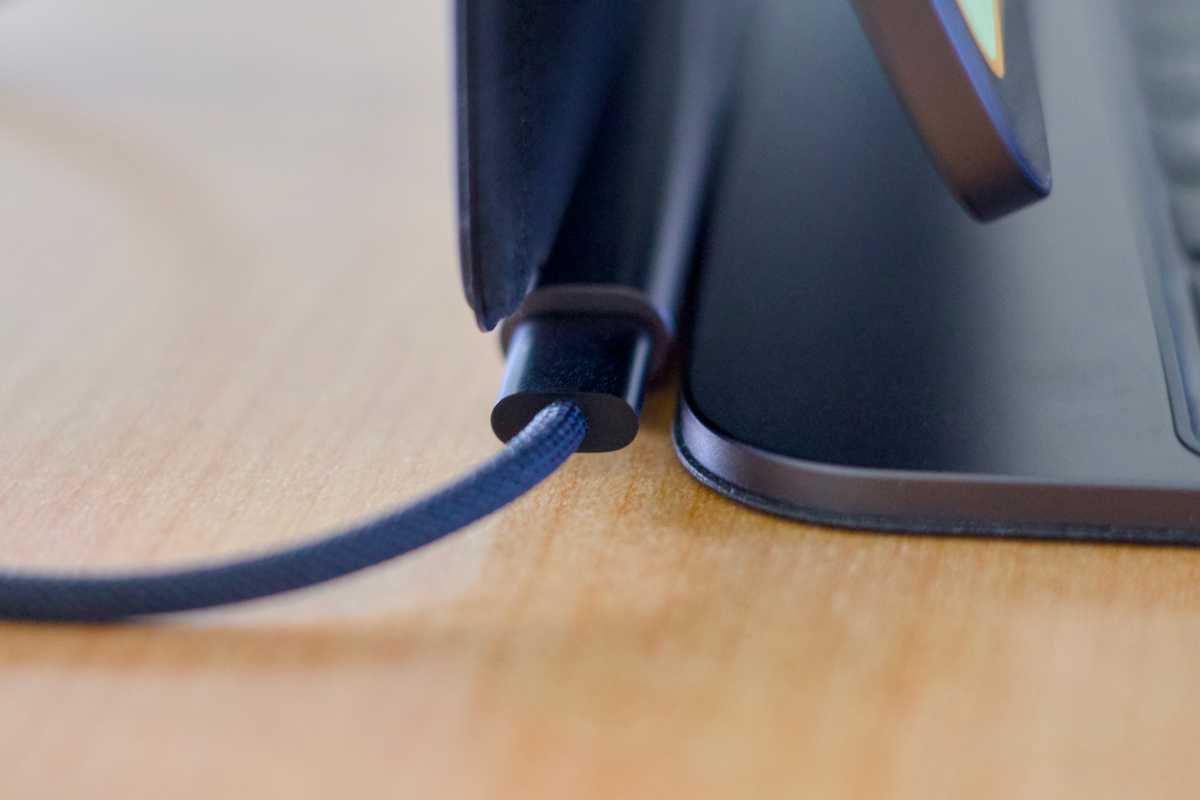
If you depend on wired accessories, the fact that the iPad Pro has just one Thunderbolt port can feel like a major limitation. Unless you pay for (and carry around) a dongle, you won’t be able to charge your tablet and attach add-ons, such as external storage devices, at the same time. The Magic Keyboard remedies the situation by adding a second USB-C port on the opposite side.
Mahmoud Itani / Foundry
Designed by Apple, to Apple’s high standards
Design is one of the main reasons why Apple devices sell so well. From the initial unboxing experience to the way the products are built, the premium feel is undeniable. And the latest Magic Keyboard is no different.
The keyboard case is now made from aluminum with finishes that match the iPad Pro’s color options. When connected, it no longer feels like a separate accessory; the two products combine seamlessly to look like, and function as, a single entity.
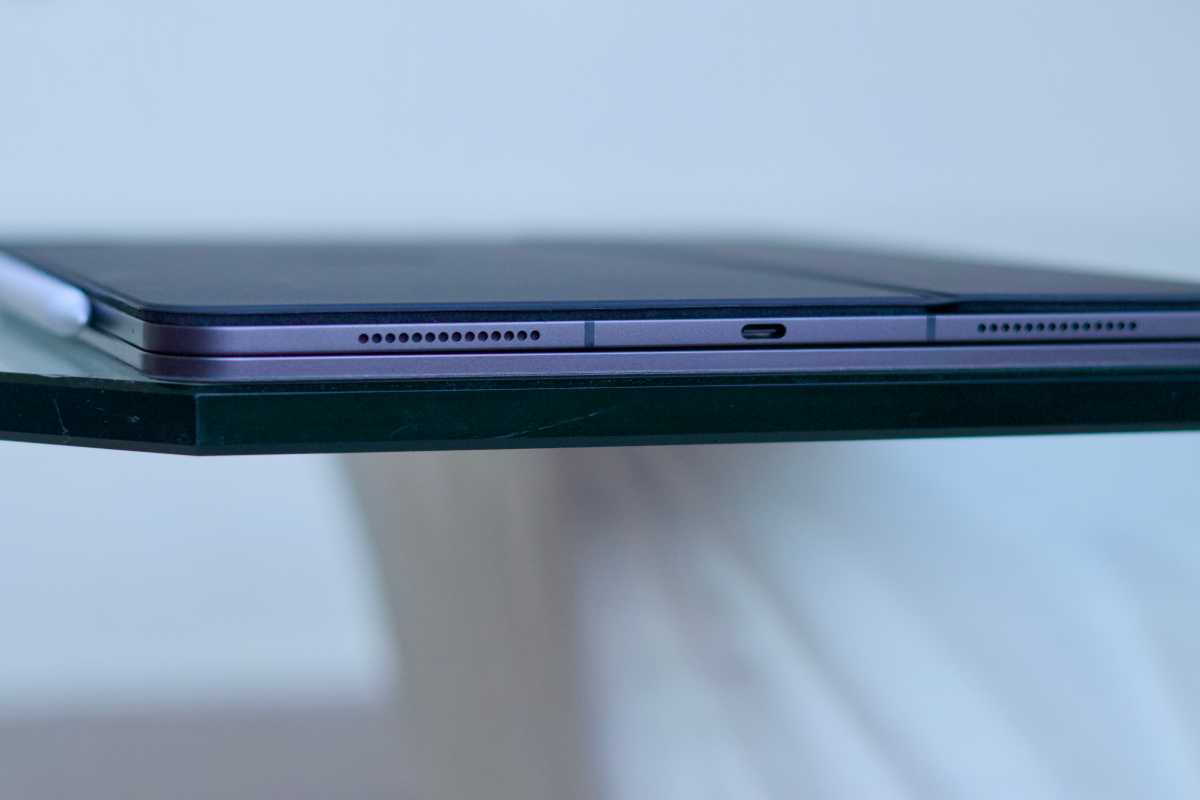
Despite the device’s slimness, it still feels sturdy when placed on flat surfaces, such as tabletops. The segment that attaches to the iPad Pro features a soft layer to prevent scratching the tablet’s metal back. That’s not to mention the responsive, versatile hinge that lets you adjust the viewing angle as needed.
The Magic Keyboard’s utility extends beyond typing. It’s a protective cover that shields the iPad Pro’s delicate back and glass front when out and about. It also doubles as a kickstand case for when you’re binge-watching your favorite TV shows hands-free. Design-wise, this is a winner.
Mahmoud Itani / Foundry
It just works—when you need it
Aside from its attractive, minimalist design, the Magic Keyboard lives up to Apple’s famous “It just works” philosophy. The accessory requires no setup or pairing whatsoever; you just align your iPad Pro accordingly, and the two devices magnetically attach together. The keyboard case then communicates with the iPad and draws power using the Smart Connector on the back. As such, you don’t have to charge the Magic Keyboard or deal with Bluetooth connections and potential latency.
Since the iPad Pro attaches to the Magic Keyboard using built-in magnets, you can conveniently detach it when the case isn’t needed. It’s as straightforward as using a MagSafe-enabled wallet with your iPhone. This allows you to easily switch between the tablet and notebook format depending on your tasks and your needs. No fuss, and no headaches.
If you’re not convinced, check out our roundup of the best iPad keyboards.