At a glance
Expert’s Rating
Pros
- Simple and efficient Bluetooth tracker
- Works with Apple’s Find My app
- Louder than original AirTag
- Increased Precision Finding range
- Easy to set up
- Inexpensive
Cons
- Still chubby
- Still no keyring hole
- Still uses non-rechargeable battery
Our Verdict
At $29 Apple’s own Find My tracker remains a very affordable accessory for locating your lost items. The new version is louder and has a wider range, key improvements are welcome indeed.
Price When Reviewed
This value will show the geolocated pricing text for product undefined
Best Pricing Today
Best Prices Today: Apple AirTag (2026)

Five long years since its original launch, Apple has finally released the second generation of its clever little AirTag tracker. Unsurprisingly the new AirTag looks exactly the same, but it’s been upgraded in two key aread to help it perform better: It has a louder sound to make it easier to hear when it’s nearby, and has a much-improved range for Precision Finding.
Powering its detective skills is the clever global-scale crowd-sourced Find My tracking technology that lies behind the success of the button-sized tracker. Like the original model, the new AirTag sends out anonymous, encrypted Bluetooth signals that can be detected by any nearby devices hooked up to Apple’s Find My network.
When you consider how many active iPhones and other Apple devices are out there, you’re looking at over a billion opportunities for your AirTag to be spotted. In short, it’s the same but better at its central function.
Apple
AirTag 2: Near-identical design
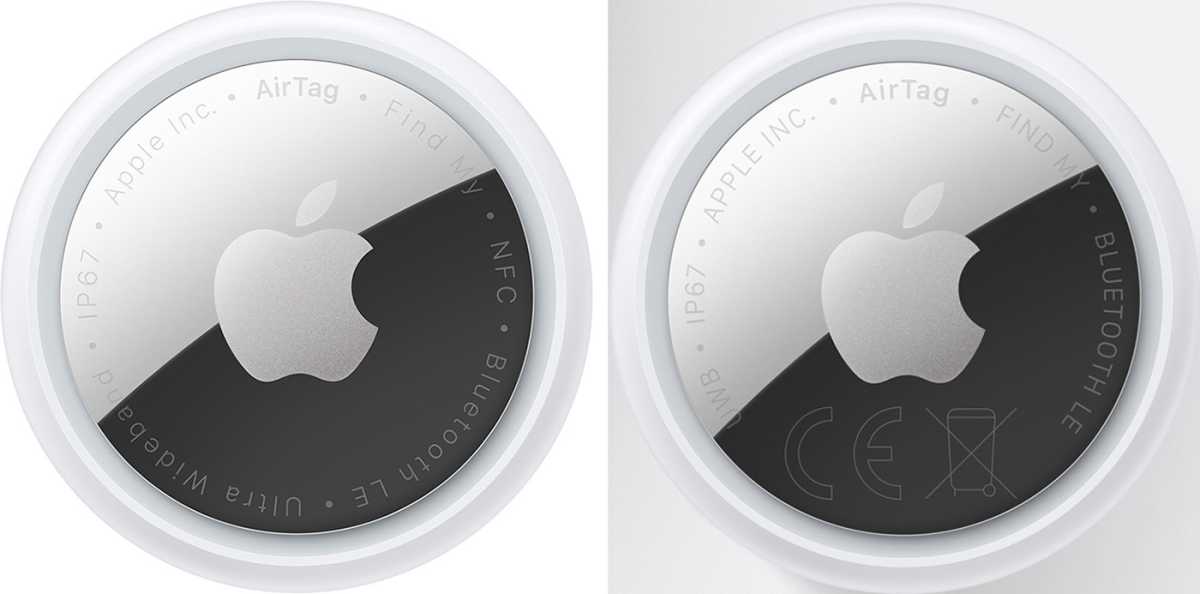
The AirTag remains available only in white with a chrome bottom. As such, the new AirTag scratches and scuffs as easily as the original.
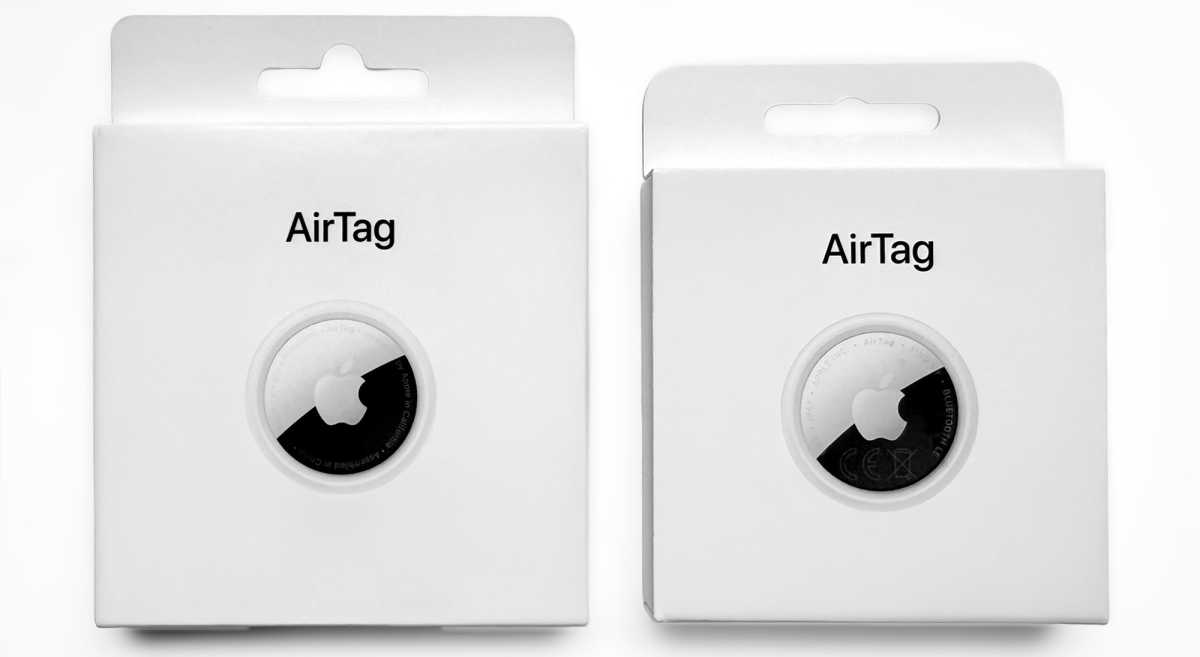
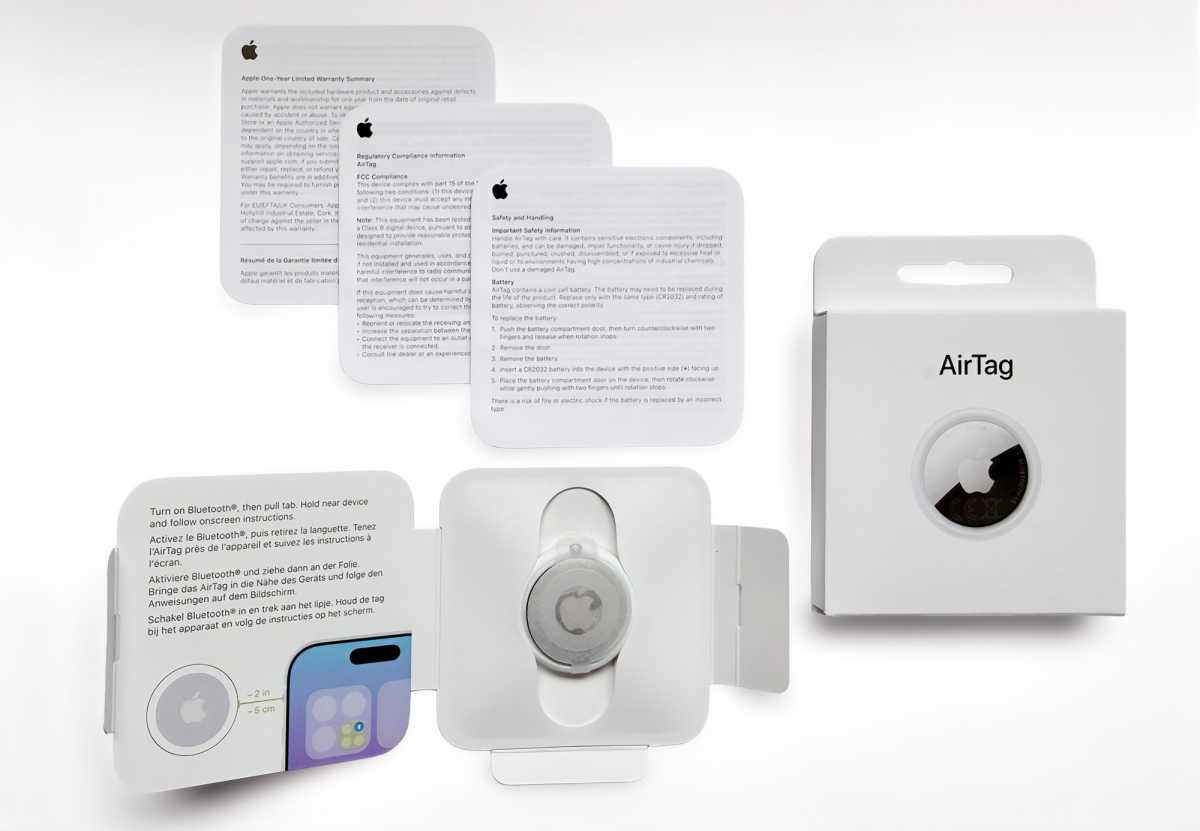
Apple still refers to the new AirTag as “AirTag,” rather than AirTag 2, though the new boxes (which are a little smaller) are labeled “AirTag (2nd generation).” Open it up, and you’ll see a device that’s just as circular and convex, with the same 1.26-inch (31.9mm) diameter and 0.31-inch (8mm) thickness. The writing around the edge is now mostly in upper-case, the only visual difference between it and the previous model.
One other difference: It’s a little heavier. The original AirTag weighed 0.39oz (11g), while the 2nd-gen model weighs 0.42oz (11.8). You’re unlikely to notice its extra weight while carrying it around, but in a product otherwise identical to its predecessor, launched half a decade ago, it’s worth pointing out.
Simon Jary
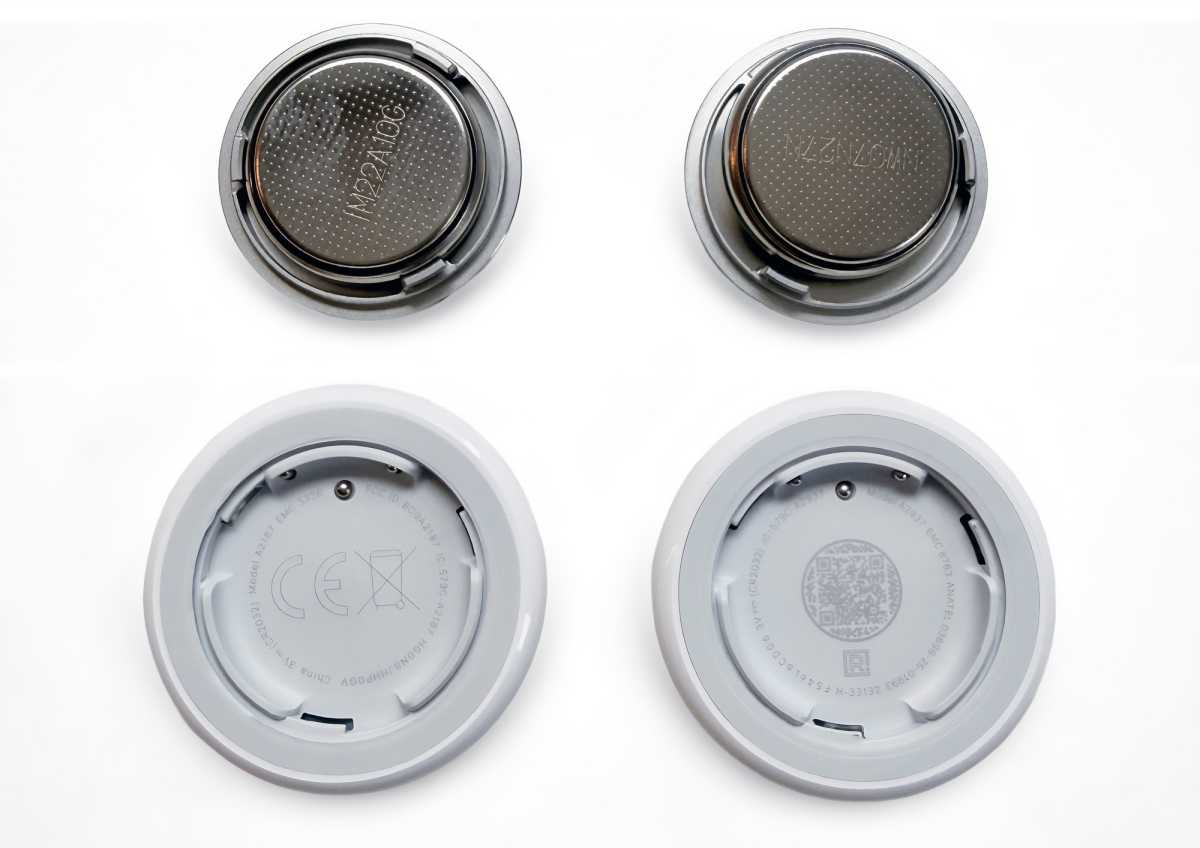
Inside the new AirTag is where you’ll find the big changes. AirTag Etsy modder Joseph Taylor took the new AirTag apart to note the differences inside, and you can see the circuit board is thinner, and it’s more difficult for stalkers to remove the speaker. Otherwise, it retains its IP67 water- and dust-resistance.
Since the new AirTag has the same physical shape, a keyring or luggage loop for the 1st-gen AirTag will fit the new AirTag. Apple has taken the opportunity to refresh its own AirTag FineWoven Key Ring color range, although aside from the Fox Orange color, the choices aren’t all that exciting.
Less welcome with the lack of change is that the AirTag still needs an accessory. It’s a little too chubby to fit in slim wallets, and it still has no keychain hole to help you connect it to the main thing you want to track: keys. That leaves you needing a key ring or loop at an extra cost. We’ve rounded up the best AirTag accessories here, and there are plenty of options cheaper than Apple’s, which actually cost more ($35) than the AirTag itself.
One of the reasons for its shape is because its removable rather than rechargeable battery. The new AirTag uses the same CR32 coin cell battery as the original and so will last about a year if you aren’t forever making it emit its alert sound. Some flat third-party Find My trackers can be charged with standard wireless chargers, which is a more environmentally friendly solution than an old-fashioned battery.
Apple
AirTag 2: Finding features
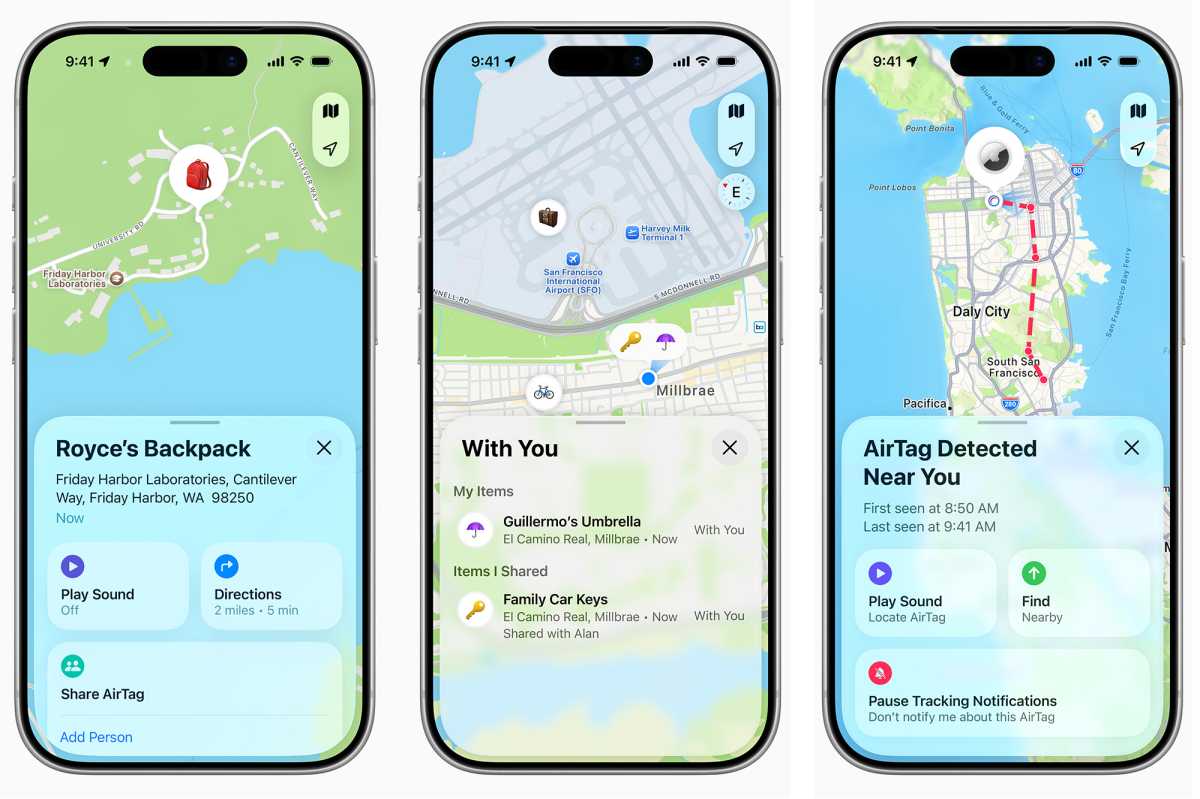
The 2nd-generation AirTag does what the 1st-gen tracker did, but better. Most of its functionality exists within the Find My app, so the new stuff is hardware-based.
- Precision Finding (longer range): Using Ultra Wideband technology, Apple’s Find My app uses visual on-screen arrows for direction, precise distance, and audio/haptic feedback to guide you directly to your nearby AirTag.
- Lost Mode & Notifications (no change): If you’ve misplaced or lost an item with the AirTag, you can place it in Lost Mode to trigger an automatic notification when it is detected within the vast Find My network. When Lost Mode is activated, the AirTag will lock so no one else can use it. In the Find My app, you can also set the AirTag so someone finding it can get your message and contact info simply by tapping your AirTag with the NFC sensor in their smartphone — using the same technology as Apple Pay.
- “Left Behind” alerts (no change): Find My‘s proactive notifications warn users if they have left an item behind, such on a cafe table or in the airport departure lounge. No change.
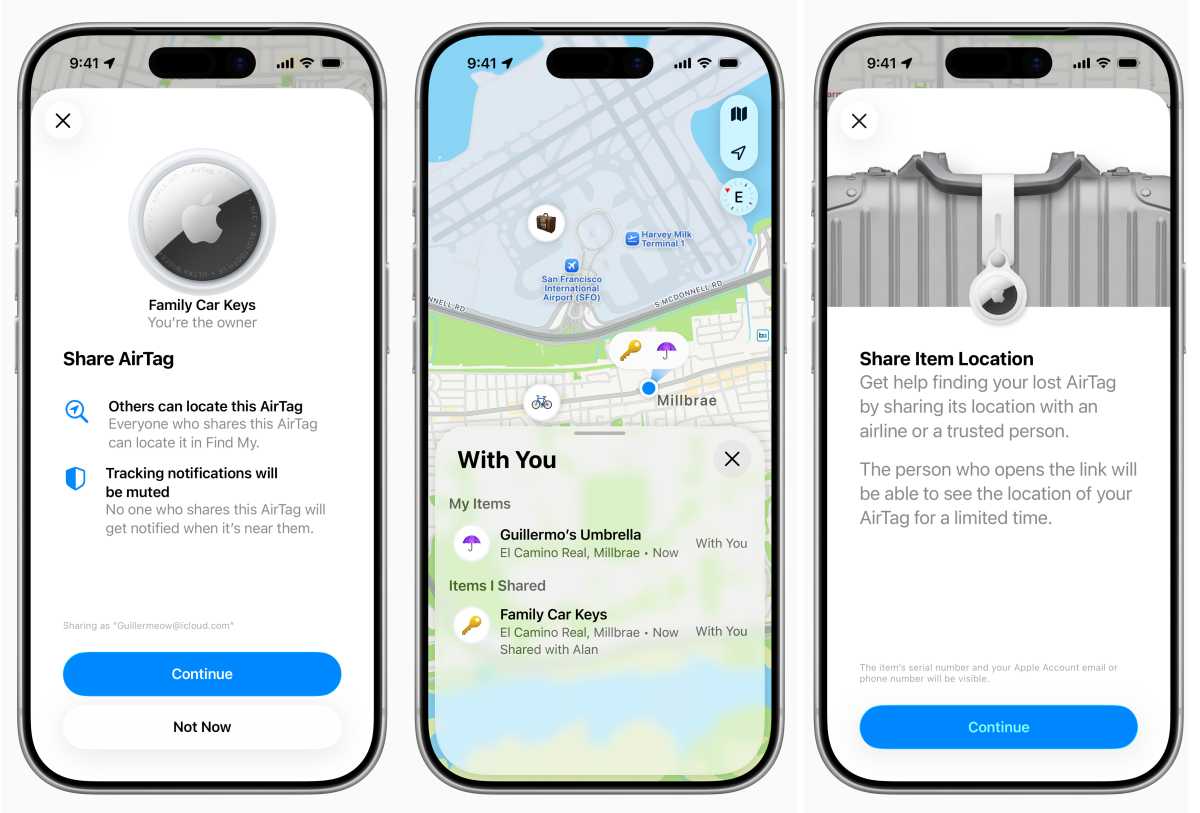
- Item Sharing (no change): You can share the location of your AirTag with up to five other people to track shared items, such as family car keys or luggage. No change.
- Audible alerts (louder speaker): Users can play a sound through the AirTag’s built-in speaker via the Find My app to locate hidden items. The alert chime is louder and higher-pitched.
While you can locate People via their devices in Find My, you’ll find AirTag locations in the Items tab.
Apple
AirTag 2: Testing the improvements
Using a sound meter, I tested Apple’s claim that the 2nd-gen AirTag’s speaker is 50 percent louder. I’ll admit the test wasn’t done under laboratory conditions, but the scores I recorded averaged 66dB for the original AirTag and 85dB for AirTag 2. Maybe in a sound lab it would match Apple’s claim. I can confirm that it’s noticeably louder. The alert sound has moved up the musical scale from an F to a shriller G, making it easier to hear and slightly more annoying for nearby dogs.
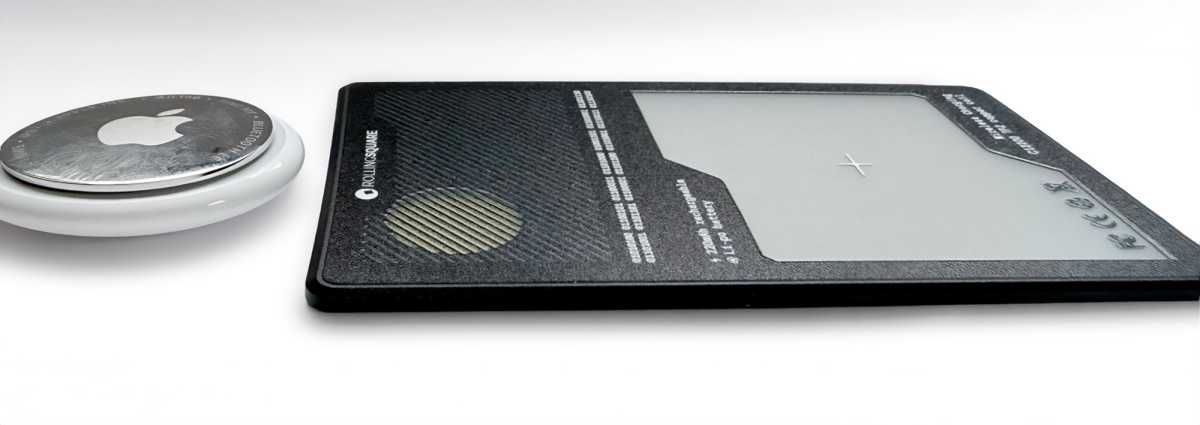
Rolling Square claimed its 2.2mm-thin AirCard Pro has the loudest alert sound of any Find My tracker before Apple launched AirTag 2 and its claim holds up. I measured the AirCard Pro at the same 85dB as the new AirTag. The loudest Find My tracker I recorded (Chipolo Pop) reached 88dB. So while the new AirTag is notably louder and shriller than the original AirTag, you can find louder Find My trackers if that’s what you’re looking for.
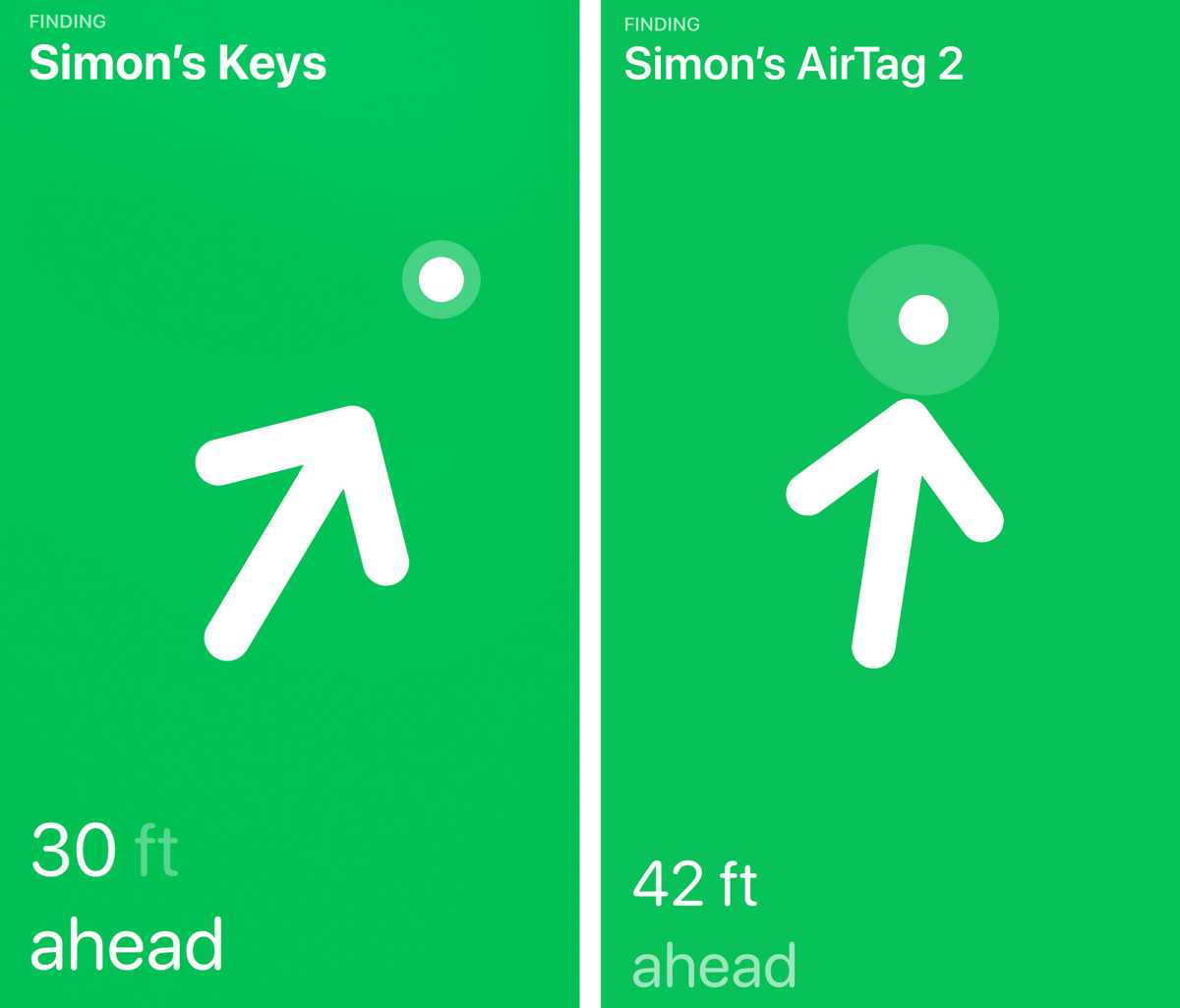
Apple has also improved the range of the new AirTag for Precision Finding thanks to its newer U2 ultra-wideband chip. UWB is a radio technology that enables precise short-range positioning, providing distance and directional guidance (left/right, closer/farther). Once you are nearby (typically within around 30 meters), UWB takes over to provide precise distance and direction.
This enables proximity finding over longer distances. Apple claims it guides users to their lost items from—you guessed it—up to 50 percent farther away than the previous generation.
Simon Jary
In my real-world tests, the 2nd-generation AirTag showed its discovery prowess over a 40 percent wider range. There are all sorts of environmental factors that will affect Precision Finding, but the update here is impressive.
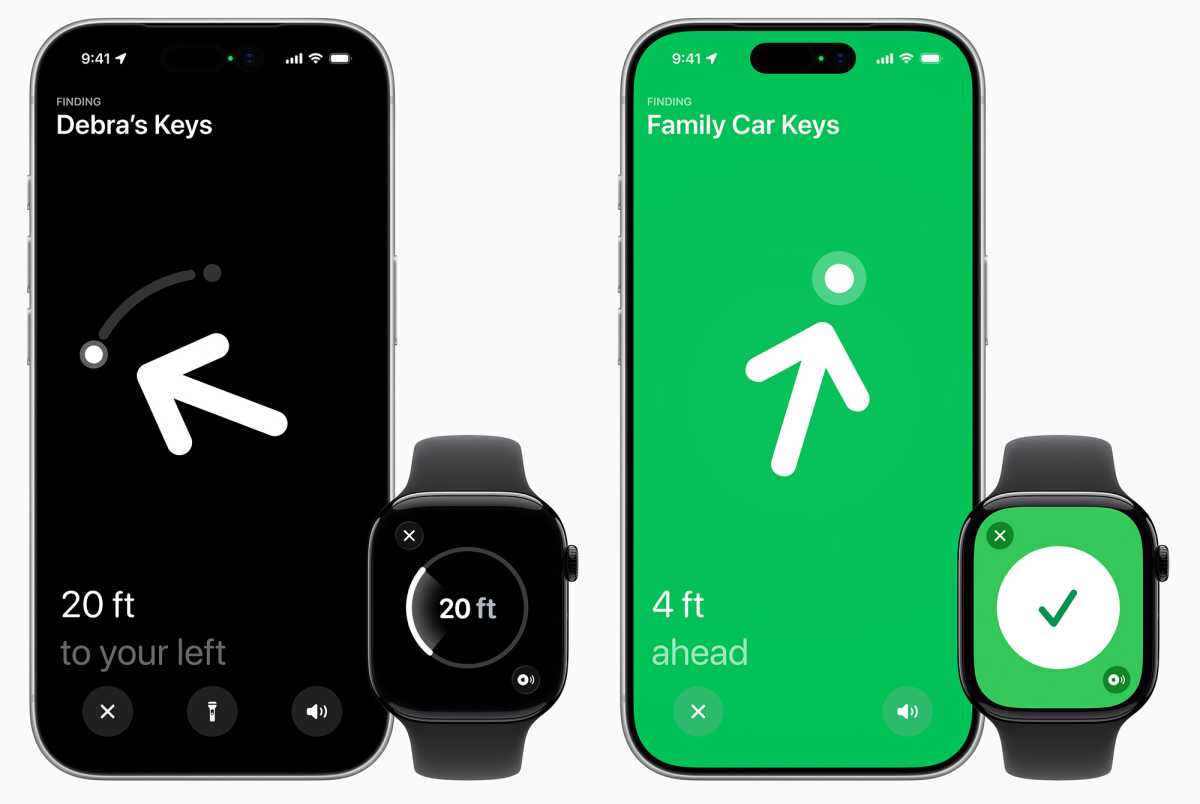
To take advantage of the newer UWB chip, your phone needs to be paired with an iPhone 15 or later (with the exception of the iPhone 16e, which doesn’t have an ultra-wideband chip). Older iPhones, back to the iPhone 11, will use the lesser U1 range.
Apple
The AirTag 2 also has an upgraded Bluetooth chip, which not only expands the range at which items can be located but also marks the first time that Apple Watch users can use Precision Finding to find their AirTag. Precision Finding on the Apple Watch requires an Apple Watch Series 9/Ultra 2 or later with iOS and watchOS 26.2.1. Pairing the AirTag to your Watch is a little fiddly—to add a Find AirTag button, go to the Control Center, tap Edit, then the Add (+) button, scroll down to Find Items, and choose the AirTag you want. Then it’ll appear as a button in the Control Center when you need to find it.
Simon Jary
AirTag 2: Shortcomings
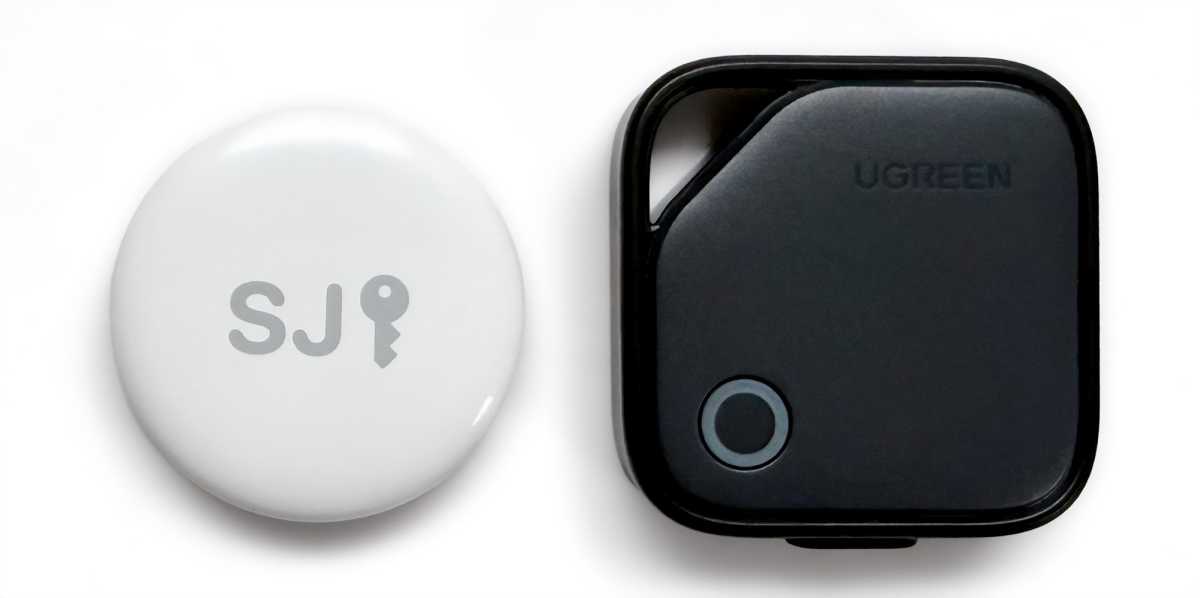
Since the AirTag hasn’t been redesigned, it still won’t fit in your wallet without creating a bump, and still won’t attach to your keys unless you use a keyring accessory (or some super glue).
Fortunately, Apple has licensed its Find My technology to third parties, who have produced a bunch of differently shaped and equipped trackers that work flawlessly with the Find My app. We’ve rounded up the best Find My trackers into a list that includes ultra-slim wallet cards, luggage tags, and keychains, and everything from a Find-My-enabled glasses case to MacBook sleeves and bike trackers.
The massive network of Apple’s Find My—and the similar Google Android Find Hub—is too vast for third-party apps to match, and most of the original tracker makers have jumped in with Find My solutions rather than just their own—broadcasting supporting Bluetooth LE (Low Energy) signals. Pioneering tracking companies with homegrown networks such as Tile don’t stand a chance against Apple’s numbers. There are a lot more iPhones in the world than Tile trackers.
Aside from physical attributes such as size, shape, and color, the non-Apple Find My trackers still have some tricks the AirTag doesn’t have. With a Chipolo tracker, for example, you can double-press a button to quickly locate a misplaced iPhone by ringing it even if it’s on silent. And Samsung lets you program its middle SmartTag button to activate a SmartThings automation, such as switching on a light or turning on a plug.
Clicking the center of even the new AirTag brings no new functionality, and Apple has missed an opportunity to make the AirTag more useful.
Simon Jary
Price
Apple hasn’t changed the basic price of the AirTag. The AirTag 2 costs $29/£29 from Apple and other retailers, or you can also buy a four-pack for $99/£99, bringing the price down to $25 per tracker. Amazon regularly discounts the 1st-gen AirTag under $20 (single) and under $70 (4-pack), so it’s worth waiting for a sale if you don’t need one right now. One benefit of buying through Apple is that you can engrave up to four upper-case letters or emojis to personalize your tag.
Simon Jary
Should you buy an AirTag (2nd generation)?
Buying an AirTag isn’t as satisfying as a new iPhone, but it’s nonetheless an underrated Apple accessory. It’s not just for keys–Apple even uses an example of an AirTag user who located their lost luggage that contained a lifesaving medication, so it could be a genuine lifesaver too.
The new AirTag is easier to locate using the louder alert chime and further-reaching Precision Finding directions. If you are repeatedly misplacing your AirTag-connected item, then it might make sense to upgrade to the second-generation model, but for the most part, the old one will continue just fine.
Simon Jary
We’ve written elsewhere that we think Apple missed an opportunity to rethink the AirTag with the new model, but the louder alert chime and especially the increased Precision Finding range are welcome upgrades. For a tracker update, making it more findable is surely the best type of improvement, but physically, it still has its limitations that third-party tracker makers have overcome. That’s likely due to the inclusion of the useful ultra-wideband chip that is missing from third-party Find My trackers. But a keyring hole would still be nice.
Still, Apple’s own Find My tracker remains one of the most affordable devices Apple makes. And if you ever need to use it to find something you’ve lost, it could be the best $29 you’ve ever spent.