If you’re looking for a cheap, reliable VPN for your Mac, iPhone, or iPad, this guide is designed to help you find the best deals available right now. Rather than ranking the “best overall VPNs” (which we cover separately, see: Best Mac VPNs and Best VPN for iPhone and iPad), this page focuses on the current discounts and which services are a good fit for Apple devices.
A good VPN can help you unblock regional content on services like Netflix, iPlayer, and Prime Video, access restricted websites, and stay secure online. Crucially, the VPNs featured here work smoothly across Apple’s ecosystem – whether you’re using a Mac, iPhone, or iPad (and in some cases, even Apple TV).
VPNs also add an extra layer of privacy and security, especially when connecting to public Wi-Fi in places like cafes, hotels, and airports. That makes them a useful tool both at home and when travelling.
Pricing, however, can be confusing. VPN providers often promote steep discounts tied to long-term plans, making it harder to quickly spot a genuinely good deal. That’s where this page comes in. We regularly track and review VPN offers, focusing specifically on the latest discounts and value for Apple users, so you can quickly find a trustworthy option at the best price.
Included in this article:
| Product | Why |
|---|---|
| Proton VPN | Best Free VPN |
| hide.me VPN | Fully-featured free tier |
| NordVPN | Best all-rounder |
| Surfshark | No device limits |
| Private Internet Access | Best for privacy |
| CyberGhost | Easy to use |
Best free VPN for Mac
While there are some free VPNs available, we generally recommend caution. If a service is free, it’s likely making money in other ways – potentially by collecting and selling your data.
Despite this, a free VPN for Mac can be acceptable for light, occasional use – such as basic browsing, checking email on public Wi-Fi, or briefly accessing region-restricted content. However, most free VPNs on Apple devices come with strict limits, including low monthly data caps, fewer server locations, slower speeds, and restrictions on streaming or torrenting. Some may also limit simultaneous connections across your iPhone, iPad, and Mac.
You should consider upgrading to a paid VPN if you need consistent speeds, higher data allowances, reliable streaming access, or stronger privacy protections, especially if you plan to use a VPN regularly or across multiple Apple devices.
ProtonVPN – Best free VPN
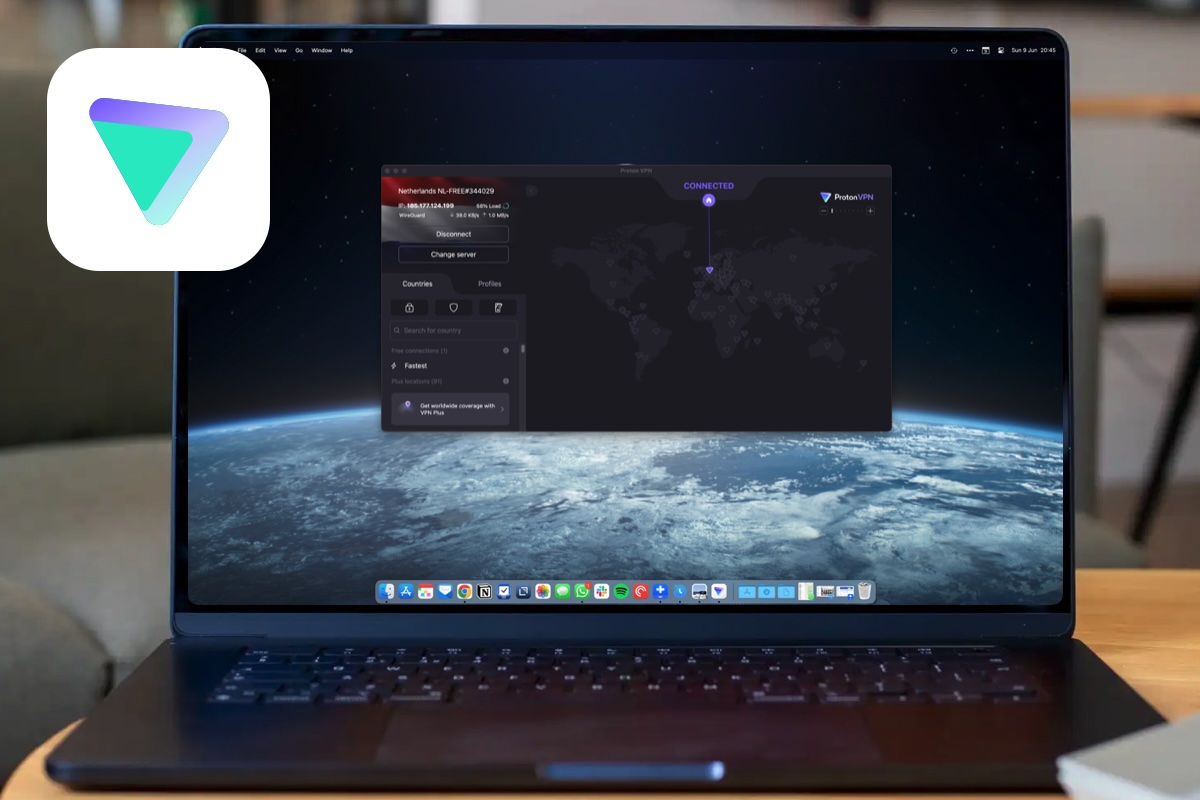
One VPN that offers a good free tier is Proton VPN (read our review). You can use Proton VPN for free, as long as you’re happy with U.S., Japan, and Netherlands as your server locations. It’s also limiting in that you can only connect a single device, and speeds are slower than the paid plans, but the free version of the VPN is available on all platforms and if you like it you can always subscribe to get the whole package which will unblock a host of features, including an ad and tracker blocker and improved speed of up to 10 Gbit, as well as an expanded 10-device limit. There’s Port Forwarding for downloads and gaming, too, as well as a Kill Switch for disconnecting should the VPN drop out.
Read our full
ProtonVPN review
hide.me VPN – Fully-featured free tier
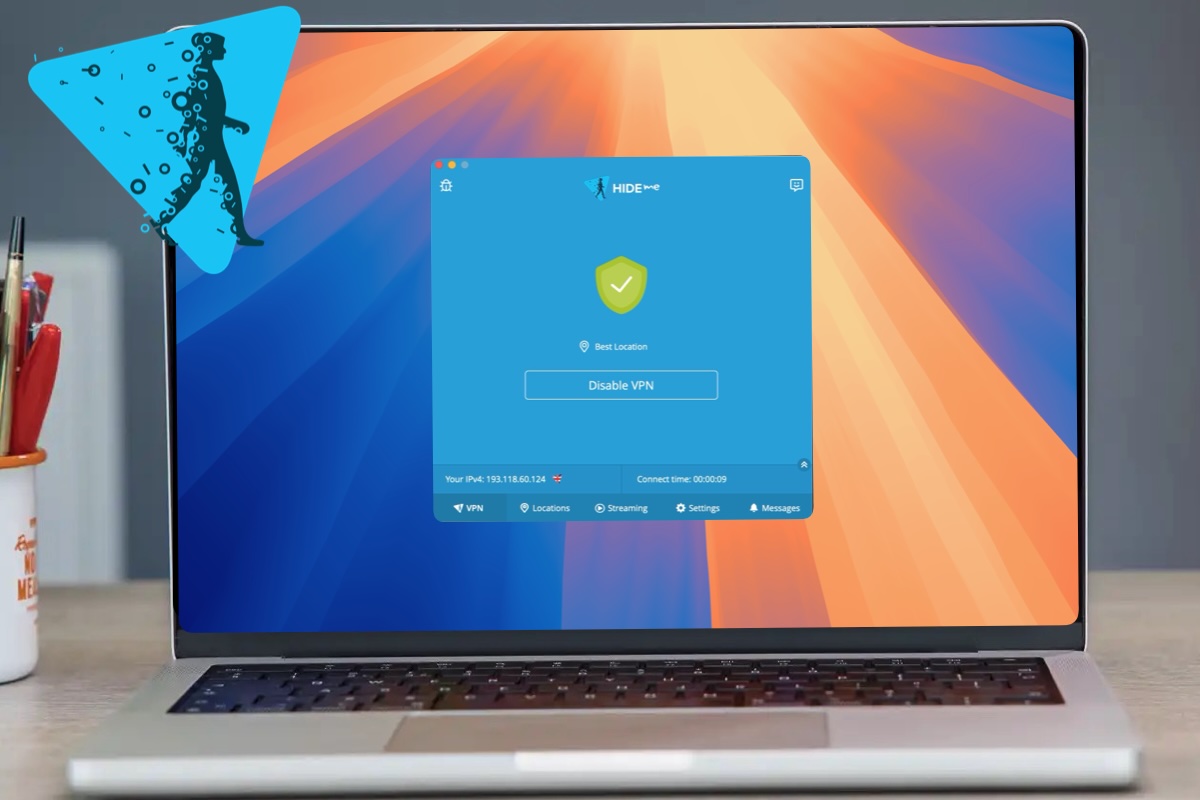
Another option to consider is Hide.me’s free tier. This is one of the more fully featured options, including a kill switch and split tunnelling on the free version, but it does come with some trade-offs, including a limited number of servers, slow speeds, and a data cap.
Read our full
hide.me VPN review
How to get the best VPN deal (and avoid overpaying)
VPN providers run discounts year-round, but most of the best deals require committing upfront to a 1- or 2-year plan. While this lowers the effective monthly cost, you’ll usually be locked in for the full term and auto-renew at a higher rate afterwards. It’s worth setting a reminder to cancel before renewal and shop around for a new deal, as offers change frequently.
Pricing is typically structured around these long-term discounts, so the headline price you see is an average monthly cost—not what you’d pay on a rolling plan. If you prefer flexibility, monthly subscriptions are available, but they’re significantly more expensive.
The deals below offer substantial savings compared to paying month-to-month, with current offers available for shoppers in the U.S., U.K., Canada and Australia.
With that in mind, it’s important to go in with clear expectations: you’re choosing between a higher monthly cost for flexibility or a lower upfront price with a longer commitment. If you’re unsure, make sure you’re comfortable using the provider’s refund period as a trial.
Read How to use a VPN on a Mac for more information, and if you still aren’t sure why you need a VPN read: Should I use a VPN on my Mac/iPhone?
Best VPN deals and cheap VPNs
One deal to take a look at is FastestVPN’s Lifetime plan – which with 93% off is an absolute bargain as you pay once and have access to the VPN for life. It’s a one-off $40 (approx £30). The company says that the full price would be $600. FastestVPN is a beginner-friendly service that offers solid performance, useful features, and 10 simultaneous connections. Despite the name, it’s not the fastest around, but it’s so affordable that it’s hard not to recommend. See our full review of FastestVPN for more information.
NordVPN – Premium all-rounder for Apple households

Pros
- Incredibly easy to use
- Plenty of server options
NordVPN is a fast, easy-to-use, and highly secure VPN with a wide range of features, strong privacy credentials, and excellent performance across Mac, iPhone, and iPad.
Pricing is heavily geared towards long-term plans, with headline rates based on 1- or 2-year subscriptions that are much cheaper than the standard monthly cost (around $12.99 / £10.39). There’s no free version, but NordVPN offers a 30-day money-back guarantee for new purchases, effectively acting as a trial—just be aware that plans auto-renew at a higher rate if you don’t cancel, and discounts are tied to upfront commitment.
Read our full
NordVPN review
Surfshark – Best for lots of devices
Pros
- Simple to use
- No device limits
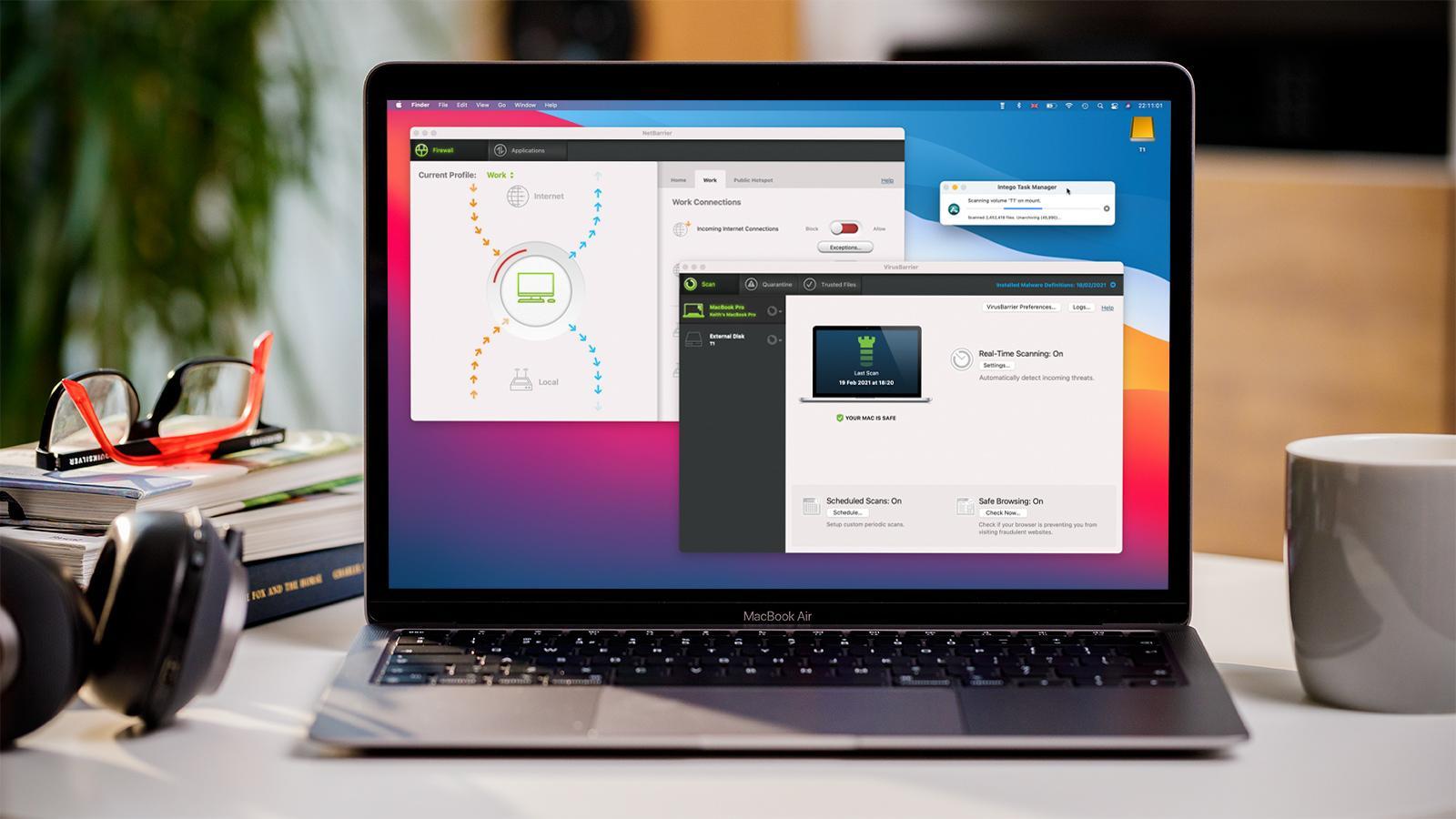
Surfshark is a reliable, affordable VPN with a large server network, strong privacy features, and easy-to-use apps across Apple devices, including macOS and even Apple TV, making it a good fit for streaming and everyday use.
It stands out on value thanks to no device limits and very low long-term pricing, but those deals require upfront commitment and renew at higher rates, so it’s best suited to budget-conscious users who want broad Apple device support without paying premium prices. There is a 30-day money-back guarantee and some plans include a seven-day free trial.
Read our full
Surfshark review
Private Internet Access – Best for privacy power users
Pros
- Lots of power features
- Privacy-minded
- Great value
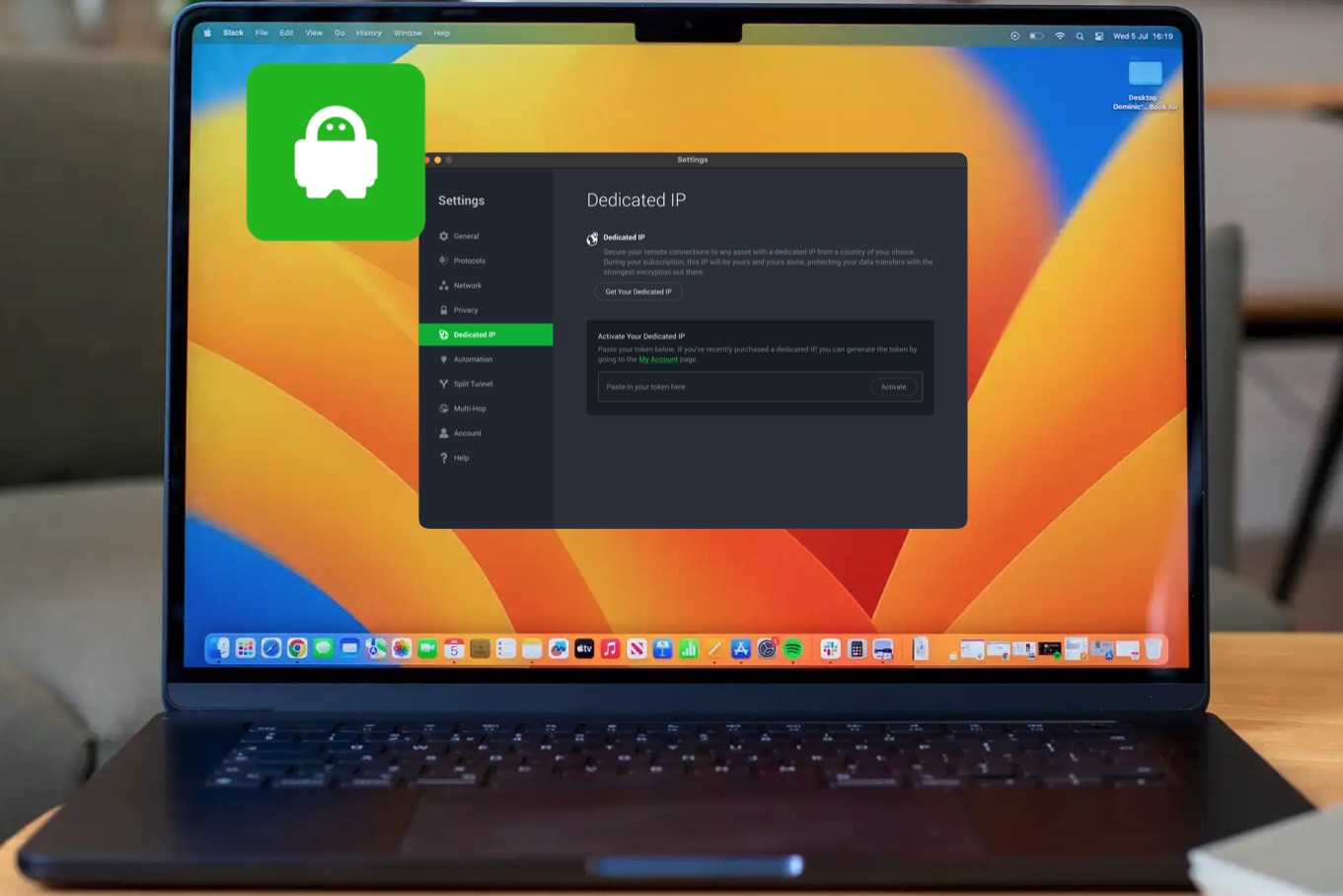
Private Internet Access (PIA) is a powerful, privacy-focused VPN aimed more at advanced users, offering a wide range of customisation options, strong security credentials, and support across Mac, iPhone and iPad – with the added benefit of unlimited device connections for covering multiple Apple devices under one plan.
Private Internet Access comes with a 30-day money-back guarantee on all plans.
Read our full
Private Internet Access review
CyberGhost – Best for ease of use
Pros
- Simple to use
- Decent speeds
- Plenty of servers
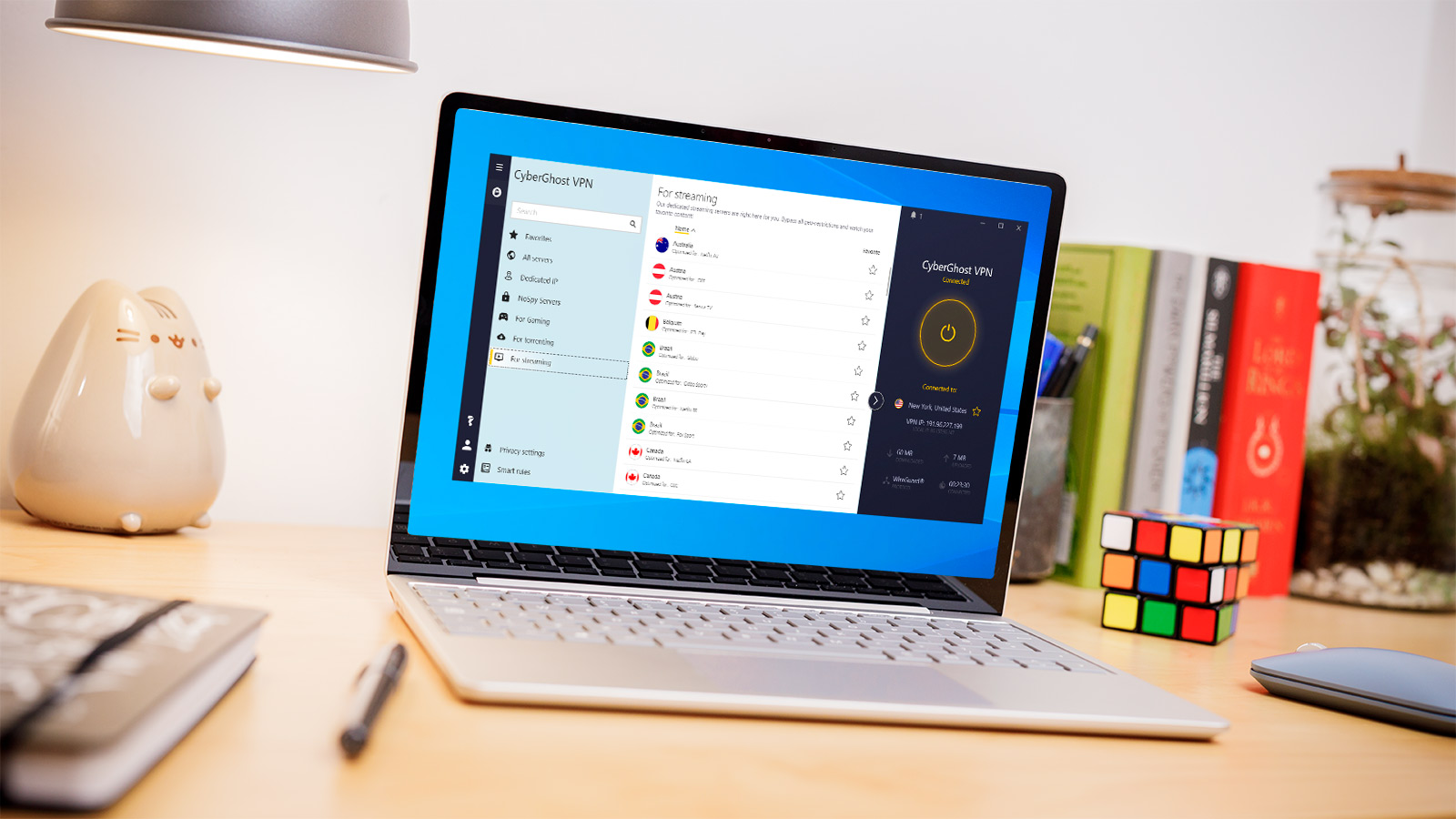
CyberGhost is a simple, easy-to-use VPN that performs well across Mac and iPhone, with a clean interface, strong privacy credentials, and helpful features like streaming-optimised servers and a large global network – making it a good fit for Apple users who want a “click and go” experience.
It’s fully refundable for 45 days, according to the company, although the monthly plan has a 14-day refund window.
Read our full
CyberGhost review
Apple VPN compatibility explained: Mac, iPhone, iPad and Apple TV
All VPNs we’ve tested offer cross-device coverage too, so you can use them on your Mac, iPhone, iPad and more.
Most top VPNs offer dedicated apps for macOS, iOS and iPadOS, so you can protect your Mac, iPhone and iPad with a single subscription. Apple TV support is more limited – some VPNs now offer native tvOS apps, but in many cases you’ll need to set up the VPN via your router or use Smart DNS instead.
Is Apple’s iCloud Private Relay enough?
While it offers some VPN-like protections, iCloud Private Relay, included with iCloud+ subscriptions, is not a full replacement for a dedicated Virtual Private Network (VPN).
Apple’s iCloud Private Relay mainly works within Safari, hiding your IP address and encrypting your browsing – but it doesn’t cover all apps or system-wide connections on your device.
A proper VPN, by contrast, protects all internet traffic from your Mac, iPhone or iPad, including third-party apps, streaming services and background data. It also lets you choose your location, which Private Relay doesn’t – so it won’t help with accessing geo-restricted content.
In short, Private Relay is useful for basic privacy in Safari, but a VPN is still the better choice for full-device protection, streaming, and broader control.
It’s also worth noting that browser-based protection (such as a Safari extension) isn’t the same as full device coverage. A browser VPN only encrypts traffic within that browser, whereas a proper VPN app protects all internet traffic from your device, including other apps and background connections.