If you want to protect your privacy and security online, using a VPN on your Mac is one of the easiest and most effective steps you can take.
While macOS includes strong built-in security features, it doesn’t encrypt your internet traffic, hide your IP address, or help you access geo-restricted content. A VPN fills these gaps by encrypting your connection, preventing tracking, and protecting your data – especially on public Wi-Fi. It can also make it appear as though you’re browsing from another country, which is useful for accessing region-locked streaming services or bypassing location-based restrictions. Read: What is a VPN & how does it work?
Our current top recommendation is NordVPN, which delivers excellent performance, strong security features, and reliable unblocking on Mac.
Without a VPN, your data can travel unencrypted and may be intercepted by others on the same network. Adding a VPN provides an extra layer of protection and greater control over your online privacy.
With so many VPN providers available, choosing the best VPN for Mac can be challenging. To help, we tested 12 leading services on a MacBook Pro. We measured real-world speeds, evaluated streaming performance across platforms like Netflix, BBC iPlayer, and Disney+, and assessed key features such as kill switch reliability, split tunnelling, and Apple Silicon optimisation.
The result is this shortlist of VPNs that perform well on macOS – not just in theory, but in everyday use. Below are the best VPNs for Mac in 2026, based on our hands-on testing.
PROMOTION
Lifetime VPN $25 + Free Family Password Manager
Unlock lifetime online privacy with FastestVPN and get a FREE Family Password Manager. One-time payment, zero monthly fees. Now just $25 — save 93%. Secure every device, forever. Limited-time offer.
Use Code foundryexclusive
At a glance: Feature comparison
| VPN | Best for | Speed & Performance | Streaming Support | Simultaneous Connections | Free / Trial |
|---|---|---|---|---|---|
| NordVPN | Best overall | Fastest we’ve found | Very strong | 10 devices | 30-day refund |
| Surfshark | Unlimited connections | No discernible drop | Strong | Unlimited | 30-day refund |
| ExpressVPN | Streaming | One of the fastest VPNs available | Excellent | 8 devices | 30-day refund |
| Proton VPN | Privacy | Free version is slower than paid plans | Moderate | 10 devices | Free tier |
| Mullvad | Anonymity | Fast enough for normal use | Poor | 5 devices | No |
| FastestVPN | Budget | Impressive speeds | Good | 10 devices | 7-day trial |
| hide.me | Free tier | Good for general use | Good | 10 devices | Free tier |
| Private Internet Access (PIA) | Customisation | More speed loss than rivals | Moderate | Unlimited | 30-day refund |
| CyberGhost | Beginners | Mid-tier speed | Very strong | 7 devices | 45-day refund |
| ClearVPN | Ease of use | Slightly lower speed | Strong | 6 devices | 3-day full-access trial |
| PureVPN | Versatile | Fast enough for typical use | Ok | 10 devices | 31-day money-back guarantee |
Best VPNs for Mac: Reviewed & Ranked
Below you will find reviews of all the VPN services for Mac that we recommend based on our extensive testing. We test each VPN service at three times of the day (morning, afternoon, evening) using Ookla Speedtest. We measure our internet speed before testing the upload/download speeds of the VPN service on various servers around the world over a 100Mbps ethernet connection.
We also consider the number of countries a VPN offers servers in, the total number of servers worldwide, and the monthly or annual cost to connect. Additionally, because privacy is such a crucial aspect of what makes a good VPN, we research the providers to find out who owns them, their location, how they handle subscriber information, and their business practices.
All of these VPNs will also work on your iPhone and iPad as well, and many with Apple TV, but you might want to check out our separate guide to the best VPNs for iPad and iPhone.
1. NordVPN – Best VPN overall

Pros
- Easy to use
- Impressive WireGuard speeds
- Lots of servers
Cons
- Two separate apps can be confusing
Best Prices Today:
- 9,000 servers (130 countries)
- 10 simultaneous connections
Why we like NordVPN: Nord combines strong security, fast speeds, lots of features, and an easy-to-use experience, making it one of the best all-round VPNs.
NordVPN is one of the best all-round VPNs for Mac users, especially beginners and everyday users who want a simple, reliable experience without technical complexity. Its clean interface and intuitive design make it incredibly easy to use – connecting to a server or switching locations takes just a couple of clicks. This simplicity makes it ideal for families or anyone managing multiple devices.
Performance is a standout strength. In testing on an M3 MacBook Pro, NordVPN delivered exceptional speeds, averaging around 820 Mbps on nearby servers. Even with the VPN enabled, speed dropped by only about 12%, which is excellent compared to the 20–50% reductions often seen with competitors. It also maintained stable connections through sleep and wake cycles, an area where many VPNs struggle on macOS. Overall, it’s one of the fastest VPNs available and performs consistently well for streaming, browsing, and general use.
NordVPN also offers a strong set of security features. It includes end-to-end encryption, an independently audited no-logs policy, and built-in malware protection with ad and tracker blocking. Additional tools like Dark Web Monitor provide alerts if your data is compromised. Higher-tier plans include extras such as a password manager (NordPass) and encrypted cloud storage.
With thousands of servers worldwide and support for up to ten simultaneous devices, it works seamlessly across Mac, iPhone, iPad, and more.
The main drawback is pricing. While competitive overall, the structure can be confusing and often pushes users toward long-term plans for the best value, with potential price increases on renewal.
Verdict: NordVPN is easy to recommend – particularly for newcomers seeking speed, security, and simplicity.
Prices change all the time, so take a look at the prices and plans at NordVPN.com.
Read our full
NordVPN review
2. Surfshark – Best budget VPN for unlimited devices

Pros
- Simple to use
- No device limits
- Great for streaming services
Cons
- Expensive to renew
Best Prices Today:
- 4,500+ servers in 100 countries
- Unlimited simultaneous connections
Why we like Surfshark: Surfshark is a cheap, highly secure and privacy-focused VPN offering that reliably unblocks content and delivers strong performance. The unlimited simultaneous connections is a bonus too.
Surfshark is one of the best-value VPNs available for Mac, striking a strong balance between price, performance, and features. It’s particularly well suited to budget-conscious users who still want a full-featured service, as well as anyone managing multiple Apple devices – thanks to its standout offering of unlimited simultaneous connections.
In testing on an M3 MacBook Air, Surfshark delivered impressively smooth performance with no noticeable slowdown. Earlier performance issues appear to have been resolved, and the app now runs reliably and consistently on macOS. Everyday tasks like streaming, browsing, and video calls remain unaffected, making it a solid choice for both casual and regular VPN users.
The macOS app is clean and generally easy to use, with simple connection controls and a beginner-friendly layout. That said, the growing number of integrated features adds a slight layer of complexity. Beyond standard VPN functionality, Surfshark includes extras such as antivirus protection, breach alerts, private search, and even identity protection tools (on higher-tier plans). While this broader feature set is impressive, some tools – like private search – can feel inconsistent or less polished.
Core VPN features are strong, including a reliable kill switch, support for modern protocols like WireGuard, and a no-logs privacy approach. It also performs well at bypassing geo-restrictions for streaming and offers solid global server coverage, though its network is smaller than some top competitors.
There are minor downsides: speeds can occasionally be less consistent than premium rivals like NordVPN or ExpressVPN, and the best pricing requires long-term plans. However, Surfshark undercuts those competitors significantly on cost.
Verdict: Overall, Surfshark is a high-value, all-round VPN for Mac users – delivering most of what top-tier services offer at a much more accessible price.
Read our full
Surfshark review
3. ExpressVPN – Best VPN for streaming and geoblocking
Pros
- Simple to use
- Big focus on privacy and transparency
- 105 countries
Cons
- Pricing changes offer tiered services at the cost of flexible contract lengths
Best Prices Today:
- 3,000 servers in 105+ countries
- 8 simultaneous connections
Why we like ExpressVPN: ExpressVPN is one of the fastest and easiest VPNs to use with strong overall performance and simplicity.
ExpressVPN is one of the most consistent VPNs for streaming on Mac. In testing, it reliably accessed major platforms like Netflix, BBC iPlayer, and Disney+ without the need to switch servers—something many competitors still struggle with. While its speeds are slightly behind top performers like NordVPN, they remain more than fast enough for smooth 4K streaming, browsing, and downloads.
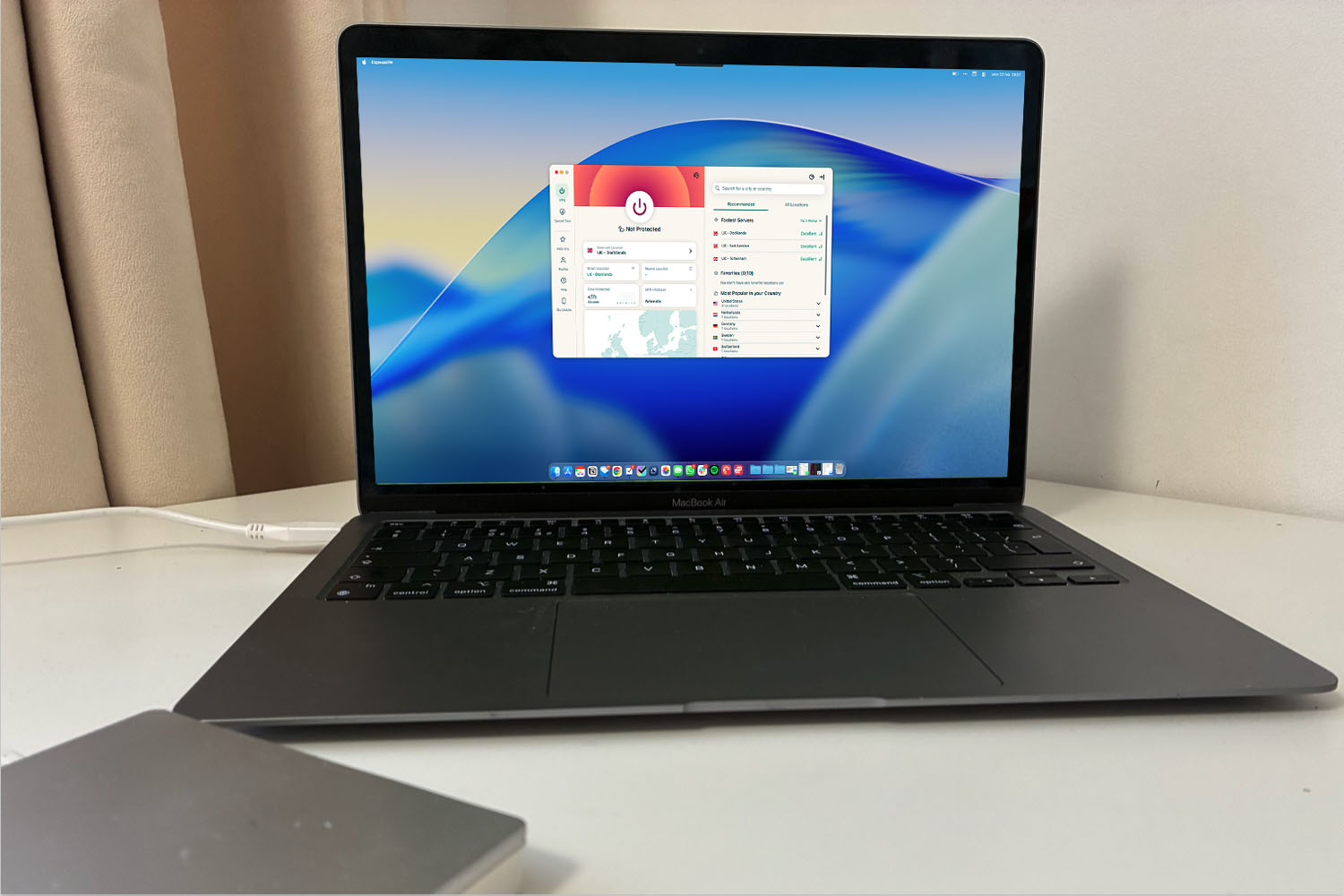
A key strength of ExpressVPN is its simplicity. The macOS app is clean, intuitive, and requires very little setup, making it an excellent choice for beginners or anyone who wants a no-fuss VPN experience. Features are focused on doing the essentials well rather than overwhelming users with extras. These include a kill switch to prevent IP leaks, split tunnelling for app-specific routing, and the Lightway protocol, which is designed for speed and efficiency. Privacy is also a major focus, with TrustedServer technology (RAM-only servers) and a strict no-logs policy.
Performance is consistently strong, with stable connections and reliable access to geo-blocked content. This makes it particularly appealing for users who prioritise streaming and ease of use over deep customisation.
However, ExpressVPN does come at a premium price. It’s more expensive than many rivals, and its newer tiered pricing structure offers less flexibility. Advanced users may also find the feature set somewhat limited compared to competitors that offer more granular controls.
Verdict: ExpressVPN stands out as a fast, user-friendly, and highly reliable VPN for Mac. It may not be the cheapest or most feature-rich option, but for those who value simplicity, privacy, and hassle-free streaming, it delivers an excellent all-round experience.
Read our full
ExpressVPN review
4. ProtonVPN – Best for strong privacy with a free tier
Pros
- Simple to use
- Free plan
- Great speed
Cons
- Setup on macOS was a little fiddly
Best Prices Today:
- 6,500+ servers in 100+ countries (access servers in 5 countries on free plan, on one device)
- 10 simultaneous connections on paid plan
Why we like ProtonVPN: Proton VPN offers a free plan, strong speeds, and an easy-to-use interface, making it one of our top VPN choices overall.
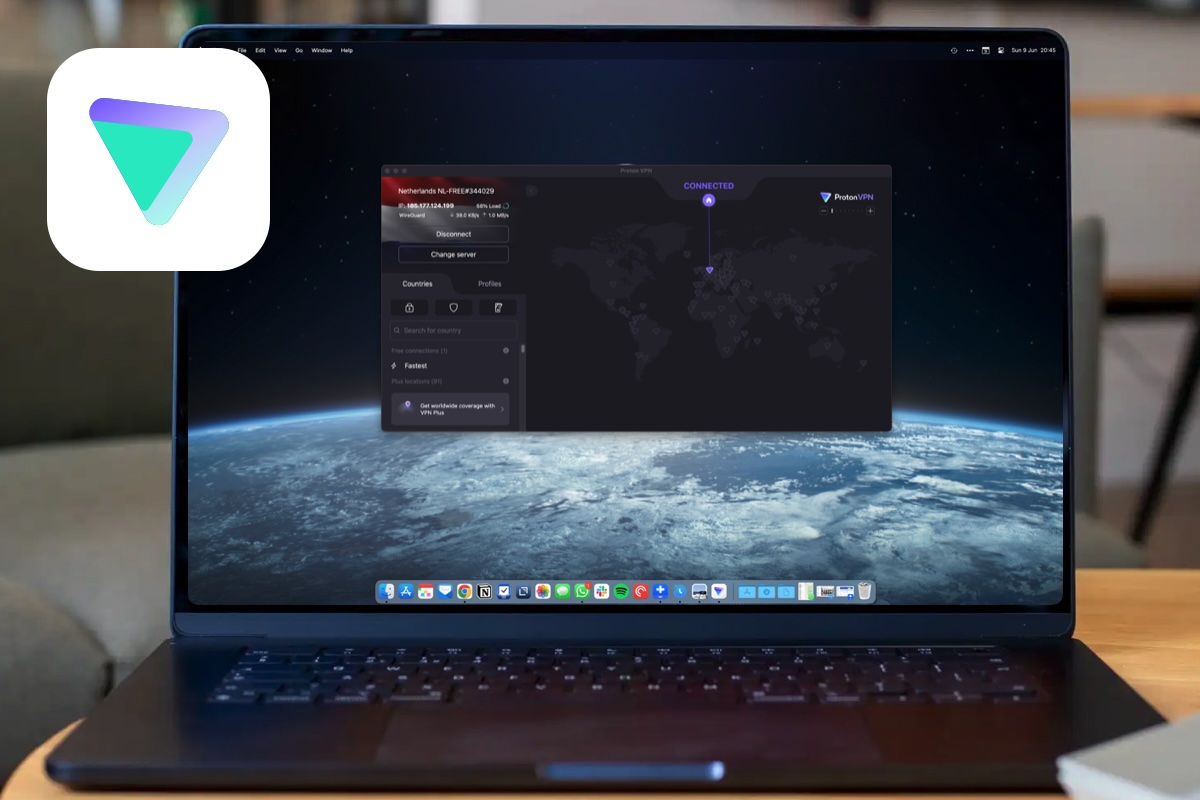
Proton VPN on Mac stands out as one of the few genuinely trustworthy free VPN options, making it a strong choice for users who prioritise privacy without wanting to commit to a subscription.
Unlike many free VPNs that impose strict data caps or questionable practices, Proton VPN offers unlimited data on its free tier – an unusually generous feature.
The free plan is best suited to privacy-conscious users who want safe, basic protection for browsing, though it comes with trade-offs. Speeds are noticeably slower compared to paid tiers, and server access is limited, which can affect performance and flexibility. Streaming support is also restricted, making it less ideal for users primarily interested in accessing geo-blocked content.
Based in Switzerland, it benefits from strong privacy laws and operates with a clear no-logs policy, reinforcing its reputation as a security-first service.
On Mac, setup is straightforward, and the app is well-designed, though not the simplest. The interface leans slightly toward intermediate users, offering more control and features than beginner-focused VPNs. While this adds flexibility, it may feel a bit complex for those new to VPNs.
Paid plans significantly expand Proton VPN’s capabilities, unlocking faster speeds, access to a large global server network (spanning 100+ countries), and advanced features such as a kill switch, Secure Core multi-hop routing, ad and tracker blocking, and port forwarding. These features make it a more powerful option for demanding users.
Verdict: Proton VPN is best described as a privacy-first VPN with one of the strongest free offerings available. While it may not match the fastest competitors or excel in streaming performance, it delivers excellent security, transparency, and value – especially for Mac users seeking a safe and reliable free VPN.
Sign up for Proton’s subscription plans here.
Read our full
ProtonVPN review
5. Mullvad VPN – Best for privacy and anonymity
Pros
- Privacy-focused sign-up
- Great for getting around geoblocks
- Great pricing
Cons
- 5 connections is lower than some rivals
Best Prices Today:

- 600+ servers accords approx 50 countries
- 5 connections
Why we like Mullvad: Mullvad offers exceptional privacy and anonymity with a simple, transparent service that performs reliably without requiring any personal information to use.
Mullvad is one of the most privacy-focused VPNs available, and its Mac app reflects that philosophy with a simple, no-nonsense approach. Unlike most VPN services, Mullvad doesn’t require an email address to sign up – instead, you’re given a random account number, making it one of the most anonymous options on the market.
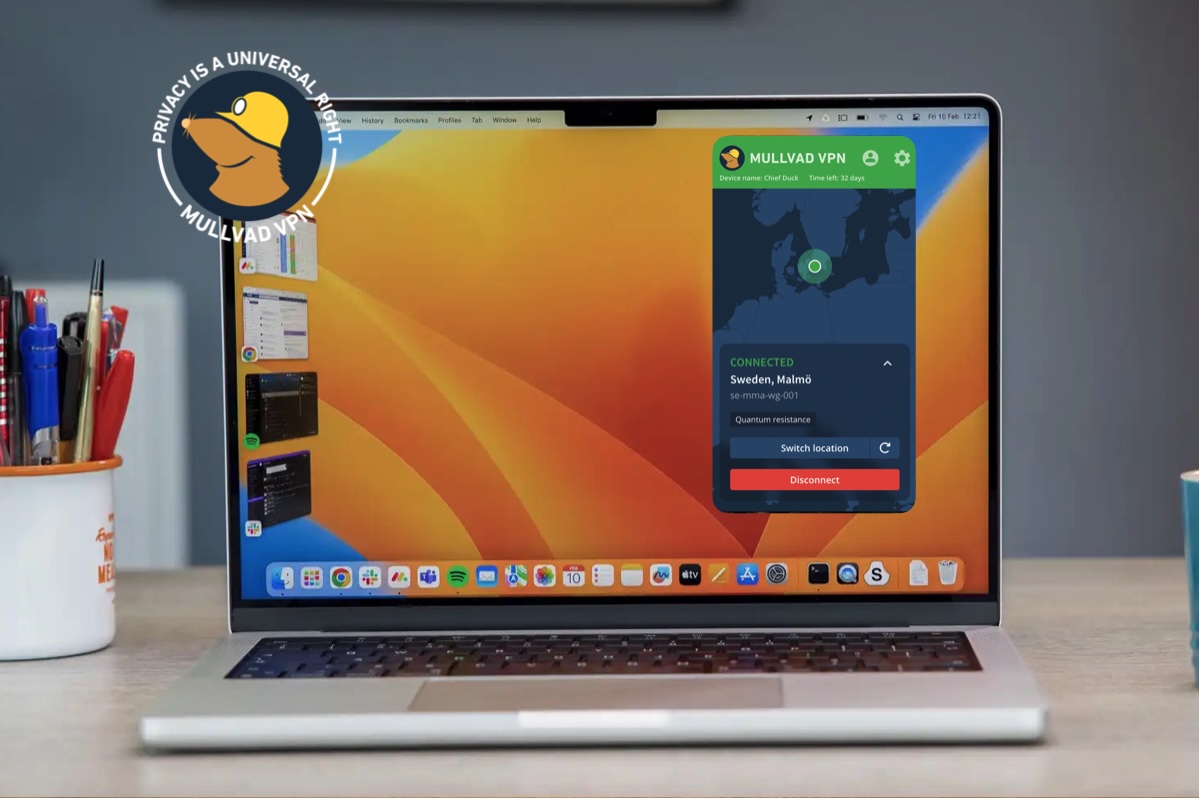
On macOS, the app is clean and straightforward. It’s easy to connect, switch servers, and adjust basic settings, making it suitable even for less experienced users. That said, it lacks some of the polish and advanced convenience features you’ll find in competitors like NordVPN or ExpressVPN.
In terms of performance, Mullvad delivers solid speeds that are more than adequate for everyday use, including browsing, streaming, and downloads. While it’s not the fastest VPN available, it’s consistent and reliable, which is arguably more important for most users.
Mullvad includes key features such as WireGuard and OpenVPN support, a built-in kill switch, split tunnelling, and optional multi-hop connections. Its strict no-logs policy and transparency are standout strengths, making it particularly appealing for privacy-conscious users.
However, there are some trade-offs. The server network is relatively small compared to leading VPNs, and the service is limited to five simultaneous connections. It’s also not the strongest choice for streaming, as access to geo-restricted platforms can be inconsistent.
Verdict: Mullvad is best suited to users who prioritise privacy and simplicity over extra features. While it may not compete with the biggest VPNs in terms of scale or streaming performance, it remains a highly trustworthy and capable option – especially for those who want to stay anonymous online.
Read our full
Mullvad review
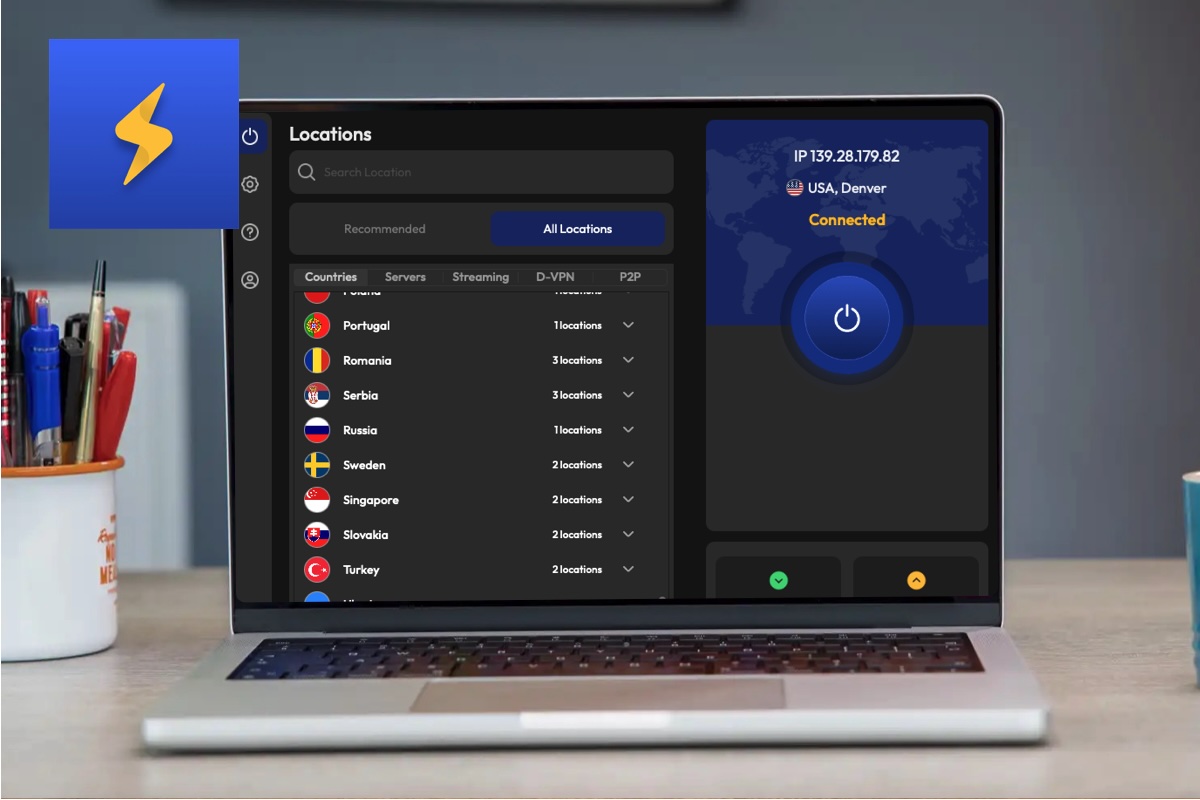
6. FastestVPN – Affordable and easy to use VPN
Pros
- Great pricing, including lifetime plan
- Impressive speeds and features
Cons
- Fewer servers than some rivals
Best Prices Today:
- 800+ servers in 49+ countries
- 10 simultaneous connections
Why we like FastestVPN: FastestVPN offers a simple, beginner-friendly experience with solid core features at a very low price that is even lower if you use our code at checkout.
FastestVPN for Mac is best suited to beginners or budget-conscious users who want a simple, low-cost VPN without needing advanced features. It’s particularly appealing if you’re new to VPNs, thanks to its straightforward setup and easy-to-use macOS app.
One of its biggest strengths is value for money. FastestVPN is often available at a very low price, including lifetime plans, which makes it stand out from more expensive competitors. It’s normally $35, but with our discount code: foundryexclusive you can get it for $25.
Despite the lower cost, it includes a solid range of core features such as a kill switch, split tunnelling, multiple protocols (including WireGuard), and support for streaming and P2P. Recent updates have also improved its overall feature set, making it more competitive than it used to be.
In terms of performance, FastestVPN delivers good but not class-leading speeds. It’s fast enough for everyday tasks like browsing and streaming, but it doesn’t match the top-tier performance of services like NordVPN or ExpressVPN. Stability is generally reliable, though not exceptional.
The macOS app is clean and beginner-friendly, with a simple interface that makes connecting to servers quick and hassle-free. This ease of use is one of its strongest points, especially for less technical users.
FastestVPN allows up to 10 simultaneous connections, which is above average and useful if you have multiple devices. However, its server network is relatively small, with around 800 servers in roughly 49 countries – significantly fewer than leading VPN providers.
Verdict: FastestVPN is a solid entry-level option. It offers good value, decent performance, and ease of use, but it falls short of the best VPNs in terms of speed, server coverage, and advanced features.
Read our full
FastestVPN review
7. Hide.me – Best free plan and privacy
Pros
- Free tier
- Streaming-focused servers included
- Advanced features
Cons
- Fewer servers than other options
- 2,600+ servers in 90 countries
- 10 simultaneous connections
Why we like Hide.me: Hide.me offers a rare combination of strong privacy features, generous free plan, and advanced customisation options, making it especially appealing for security-focused Mac users.
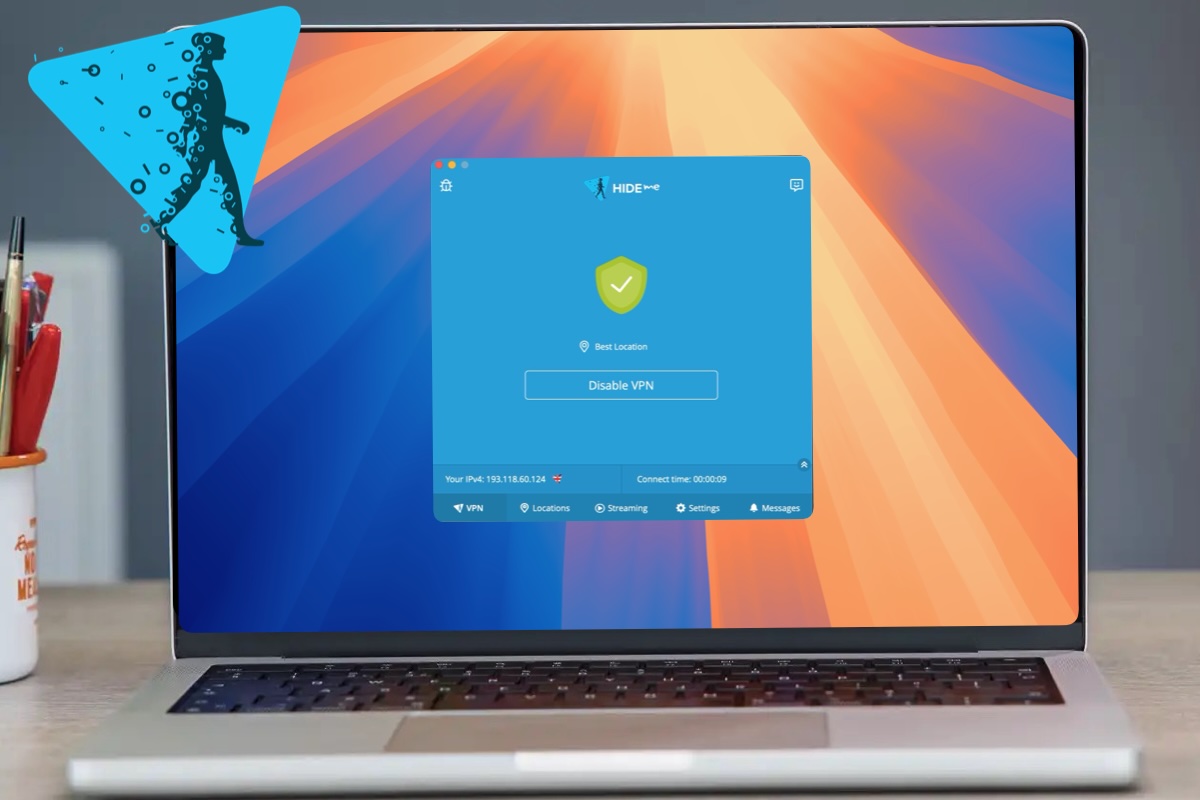
Hide.me is a privacy-focused VPN that stands out primarily for offering one of the best free plans available on macOS. It’s a strong choice for users who want a secure, no-cost VPN, though its paid version faces stiff competition from more polished rivals.
On Mac, Hide.me delivers a clean and generally user-friendly experience. The app is easy to navigate for basic tasks like connecting to a server, but it also includes a wide range of advanced settings. Features such as split tunnelling, a kill switch, multiple protocol options (including WireGuard and OpenVPN), and ad/tracker blocking make it more configurable than many competitors. That said, some features are less fully implemented on macOS than on Windows, and the interface can feel slightly dated.
Performance is solid but not exceptional. Speeds are good enough for everyday browsing and streaming, but Hide.me doesn’t match the fastest VPNs like NordVPN or ExpressVPN. Connections are generally stable, though performance can vary depending on server location.
Hide.me allows up to 10 simultaneous connections, which is above average and makes it a practical option for users with multiple devices. Its server network – around 2,600 servers across 90+ locations – is decent but smaller than leading VPN providers.
Verdict: Overall, Hide.me is best suited to privacy-conscious users and those looking for a reliable free VPN on Mac. While it offers strong security and a generous feature set, its slower speeds, smaller network, and less polished experience mean it falls short of the very top-tier VPN services in its paid form.
Read our full
hide.me VPN review
8. Private Internet Access – Highly customisable Mac VPN

Pros
- Lots of servers
- Fast WireGuard speeds
- Split tunneling works well
- Unblocks BBC iPlayer
Cons
- Clunky Mac app
- Based within 14-eyes
Best Prices Today:
- 35,000+ servers, 91 countries
- Unlimited connections
Why we like Private Internet Access (PIA): Private Internet Access offers an unusually powerful, highly customisable feature set on macOS with strong performance and unlimited device connections at a competitive price.
Private Internet Access (PIA) is a powerful and highly configurable VPN that stands out for the sheer number of features it offers on macOS – something many competitors still lag behind on. While most Mac VPN apps are simplified versions of their Windows counterparts, PIA delivers near feature parity, making it a strong choice for more advanced users.
The app includes a wide range of tools, such as split tunnelling, custom DNS settings, port forwarding, and automation rules that can trigger connections based on network conditions. This level of control is ideal if you want to fine-tune your VPN setup, but it does come at the cost of simplicity. The interface can feel slightly overwhelming at first, and it’s not quite as intuitive as more beginner-friendly options like ExpressVPN.
In terms of performance, PIA delivers solid download speeds. In Macworld’s testing on a 60 Mbps connection, download speeds dropped by only around 8%, which is competitive with many top VPNs. However, upload speeds took a more noticeable hit, dropping by roughly 25%, which could be a drawback for users who frequently upload files or use cloud services.
One of PIA’s biggest advantages is its value. It supports unlimited simultaneous connections, making it a great option for households with multiple devices. It also boasts one of the largest server networks in the industry, with tens of thousands of servers worldwide.
Verdict: Private Internet Access is best suited to experienced users who want a feature-rich VPN with plenty of customisation. While it’s not the simplest or fastest option available, it offers excellent flexibility and strong overall performance for Mac users willing to explore its settings.
Subscribe to Private Internet Access here.
Read our full
Private Internet Access review
9. CyberGhost – Best for everyday VPN use

Pros
- Simple to use
- Decent speeds
- Plenty of servers
Cons
- Two-year plans are much cheaper
- Lacking some power user features
- Around 9,000 servers in 100 countries
- 7 simultaneous connections
Why we like CyberGhost: It offers a simple, beginner-friendly experience with a large server network and solid everyday performance at a good price.
CyberGhost is a beginner-friendly VPN for Mac that focuses on simplicity, affordability, and broad server coverage rather than cutting-edge performance or advanced features. It’s a strong choice for casual users who want an easy way to stay safe online, especially when using public Wi-Fi or accessing streaming content.
The macOS app is particularly straightforward to use. Installation is quick, and once launched, you’re presented with a clean interface and a simple connect button. CyberGhost also includes helpful server recommendations for specific activities like streaming or downloading, making it easy for less experienced users to get started without needing to tweak settings.
In terms of features, CyberGhost covers the essentials well. It includes an automatic kill switch, split tunnelling, ad and tracker blocking, and “Smart Rules” that can automatically connect the VPN on certain networks. However, it lacks more advanced privacy tools found in competitors, such as multi-hop routing or deeper customisation options.
Performance is solid but not class-leading. In testing on a 60 Mbps connection, CyberGhost delivered speeds of around 45–50 Mbps using WireGuard, retaining roughly 75–85% of the base speed. That’s perfectly adequate for streaming and everyday browsing, though noticeably slower than top-tier VPNs like NordVPN or ExpressVPN.
CyberGhost allows up to seven simultaneous connections and offers access to a large network of over 9,000 servers across more than 100 countries, giving users plenty of choice.
Verdict: CyberGhost is best suited to beginners or users who prioritise ease of use and value for money over maximum speed or advanced features.
Read our full
CyberGhost review
10. ClearVPN – Beginner-friendly and easy to use
Pros
- Nice design.
- Great for getting around geo-blocks.
Cons
- Lacks some features like split tunneling.
- Not the fastest.
- More than 50 servers
- Six device limit
Why we like ClearVPN: It offers an exceptionally simple, beginner-friendly Mac experience that makes using a VPN easy without any technical setup or complexity.
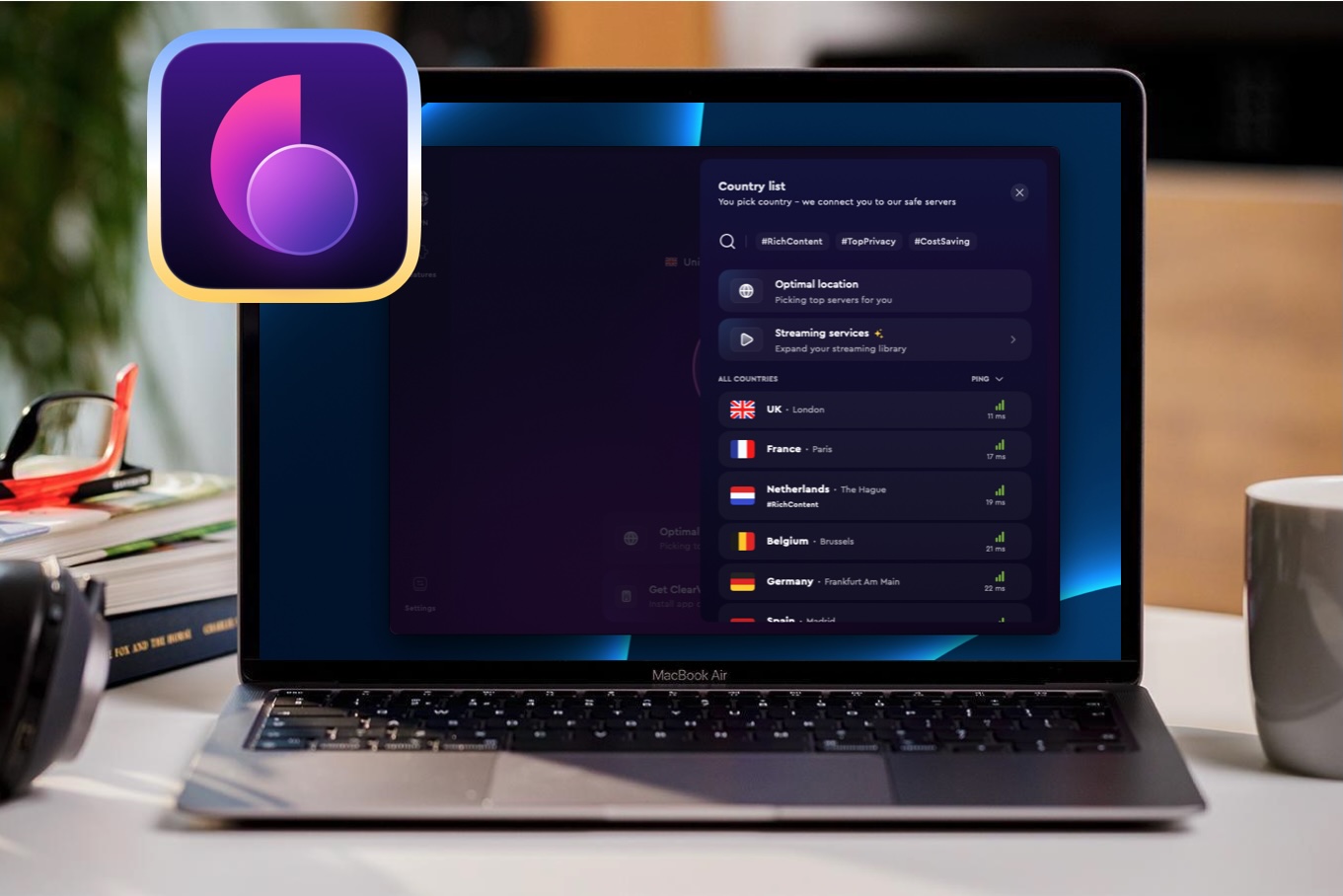
ClearVPN is designed with simplicity in mind, making it one of the most approachable VPNs available for Mac users. If you’re new to VPNs and don’t want to deal with complicated settings or server lists, it’s an appealing option.
The app focuses on ease of use above all else. Instead of manually choosing servers, ClearVPN offers guided shortcuts for specific tasks, such as streaming or browsing more privately. The interface is clean, modern, and easy to navigate, making setup and daily use straightforward even for complete beginners.
However, this simplicity comes at the cost of flexibility. Compared to leading VPNs like NordVPN or ExpressVPN, ClearVPN lacks several advanced features, including split tunnelling. Power users may find the lack of control and configuration options limiting.
Performance is another area where ClearVPN falls short of top competitors. While speeds are generally adequate for everyday browsing and streaming, it isn’t among the fastest VPNs available. The relatively small server network also means fewer location options and potentially less consistent performance compared to larger providers.
ClearVPN allows up to six simultaneous connections, which is reasonable for most users covering a Mac, iPhone, and a few additional devices.
Verdict: ClearVPN is best suited to beginners who prioritise ease of use over performance and features. It’s a solid choice if you want a simple, no-fuss VPN experience on macOS, but more advanced users will likely prefer a more powerful alternative with faster speeds and greater flexibility.
Read our full
ClearVPN review
11. PureVPN – Easy to use and versatile

Pros
- Easy to use
- Works on multiple devices
- Additional power user features
Cons
- Obtuse pricing model.
- Caused many websites to question whether we were “human”
- 6,500 servers, 78 countries
- 10 simultaneous connections
Why we like PureVPN: It combines an easy-to-use Mac app with reliable performance, solid streaming access, and a large server network at a reasonable price.
PureVPN is a solid, user-friendly VPN for Mac that focuses on ease of use and broad functionality rather than top-tier performance. It’s best suited to casual users who want a straightforward way to improve privacy, access geo-restricted content, and protect multiple devices without dealing with a complex interface.
One of PureVPN’s biggest strengths is its simplicity. The macOS app is clean, modern, and easy to navigate, making it particularly appealing for beginners. Setup is quick, and features like server selection and connection modes are clearly presented. Despite this simplicity, it still includes key features such as a kill switch, split tunnelling, and support for modern protocols like WireGuard.
In terms of performance, PureVPN delivers reliable speeds suitable for everyday tasks like streaming and browsing, though it doesn’t match the fastest competitors such as NordVPN or ExpressVPN. It performs well enough for HD streaming and general use, but users looking for maximum speed may find better options elsewhere.
PureVPN also offers a large server network, with thousands of servers across dozens of countries, although some are virtual rather than physically located in those regions. It supports up to 10 simultaneous connections, which is generous, though not industry-leading.
There are some downsides. The pricing structure can be confusing, with the best value tied to long-term plans, and some advanced features are only available as paid add-ons. It also lacks a standout feature that clearly differentiates it from top-tier VPNs.
Verdict: PureVPN is a dependable mid-range VPN for Mac. It’s easy to use, feature-rich, and versatile, but falls short of the very best in speed and innovation.
Read our full
PureVPN review
12. DuckDuckGo PrivacyPro – Privacy-first browser integration
Pros
- Solid performance with minimal speed drop
- Good for geo-unblocking
Cons
- Five device limit
- Relatively small server count
Best Prices Today:
- Undisclosed number of servers, 30-44 countries
- 5 devices
Why we like Duck Duck Go VPN: It is a simple, privacy-focused experience that’s easy to use and integrates seamlessly with the DuckDuckGo browser, making it ideal for beginners.
DuckDuckGo’s VPN for Mac is a privacy-focused, lightweight option aimed at users who value simplicity over advanced functionality. Built into the DuckDuckGo browser, it’s clearly designed for people already using the company’s ecosystem who want an extra layer of protection without dealing with complex settings or configuration.
The biggest strength of DuckDuckGo VPN is its ease of use. Setup is minimal, and because it’s integrated directly into the browser, you can enable it in just a few clicks. This makes it particularly appealing for beginners or less technical users. In everyday use, performance is solid, with only a small drop in speed, making it suitable for browsing, streaming, and general online activity.
However, this simplicity comes with trade-offs. Compared to leading VPNs, DuckDuckGo’s feature set is very limited. There’s no kill switch, which is a significant omission from a security standpoint, and users don’t have access to advanced controls like protocol selection or custom configuration. The server network is also relatively small, which can limit both performance and flexibility when trying to access content from different regions.
The VPN allows up to five simultaneous connections, which is reasonable but not particularly competitive in a market where many providers now offer unlimited devices. While it does a good job of masking your IP address and providing basic encryption, it lacks the depth and versatility of more established VPN services.
Verdict: DuckDuckGo VPN for Mac is best suited to casual users who want a simple, privacy-first solution with minimal effort. For more demanding users—especially those looking for stronger security features, broader server coverage, or advanced controls—it falls short of the top-tier VPNs on the market.
Read our full
DuckDuckGo PrivacyPro review
13. X-VPN – Free plan and easy streaming
Pros
- Free plan
- Growing collection of server locations
- Great for geo-unblocking
Cons
- Significant speed drop
- Five device limit is lower than rivals
Best Prices Today:
- 10,000 servers, 80 countries/250+ locations
- 5 devices
Why we like X-VPN: It combines a free plan, strong streaming access, and an easy-to-use Mac app, making it a good entry-level VPN despite its slower speeds.
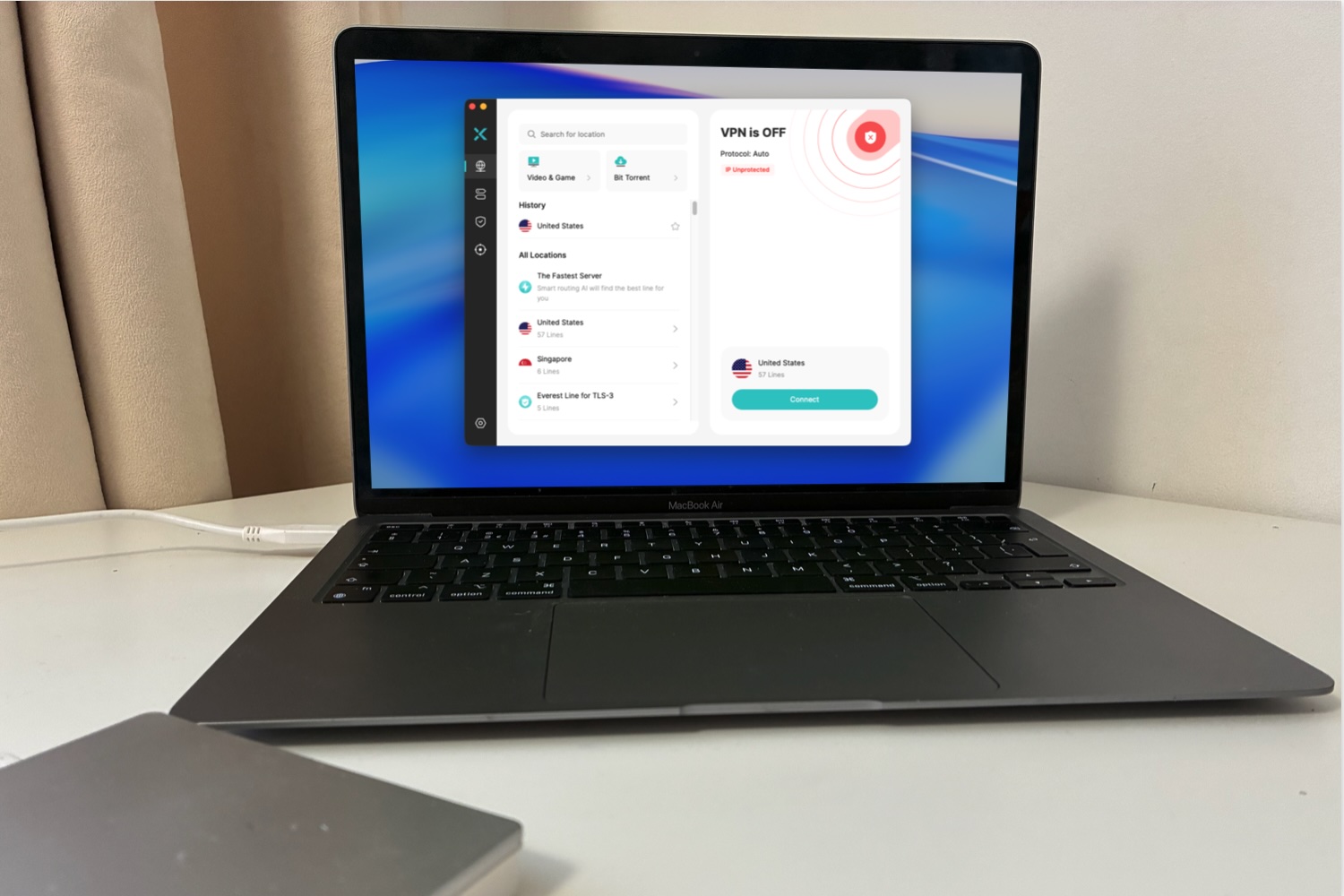
X-VPN is a budget-friendly VPN that’s clearly aimed at beginners and casual users, offering both a free plan and a low-cost premium tier. On macOS, it provides a simple, accessible experience, making it a decent option if you’re new to VPNs or just want something quick to set up.
One of X-VPN’s biggest strengths is its ease of use. The Mac app is straightforward, with a clean interface that lets you connect quickly without needing to adjust technical settings. It also includes useful features such as a kill switch, split tunnelling, and streaming-optimised servers, which help it cover the basics well.
The service is particularly strong for streaming and geo-unblocking. In testing, it was able to access popular platforms reliably, making it a good choice if your main goal is watching content from other regions.
However, performance is where X-VPN falls short compared to leading competitors. Our review notes a noticeable drop in speeds, putting it behind faster services like NordVPN and ExpressVPN. While it’s still usable for browsing and streaming, it may not be ideal for heavy downloads or users who prioritise maximum speed.
X-VPN allows up to five simultaneous connections, which is lower than some rivals that now offer unlimited devices. Its server network is described as large and growing, though it lacks the transparency and scale of top-tier providers.
Verdict: X-VPN is a solid entry-level VPN for Mac, especially if you’re looking for a free or affordable option. However, if speed and performance are your top priorities, there are stronger alternatives available.
Read our full
X-VPN review
14. Malwarebytes Privacy VPN – Beginner-friendly security integration
Pros
- Kill switch and other advanced features
- Decent speeds
Cons
- Fewer servers than some rivals
- Inconsistent geoblocking
- More than 245 servers, 32 countries
- 5 devices
Why we like Malwarebytes Privacy VPN: It offers a simple, easy-to-use Mac experience with solid basic security, especially for users already in the Malwarebytes ecosystem.
Malwarebytes Privacy VPN is a straightforward option for Mac users who want simple, built-in protection without the complexity of more advanced services. It’s particularly well suited to beginners or those already using Malwarebytes for antivirus, as the VPN integrates neatly into its wider security ecosystem.
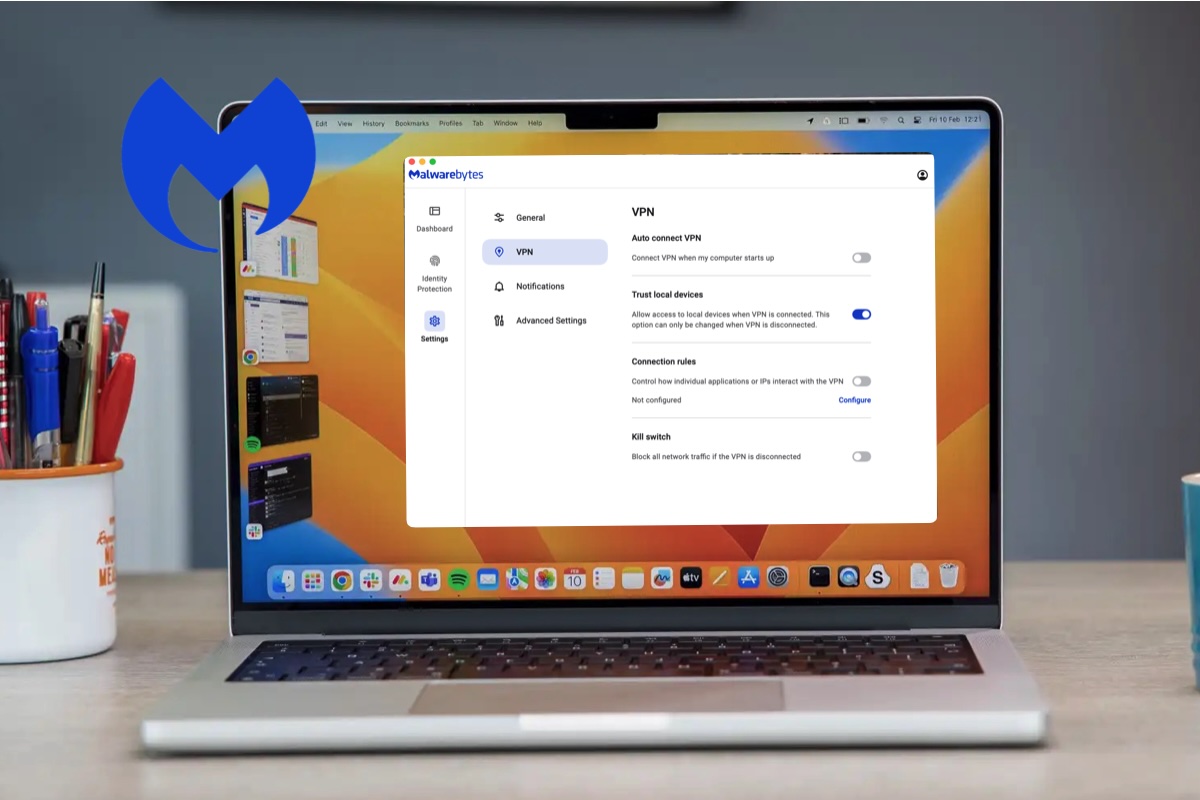
The macOS app is one of its strongest points. It’s clean, minimal, and easy to use, with a “connect and go” design that requires little configuration. Under the hood, it uses the WireGuard protocol with strong encryption, delivering solid baseline security for everyday browsing and public Wi-Fi use.
Performance is respectable rather than exceptional. Speeds are generally fast enough for streaming and general use, especially on nearby servers, but it doesn’t match the top-tier performance of rivals like NordVPN or ExpressVPN. The relatively small server network (around 40+ countries) also limits flexibility.
Feature-wise, it covers the essentials, including a kill switch, split tunnelling, and DNS leak protection, but lacks more advanced tools found in premium VPNs. With a limit of five simultaneous connections, it’s also less generous than many competitors.
Verdict: Malwarebytes VPN is a good entry-level choice, but power users may find it too limited.
Read our full
Malwarebytes Privacy VPN review
15. Norton Ultra VPN – All-in-one security bundle
Pros
- Antivirus protections
- Cloud Backup and Password Manager
- Email tracking quarantine
Cons
- Slower than rival VPNs
- Inflexible payment options
- 2,000+ server in 65 countries
- 5 – 10 devices depending on plan
Why we like Norton Ultra VPN: It combines simple, beginner-friendly protection with useful built-in security tools like a password manager and dark web monitoring in one convenient package.
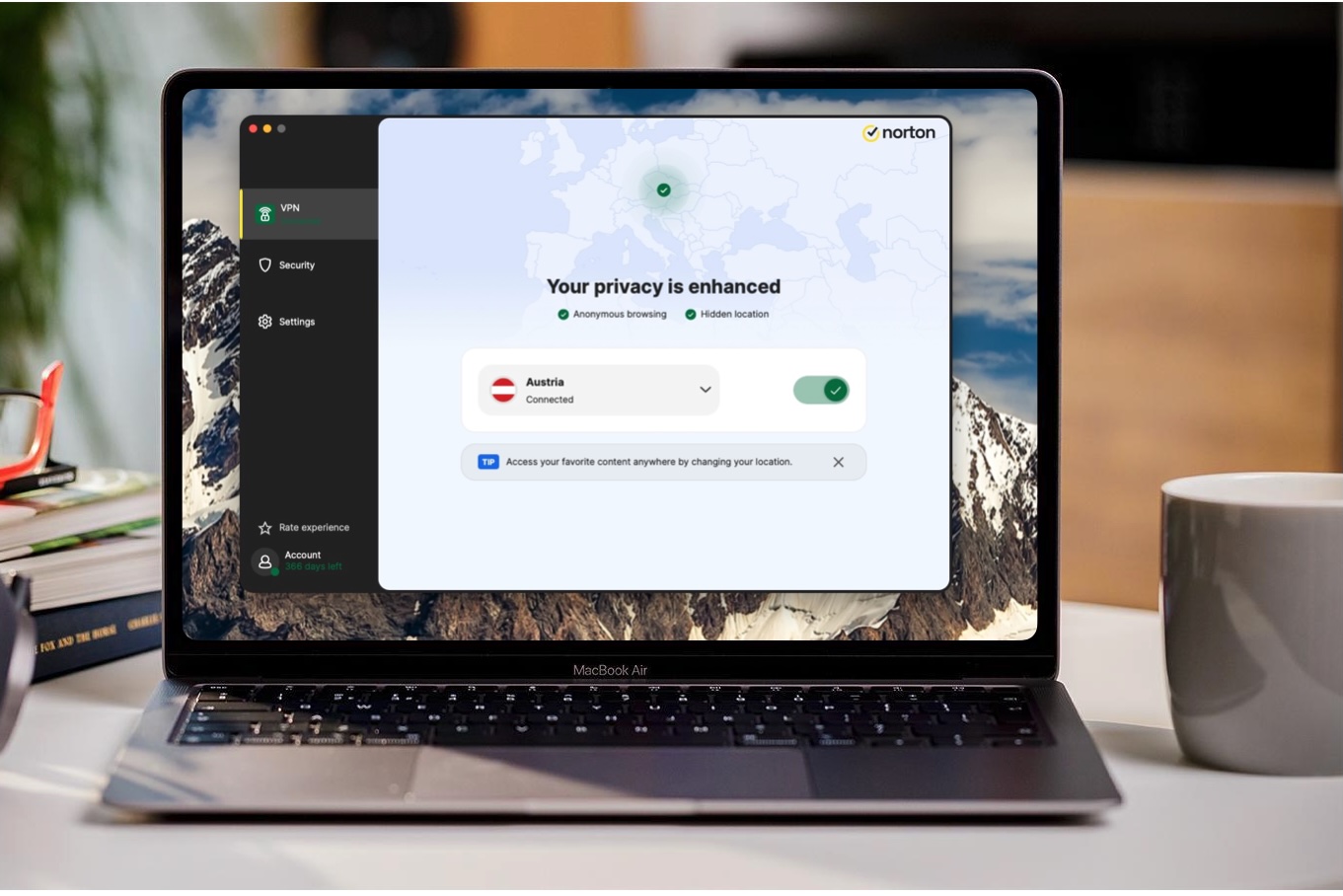
Norton Ultra VPN on Mac is best suited to users already invested in Norton’s wider security ecosystem, rather than those looking for a standalone, high-performance VPN. It’s particularly appealing for beginners thanks to its simple interface and seamless integration with Norton’s broader suite of tools.
One of its main strengths is the bundled extras, which include a password manager, dark web monitoring and cloud storage. This makes it feel more like a full security package than just a VPN. Basic privacy features such as encryption and IP masking are included, but the overall feature set is fairly limited compared to specialist VPNs.
Performance is adequate for everyday use, but speeds lag behind leading services like NordVPN and ExpressVPN. The server network is not a standout, and the lack of browser extensions and advanced configuration options may disappoint more experienced users.
Norton Ultra VPN allows around 5 simultaneous connections on its standard plan, increasing to 10 on higher tiers. Pricing is annual-only and rises after the first year.
Verdict: It’s a convenient, beginner-friendly option – but it struggles to compete with the best VPNs in terms of speed, features and flexibility.
Read our full
Norton Ultra VPN review
How we test VPNs
For each VPN service we review, we conduct tests at three different times of the day: morning, afternoon, and evening, using Ookla Speedtest. We start by measuring the speed of our unprotected internet connection before testing the upload/download speeds of the VPN service. These tests are conducted to servers located in North America, the UK, Europe, Oceana, and Asia over an ethernet connection with a service provision of 100Mbps.
To test upload and download speeds, we close down all background internet processes on the Mac, using TripMode. The only traffic on the system able to upload or download any data is Ookla. We use this setup to ensure that the numbers that Ookla produced were not stymied by anything else that the computer may have been doing at the time. The speeds Ookla captured were then averaged, providing us with a final numeric score.
We then use those scores to calculate a percentage of difference in speeds, which is what you’ll see in our reviews. Since internet speeds change constantly based on server load, how fast your connection is, and a gazillion other factors, we feel this provides a better picture of what you can expect from a service, on the whole, than merely quoting the exact upload/download speeds we encountered during testing.
Speed isn’t the only quantifiable metric that we look at. The number of countries that a VPN offers servers in, total number of servers worldwide, and how much it’ll cost you to connect to those servers on a monthly or annual basis are also taken into consideration when recommending a VPN service to you.
Additionally, we conduct hours of research into the VPN providers to find out who owns them, where they’re based, what they do with subscriber information, and whether the provider has a track record of questionable business practices.
Why you can trust Macworld’s advice
The team at Macworld has been testing Mac hardware, software, and services since the 1980s. We put every product through its paces using rigorous benchmarking and hands-on evaluation. We’d never recommend something we wouldn’t use ourselves. We conduct through testing of VPNs, focusing on the practicalities of device compatibility (iPad, iPhone, Apple TV, and Mac), the number of devices supported, geo-restrictions and ease of use. We also pay attention to security – and validate the privacy promises made by each VPN company. We use the software ourselves so our reviews are based on our own experience with the software and include our own insights and unbiassed opinions. Macworld’s VPN specialist Lloyd Coombes has made it his aim to assess every VPN going.
Do Macs need a VPN?
Yes – depending on how you use your device.
While Macs are less vulnerable to malware than some systems, they don’t hide your IP address, browsing activity or protect your data on public Wi-Fi.
Therefore a VPN is especially useful if you use public Wi-Fi (cafés, airports) or want more online privacy. See: Why you need to pack a VPN for your next vacation.
Another reason to use a VPN is to stream or view geo-restricted content.
It is important to note that while a VPN protects your connection, it cannot protect you from viruses or malware if you manually download an infected file. For full protection, experts often recommend combining a VPN with dedicated antivirus software.
Why use a VPN?
Mac users typically adopt VPNs for the following reasons:
- Security on Public Wi-Fi: Public Wi-Fi networks, such as those in coffee shops, airports, or train stations, are inherently insecure . Hackers on the same network can use “man-in-the-middle” attacks to intercept sensitive information like social media passwords or banking credentials. A VPN creates an encrypted digital tunnel that makes it difficult for attackers to access your data.
- Privacy from ISPs and Advertisers: When you connect to the internet without a VPN, your Internet Service Provider (ISP) can see your physical location and track your browsing habits. This information is often sold to marketers.
- Accessing Geo-Restricted Content: A VPN allows you to “spoof” your location by connecting to a server in a different country. This is a popular way to access streaming services or content not usually available in your current region, such as watching BBC iPlayer from the U.S. or accessing different Netflix libraries.
- Limitations of Apple’s Built-in Protections: Apple offers iCloud Private Relay, but it is not a full replacement for a dedicated VPN. While Private Relay encrypts Safari browsing, it does not protect traffic from third-party apps or system-wide connections. Furthermore, Private Relay does not allow you to choose a specific region to bypass geographical blocks.
- Remote Work and Sensitive Data: For users handling business or sensitive data, a VPN is often considered essential to ensure that file sharing and communications remain private . Some security suites, such as Norton 360 or Malwarebytes for Mac, now bundle a VPN with their antivirus software to provide a more comprehensive security package. See: Do Macs need antivirus software, or are Apple’s protections enough?
What to look for in a VPN
A clear privacy policy. A good VPN should offer an easy-to-understand privacy policy that outlines what, if any, information the company collects from its users. It’s important that this policy details what they do with this information. Some VPN providers, especially those that offer their services for free, sell their user information to advertisers and other interested parties, just like an ISP does. Choose a provider that offers a level of privacy that suits you.
Know where the provider is based. Many countries have no laws demanding that VPN providers maintain logs of their users’ activity. This makes maintaining your privacy more assurable than it would be if you use a VPN located in a country that requires that user-activity records be maintained. Some companies, in an effort to make their network of servers look bigger or more varied than it actually is, spoof the locations of their servers.
The more servers, the merrier. Choosing a VPN provider with a ton of servers around the world is important for a couple of reasons. First, having a multitude of servers to choose from means that you won’t be forced to connect to an overpopulated server where the data flows like mud.
Second, having a wealth of servers to choose from both at home and internationally means more opportunities for spoofing your location, allowing you to hide where you are or access region-locked content with ease.
Multiple payment options. It’s a vicious circle. Paying for a VPN with a credit card online before you have access to a VPN could allow your financial information to fall into the wrong hands. Look for providers that offer alternative payment options such as PayPal, Bitcoin, AliPay, or via the Mac App Store.
An easy-to-use interface. It takes a lot of digital wizardry to connect to a VPN. Some people want to see how their VPN operates, behind the scenes. Using an open source VPN client like Tunnelblick is great for this. Most folks, however, just want their VPN to work with minimal frustration. Look for a VPN service that offers a Mac client with an easy-to-use interface.
Protection for all of your devices. A good VPN service will offer licenses for multiple devices to protect your loved ones’ computers as well as your personal smartphone and tablet. To this end, before investing in a VPN subscription, make sure that it provides software clients for all of the devices you own.
What to avoid when choosing a VPN
The price of a VPN might look attractive, but the price can rise over time. Most VPNs will cost less than $3/£3 per month if you sign up for a one- or two-year deal. However, once the deal period ends the price often jumps significantly. By the time your deal is up you may not notice the extra cash leaving your bank account so our advice is to set a reminder to shop around a month before your subscription runs out so you can search for a better deal.
Best Free VPNs for Mac
You may be able to save money if you take a look at our round-up of VPN deals. But, if you were hoping to spend nothing, there are also a number of free VPNs available, just beware that some severely restrict which servers (and therefore countries) you can connect to and the amount of data you can download through those servers.
Our recommendation is ProtonVPN, which has a free tier that may be sufficient for your needs.
It’s important to read the terms and conditions before using a free VPN, as in rare cases they sell your data to third parties to offset the cost of you using it without paying. It’s a bigger problem on iPhones and Android where unscrupulous companies try to cash in on the VPN ‘gold rush’ and offer up poorly put together apps. Stick with our recommendations and you’ll be safe from these, though.
FAQ
Do Macs have a built-in VPN?
There is a big question. Do Mac users even need a VPN? Since Apple introduced iOS 15 and macOS Monterey in 2021 the company has offered a handy private relay service. iCloud Private Relay acts a bit like a VPN because it encrypts your web-browsing traffic and sends it through a relay to hide your location, IP, and any information about what you were browsing. iCloud Private Relay solves part of the problem that Mac users have used VPNs for in the past–it means that companies cannot build a clear picture of you on the web, thereby protecting your privacy.
iCloud Private Relay has some disadvantages: it only works when you are using Safari, you have to be a subscriber to iCloud, and you can’t use it to pretend to be surfing from another country in order to access content that is locked to a particular region. Read more here: iCloud+ Private Relay explained.
If you are a subscriber to iCloud, and only use Safari, then iCloud Private Relay will provide you with some anonymity when you are surfing the web. You may therefore be thinking that this means you don’t need a VPN to hide your location and identity. However, iCloud Private Relay does not allow you to choose an IP address or a region, and you won’t be able to make it look like you’re coming from another location. So you can’t watch geographically locked Netflix content, for example.
What is a VPN?
VPN stands for virtual private network. If you’re not using a VPN, when your computer connects to the internet, it does so through the local gateway provided by your internet service provider (ISP). Doing this allows you to connect to all of the online services you use everyday.
However, connecting this way also allows an ISP to know your physical location based on where you access the internet—be it at home, at work, in a cafe, or at a public Wi-Fi hotspot. This information is often sold to marketers and other parties interested in getting to know more about you and your browsing habits.
Worse still, if you connect to the internet through an access point with weak security, such as at an airport, mall, or local library, hackers connected to the same network could intercept personal information like your social media passwords or banking credentials through what’s called a man-in-the-middle attack. A VPN service can help prevent all of that.
A VPN creates an encrypted digital tunnel between your computer and the server of the VPN service you choose to use. Once this tunnel has been established, your web searches, the sites you access, and the information you submit online will be hidden from prying eyes. This means that your ISP can’t log or sell your information and hackers using the same network as you will find it difficult to initiate an attack on you. Almost no one will have any idea of what information you’re accessing.
For our recommendations of Mac Antivirus Software that we have tested see: Best Antivirus for Mac: Top Security Software Compared. VPN apps are very easy to install and use but for a step-by-step guide, read how to set up a VPN on a Mac.
What a VPN can’t do
A VPN can’t protect you from viruses, malware, or ransomware attacks if you choose to download an infected file, or a visit site designed to inject your computer with malignant code. It won’t keep spoofed sites from stealing your personal information, if you happen to visit one. So, you’ll want to bone up on online security best practices.
You should know that while using a VPN will allow you to anonymously engage in peer-to-peer file-sharing/torrenting, some service providers may cancel your VPN subscription or turn over your information to the authorities if they catch you trading copyrighted material with others.
Should you use a VPN? Is it legal?
While accessing locked content is a bit of a gray area, due to licensing agreements, we don’t blame anyone who is desperate to watch the latest season of their favorite program when it airs in the U.S. rather than waiting for it to come to their country. Paying to watch a streaming service that’s not available in your country has to be less morally wrong than actual piracy! For more information on the legalities and whether it is safe to use a VPN read: Is a VPN safe for Mac?
What is the difference between a VPN and a Proxy?
VPNs and proxies can both mask your IP address and bypass geo-restrictions, but they differ significantly in their scope, security features, and the level of privacy provided. For example, VPNs offer encryption between your device and the VPN server, while a proxy server is likely to forward unencrypted data. VPNs also offer a broader range of security and privacy benefits beyond just IP masking.
VPNs will function on the operating system level while proxies only conceal your IP address for certain applications, such as a web browser.
Are VPNs safe to use
Reputable providers of VPNs that prioritize user privacy through features like no-log policies and strong encryption. Users should exercise caution with unknown free VPNs, as some may compromise data security.
Can a VPN help me access Netflix and other streaming services?
VPNs (Virtual Private Networks) can be a valuable tool for accessing Netflix and other streaming services that are geographically restricted, enabling access to content libraries that would otherwise be unavailable. However, streaming services are constantly working to detect and block VPN usage.
Will a VPN slow down my internet
Because a VPN encrypts data and routes it through external servers, there can be a degree of internet speed reduction. The extent of this will depend on your location, your internet speed, and the choice of VPN server.
Should I use a free VPN
Free is appealing, but it is important to exercise caution. Some free VPNs have security vulnerabilities and even contain malware. They may also capture your activities. Other disadvantages include data caps, less encryption, and fewer servers on offer. We do recommend Proton VPN because it’s free-tier combines with a strong privacy track record.
Can a VPN really hide my address?
VPNs are effective in obscuring a user’s location and online activities from various entities, but they do not offer absolute anonymity. While it’s not possible to completely hide your digital presence, a VPN provider with a strict “no-logs” policy will at least mean your traffic or online activity is not recorded.