- Opera’s free built-in VPN can now switch itself on public, unsecured Wi-Fi
- The opt-in feature is rolling out to users in the US and France first
- Opera VPN Free still only protects your browser
Opera browser is making it harder to forget about your VPN.
The company’s free, built-in VPN for desktop can now turn itself on when you connect to a public or unsecured Wi-Fi network.
The feature is opt-in, so you’ll need to enable it in settings first, and it’s rolling out to desktop users in the US and France starting today.
Even the best VPN can’t protect you if it isn’t switched on, and Opera is betting that removing that manual step will get more people covered on risky networks.

NEW: Leave No Trace — A weekly newsletter on digital privacy and online surveillance.
Leave No Trace investigates the companies and governments putting our digital freedom at risk — and the people fighting back.
📩 Subscribe now to get every edition delivered to your inbox every Friday, launching this September.
Opera VPN Free goes on autopilot
Opera has offered its built-in VPN since 2016. It’s free, doesn’t require an account, and has no fixed bandwidth cap. Its no-logs policy has also been independently audited by Deloitte. Until now, though, you had to remember to switch it on yourself.
With this new setting, however, the Opera browser turns the VPN on automatically when it spots a public network. So, working from a café, studying on campus, or browsing at an airport no longer means activating the VPN manually every time.
The option first surfaced in testing earlier this month, when release notes for Opera Developer 137 listed an option for the VPN to connect automatically on public networks.
Arjan van Leeuwen, Head of Opera One Engineering, said VPNs “are a vital part of users’ digital hygiene”.
The company also notes that competitors like Chrome and Safari still don’t offer built-in browser VPN features by default. It also cites We Are Social data showing that only 23% of internet users worldwide used a VPN as of Q4 2025.
Why public Wi-Fi is a risk
Public Wi-Fi is convenient, but open networks can be joined by anyone nearby, who can then snoop on or inject malicious traffic.
A trustworthy VPN encrypts your traffic, which makes it much harder for attackers to intercept and steal your data.
Automating that step closes the gap between knowing you should use a VPN and actually doing it.
Opera VPN Free vs Pro: a quick overview
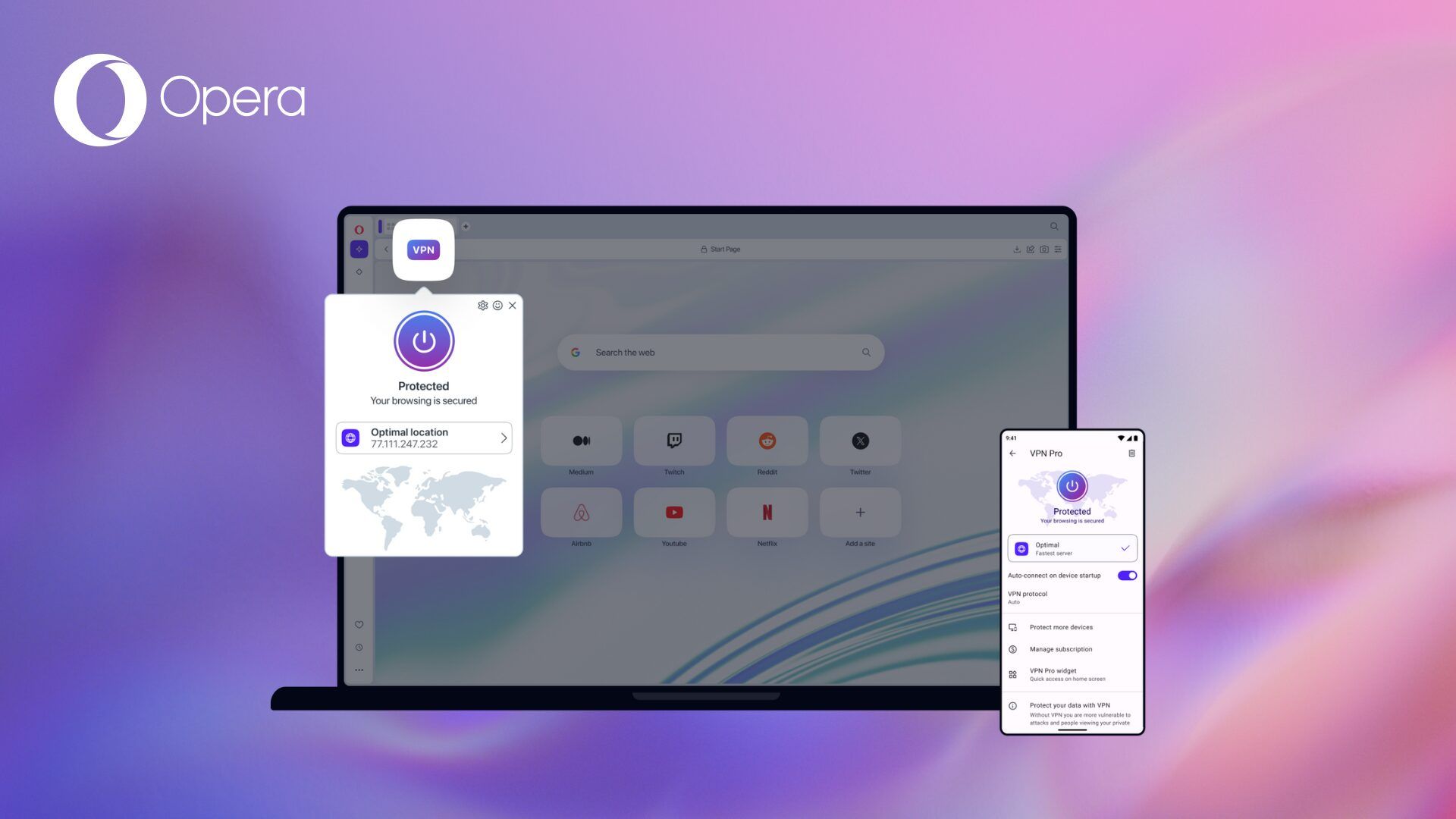
Opera VPN Free is built into the browser and costs nothing. However, it only protects traffic inside Opera, so apps like Spotify, Steam, or a standalone email client still use your regular connection.
Opera VPN Pro, which launched as a paid tier in 2022, is a system-wide VPN. It covers up to six Windows, macOS, or Android devices, and it has run on ExpressVPN’s Lightway protocol since mid-2025, with 48 server locations.
Lightway also brings post-quantum protection by default. Opera lists Pro from $4 per month, and new users can try it with a 7-day free trial.
If you mainly want to keep your browsing safe on the odd café hotspot, the free VPN with auto-connect is an easy win. If you want every app on your device protected, you’ll need Pro or a dedicated VPN app.