I’ll be honest: I’ve yet to be really sold on AI laptops. The problem is, laptop makers like Apple, Samsung, HP, Microsoft, and more have been trying to convince us we need a device capable of local AI tasks by suggesting it can help us write emails (I can do that already) and generate images (a fun distraction initially, but I quickly lose interest – and there’s something about AI-generated images, videos, and music that gives me the ick).
It left me feeling as if even the best AI laptops are more of a gimmick used by companies just trying to get us to buy new devices, rather than something revolutionary.
However, after talking to Dr Liv Grant, a technology influencer, science podcaster, and ‘PhD Queen’, I’m actually excited about the implications of on-device AI in laptops, especially for students.
Dr Liv Grant recently ran a vibe coding workshop with Apple, where she showed students with no coding experience how they can create apps using MacBooks and local LLMs (Large Language Models, the tech that modern AI as we know it is based on) and spoke to me about the laptops she uses and recommends to students.

With the Back to School period approaching and Prime Day sales in full swing, students and their parents will be looking for the best student laptops to see them through college and university, so I was keen to get Dr Liv Grant’s recommendation.
“I have a MacBook Neo,” she told me, “that’s great for people who are beginning to code. For someone who is learning online and branching into something less data-heavy, such as web developing, it’s a great choice.”
“With on-device AI, you don’t need internet connectivity.”
Dr Liv Grant
The MacBook Neo is Apple’s most affordable MacBook, selling for $599 / £599 / AU$899. If you’re a student, there’s an exclusive discount from the Apple Education store, which drops the price to $499 / £499. Despite the low price, it performs very well at day-to-day tasks, and thanks to the Apple A18 Pro chip that powers it, it can also handle on-device AI.
The Apple A18 Pro features an NPU (Neural Processing Unit), which Apple calls the Neural Engine, and is the part of the chip that enables on-device artificial intelligence.
What’s on device AI?
Let’s back up a bit for a minute. You might be wondering what on-device AI means, and what makes it different from online AI chatbots such as ChatGPT.
ChatGPT, Claude and other popular AI chatbots are mainly cloud-based and accessed via the internet. On-device AI means that AI tasks such as image or text generation are performed on the device itself by the NPU using a local LLM.
You don’t need an AI-capable laptop or device to use cloud-based AI tools – all you need is an internet connection. However, devices that can run AI locally offer plenty of benefits, as Dr Liv Grant explained.
“With on-device AI, you don’t need internet connectivity. I’m always working on the go; especially when working at university, I’d work during my commute. The Wi-Fi on public transport can be awful, and it would interrupt my work.”
This is probably the most noticeable benefit for many people. If you’re doing important work that requires AI tools, using those tools locally on the device means that if you lose your internet connection, you can still keep working – and you won’t be in danger of losing your work.
Running those tasks locally has privacy and security benefits as well, as you’re not sharing data, files, or any other information with a remote third party, which is the case with cloud-based AI tools. For extremely sensitive data, or even personal things like using AI to help edit family photos, you should use on-device AI.
To ensure a laptop you’re considering buying is capable of on-device AI, you should check to see if it comes with an NPU (or Neural Engine if you’re looking at MacBooks).
The good news is that most modern chips from Intel, AMD, Qualcomm and Apple feature NPUs. Windows 11 laptops with these chips will most likely be labeled as ‘Copilot+ PCs’ – not the best name, but that’s Microsoft for you. Meanwhile, Apple products will be labeled as being ready for Apple Intelligence.
NPU performance is often measured in TOPS (Trillions of Operations Per Second). The higher the TOPS, the faster the NPU will complete AI tasks. Windows 11 laptops with an NPU of 40 TOPS or more can be labeled as a Copilot+ PC, for example.
This is why Dr Liv Grant suggests the MacBook Neo is best for less-intensive AI tasks, as its NPU is capable of around 35 TOPS, while it’s also limited to 8GB of unified memory.
So, the MacBook Neo is fine for beginners, but if you have more ambitious plans that require on-device AI, you’ll want to go for a device with an NPU capable of higher TOPS and offering more RAM.
Light as air
Because of that, Dr Liv Grant uses a MacBook Air for the majority of her coding and AI work. It’s a great alternative due to its thin and light design (ideal for people who work while traveling) and its relatively affordable price (the 13-inch MacBook Air with M5 chip starts at $1,099 / £1,099 / AU$1,799, and again, there’s a student discount that’ll knock $100/£100/AU$160 off the price if you qualify).
It’s also far more capable when it comes to day-to-day tasks and on-device AI, thanks to its M5 chip and 16GB of unified memory to start.
While Apple doesn’t officially disclose the TOPS of its chips, we estimate that it’s around 133 TOPS – which, on paper, makes it around four times faster for AI. Combine that with the larger amount of faster unified memory, and the MacBook Air becomes an excellent mobile AI workstation. At Dr Liv Grant’s vibe coding workshop, the participants all used a MacBook Air.
The final tool in Dr Liv Grant’s MacBook arsenal is a MacBook Pro, which she primarily uses for content creation for her extremely popular Instagram and TikTok accounts. For students (or anyone, for that matter)looking for a laptop that can handle complex AI tasks as well as demanding creative workloads, a MacBook Pro might be a wise investment, but it is a lot more expensive.
All about the vibe coding
So, what’s the importance of AI for students? While a lot of focus has been on how AI can help students research and study, Dr Liv Grant suggests vibe coding is where it can make the biggest difference, and not necessarily just for programming students.
“Vibe coding is where you use AI or a chatbot tool to help you write code,” explains Dr Liv Grant. “For example, I have an idea for an app to help content creators do a job – a few years ago I’d have had to learn the language, the syntax, the codebase from scratch. With vibe coding you can use AI to help you.”
As Dr Liv Grant is keen to stress, vibe coding isn’t a replacement for traditional coding, and she is familiar with many programming languages. Instead, it’s a tool that can help coders experiment and get creative while still being productive.
“Everyone should use vibe coding.”
Dr Liv Grant’s mention of coding languages is an interesting one, as there’s a huge range of languages used. Web developers, for example, might use JavaScript, while someone making Windows 11 apps would use C#, and someone coding for Macs would likely use Swift. Being experienced with one coding language doesn’t mean you’ll be ‘fluent’ in others, and that’s where vibe coding can really help.
“Even if you know what you’re doing, everyone should use vibe coding,” Dr Liv Grant suggests.
In her workshop, students with no coding background used MacBook Airs to create an app. “We made a pomodoro timer app using LLM studio, picked a vibe coding tool such as ChatGPT, Claude, or a local one, and gave it three prompts.”
The AI tool would then give examples of code to use in the desired language. “With the first prompt,” explains Dr Liv Grant, “there were some errors, but those were easy to fix.” This is where a basic understanding of coding and syntax comes in, as Dr Grant used her coding experience to correct any mistakes in the AI-generated code.
The ease of vibe coding combined with more affordable laptops such as the MacBook Neo “opens up the world of coding to so many people – people in lower socioeconomic groups, students, anyone,” Dr Liv Grant told me. “It’s very exciting; students have so many ideas, and vibe coding helps those students realize those ideas without having to learn entire programming languages.
“During WWDC, Red Bull Basement ran a competition for people to pitch their ideas for an AI tool or app. All the entrants were using vibe coding. They didn’t have a background in coding.”
To me, that sounds both exciting and worrying. Exciting because it could mean that new (once-marginalized) voices, ideas, and products come to market. Someone who once might have had a great idea for an app, but never did anything with it as they were unable to code, could now rustle up a prototype with vibe coding.
Similarly, someone without a coding background who needs an app for a specific task could make their own rather than trying to find someone who would do it for them.
However, I’m also worried – could vibe coding mean an influx of slop apps? And what about programmers, will they be out of jobs? Is it even worth becoming a programming student?
“Yes,” says Dr Liv Grant when I ask her if people should still study to become programmers, “but maybe not in the depth we used to learn coding in. Learn basic syntax, how code works,” Dr Grant suggests. Those skills will prove essential to ensuring any vibe-coded project has a base level of quality. As for programming as a career? “It’s going to move more towards how good you are at interacting with AI and how good you are at prompting.”
I left our conversation with a newfound appreciation for how AI can help students, especially when it comes to vibe coding, and how that, combined with more affordable devices like the MacBook Neo (even considering its limitations), could make app developing much more accessible.
It’s certainly an interesting time, and if you or someone you know is considering getting a laptop to vibe code on, I’ve picked some of my top choices below. Make sure you also follow Dr Liv Grant on TikTok and Instagram for more fascinating insights into tech, science and Epigenetics.
If what we talked about here has got you interested in getting a MacBook for vibe coding (and more), then check out these fantastic MacBook Prime Day deals I’ve hand-picked below.
Prime Day MacBook deals
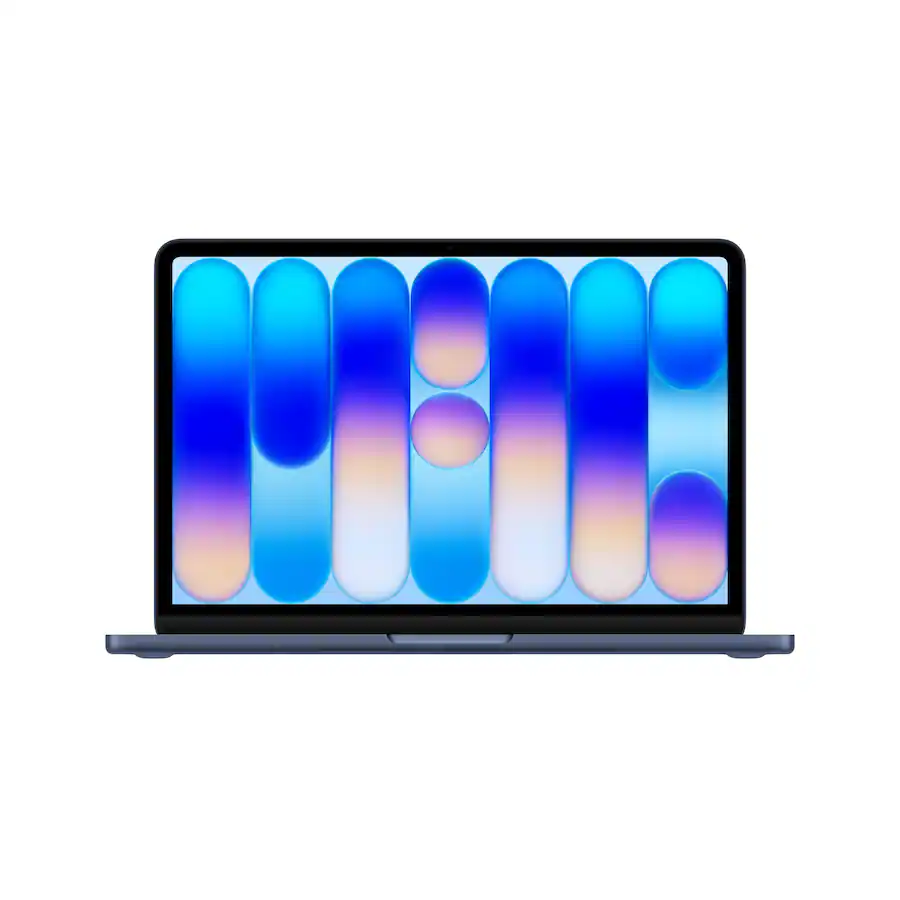
The MacBook Neo is in stock with all colors at Amazon today, with a small price cut, too. The latest MacBook packs a 13-inch Liquid Retina display, an A18 Pro chip, 8GB of RAM, 256GB of storage, and up to 16 hours of battery life, all for under $600. It’s no wonder this latest model is already proving to be a bestseller.
Read our full MacBook Neo review
Also check out these coupons:
🎟️ Amazon: Claim 30% off Haul orders with this discount code
🎟️ Amazon sale: Claim up to 40% savings on toys
🎟️ Enjoy free delivery by signing up to Amazon PrimeView Deal
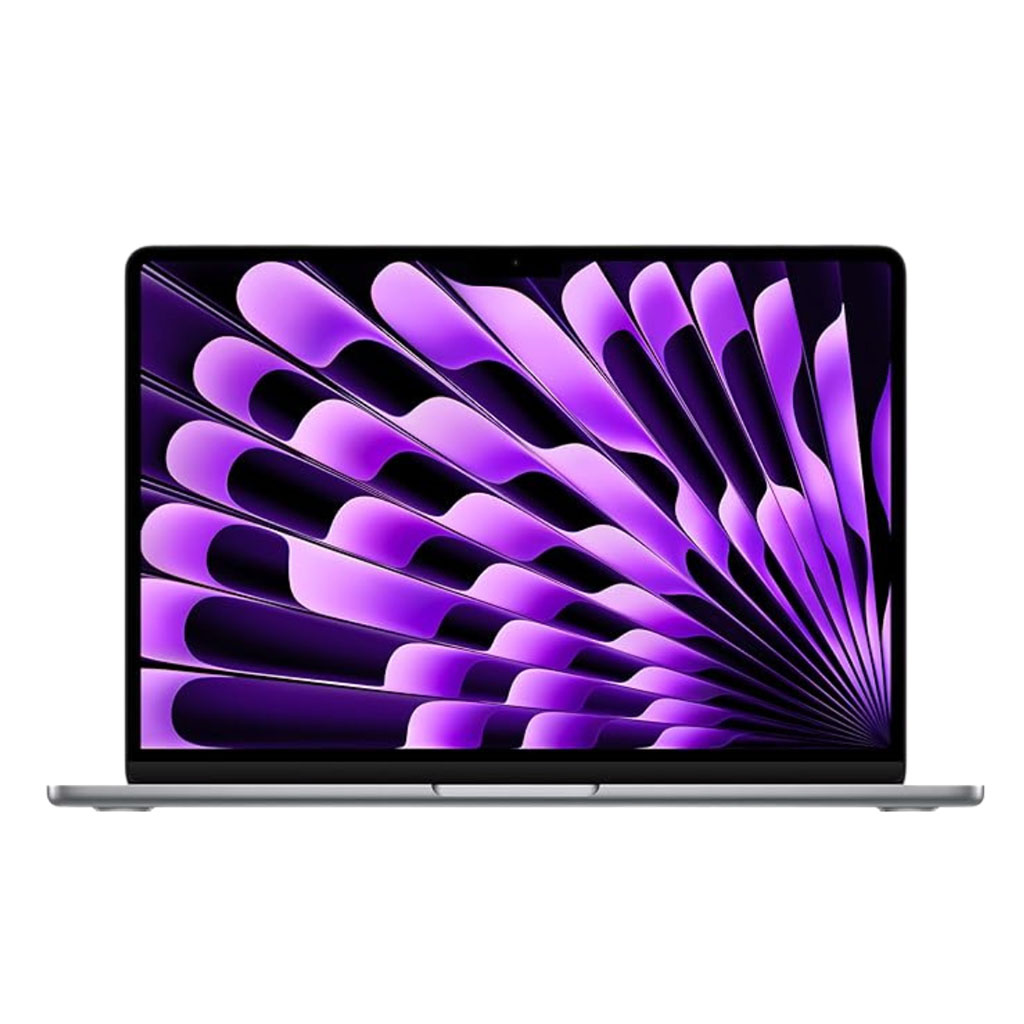
A great-value older MacBook Air that still holds its own against the newer model. You get 512GB SSD storage and 16GB RAM together with an M3 chip that still feels fast. This deal knocks 38% off the 13-inch laptop’s price.View Deal
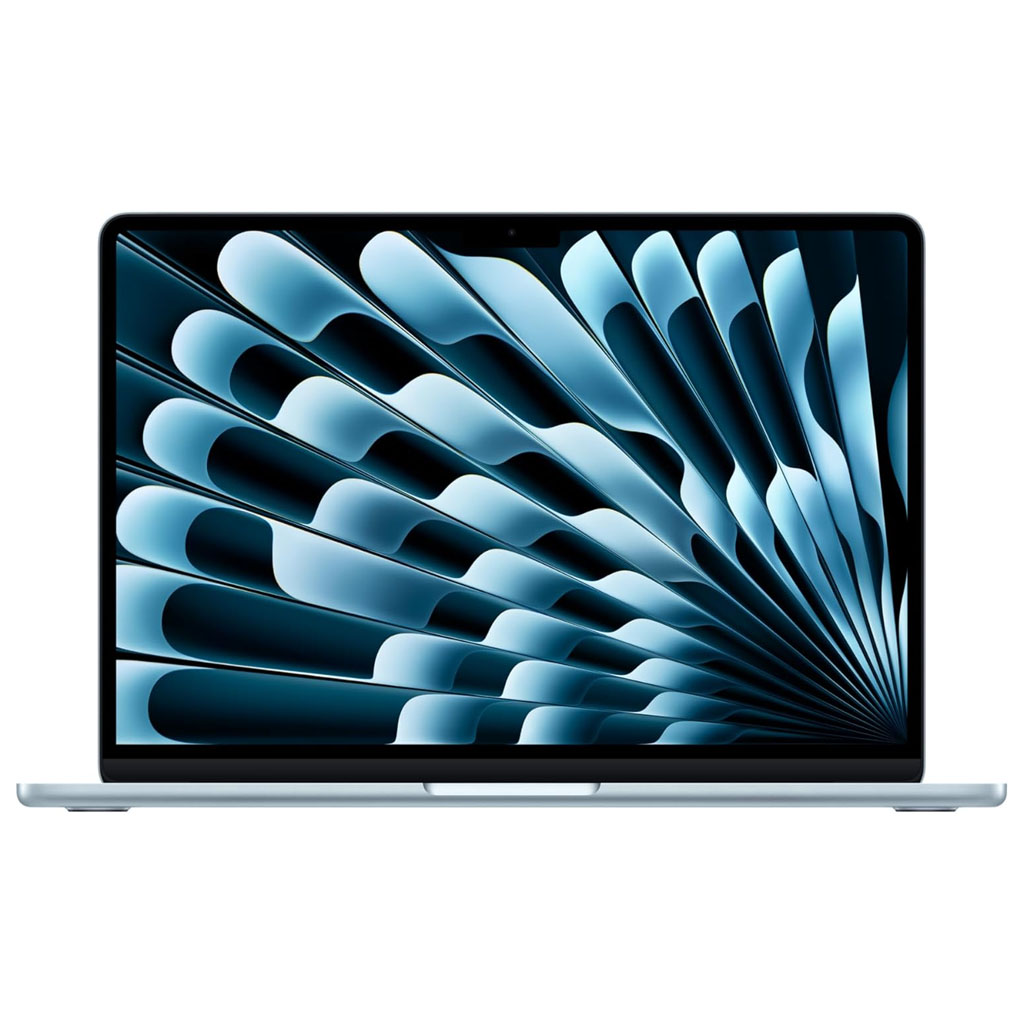
With an impressive $150 discount, this Prime Day deal addresses our main complaint about the M5 Air: it’s pricier than the previous model. Now, you’re getting the latest chipset, 16GB of RAM, and a bigger 512GB SSD for much less, with a price that arguably challenges even the budget MacBook Neo when it comes to outright value.
Read our full MacBook Air 13-inch M5 reviewView Deal
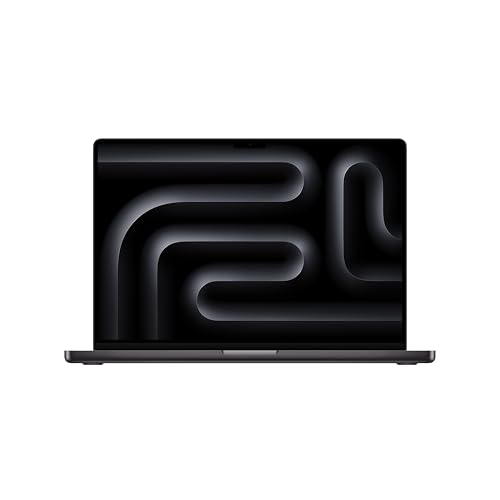
For creative professionals, the 14-inch MacBook Pro powered by the performance-driven M5 chip is the one to choose. This beast flies through demanding workloads like video editing without skipping a beat.
Read our full MacBook Pro M5 reviewView Deal