Mistral Vibe is one of the more interesting AI platforms to come out of Europe. The product, formerly called Le Chat, was rebranded by Paris-based Mistral AI in May 2026 to mark its shift from a conversational assistant to a full agentic platform covering chat, work automation, and cloud-based coding. It’s a meaningful change, not just a naming exercise.
Two new operating modes, Work and Code, are the engine behind that ambition. Work Mode runs multi-step tasks across connected business tools. Code Mode handles remote coding sessions inside isolated sandboxes and delivers work through to a pull request. Together they put Vibe in more direct competition with ChatGPT and Claude than its Le Chat days suggested.
At TechRadar Pro, we’ve been reviewing business software since 2012 and our AI coverage has become some of our most-read work. That includes our AI tool roundup, our 2026 vibe coding buying guide, and deep dives on platforms like OpenClaw or Moltbook.
What is Mistral Vibe?
Mistral Vibe is a chat, work automation, and coding platform developed by Mistral AI. It’s available via web browser and mobile apps on iOS and Android, and runs on Mistral’s own model family, from the lightweight Small 3.1 to the flagship Large 3 and the reasoning-focused Magistral line.
The platform launched in February 2024 as Le Chat, originally a general-purpose assistant. Over the following two years, Mistral layered in web search, voice mode via its Voxtral audio model, a Canvas document editor, image generation through Black Forest Labs Flux Ultra, persistent memory, and project folders.
The May 2026 rebrand signals that Mistral sees Vibe as an enterprise-grade product. Work Mode and Code Mode are aimed at professionals who need an AI that can execute multi-step tasks across connected tools, not just hold a conversation.
Mistral Vibe: At a glance
|
Attribute |
Notes |
|
Underlying model(s) |
Mistral Large 3, Medium 3.5, Small 3.1; Magistral for reasoning; Codestral and Devstral for code tasks. |
|
Best for |
Daily productivity, agentic work tasks, cloud coding, privacy-sensitive workflows. |
|
Distinguishing functions |
Work Mode, Code Mode, No Telemetry Mode, Canvas editor, Deep Research, voice mode, MCP support. |
|
UI features |
Web app and iOS/Android apps; unified interface for chat, canvas, and code views. |
|
Subscription costs |
Free; Pro at $14.99/month; Team at $24.99/user/month ($19.99 on annual billing); Enterprise (custom). |
|
API pricing |
Pay-per-token with no monthly minimums. Large 3 at $2/$6 per million tokens; Small 3.1 at $0.20/$0.60; Ministral 8B at $0.10/$0.10. |
Buy it if…
- You handle sensitive client or business data. No Telemetry Mode gives Pro subscribers a contractual guarantee that nothing they type is used to train Mistral’s models. That level of assurance at $14.99 per month is unusual among major AI chat platforms.
- You want agentic features without enterprise pricing. Work Mode handles multi-step tasks across Gmail, Slack, Notion, and other connected tools. Code Mode manages full coding sessions through to a pull request. Both are available on the Pro plan.
- You’re a developer watching API costs. Mistral Large 3 at $6 per million output tokens significantly undercuts GPT-5.4 ($15/M) and Claude Sonnet ($15/M) at the flagship tier, and the API bills only for tokens used.
Don’t buy it if…
- The free plan is your entry point for serious evaluation. At around 25 messages per day with no canvas and no remote coding access, the free tier doesn’t give you a fair picture of what the platform can do.
- Your team is embedded in Microsoft 365 or Google Workspace. Vibe connects to business apps via MCP, but native integration with the major office suites is not as developed as what you’d get from Copilot or Gemini for Workspace.
- You’re assessing the Team plan for a small group. The jump from Pro ($14.99) to Team ($24.99/user/month) is steep, and the main additions (admin controls and more storage) may not justify the cost for teams of fewer than ten people.
My time with Mistral Vibe
I tested Vibe across its Pro plan over several weeks, using it for research tasks, document drafting, and code work. The chat interface is clean and approachable. Anyone familiar with ChatGPT or Claude will navigate it without confusion. What caught me off guard was how efficiently Work Mode handled complex, multi-step research requests, pulling from connected sources and drafting a structured Canvas output in a single run.
Code Mode held up well for the tasks I threw at it. I ran a session to scaffold a simple API integration, and the agent handled writing, testing, and preparing a draft PR inside the sandboxed environment. I stepped in twice to give it additional direction, but that’s consistent with what you’d expect from any AI coding agent at this stage.
The No Telemetry Mode stood out as a differentiator. Enabling it took seconds and gave me real confidence when working with business-related documents. That kind of data control is typically reserved for enterprise tiers at other major platforms, so finding it on a $14.99 plan is a real differentiator.
Mistral Vibe: Features
Vibe’s feature set has grown considerably since the Le Chat launch in 2024. Alongside standard chat, the platform now covers web search, image generation, voice input, a Canvas document editor, Deep Research, memory, and project organization tools. Pro subscribers get access to Work Mode and Code Mode, which is where the real differentiation lies.
Work Mode is the headline addition from 2026. It turns Vibe into an execution agent that can read emails and calendars, draft documents in Canvas, run recurring scheduled tasks, and push outputs to Notion, SharePoint, or Slack. Every step is visible in the interface. The platform asks for explicit approval before any action that modifies data or sends a message.
Code Mode targets developers specifically. It connects to GitHub, GitLab, Jira, and Linear, running sessions in an isolated sandbox. A /teleport command lets you move a session between the Vibe web app and a local terminal without losing context. Parallel sessions are supported on Pro and above, which is useful for running background jobs while staying in another workflow.
Memory, currently in beta, lets Vibe store your preferences and recurring context across conversations. You can view, edit, or delete these entries at any time, and turning the feature off is a single toggle in confidentiality settings. Image generation via Black Forest Labs Flux Ultra is solid for a chat platform.
The main gap in the feature set is transparency around usage limits. The free tier runs at lower quotas than Pro across searches, image generations, and messages, but Mistral doesn’t publish the exact numbers on its pricing page. That makes the free-to-Pro comparison harder to assess than it should be.
Overall, Vibe covers more professional use cases than most platforms at this price point. The area where competitors like Copilot and Gemini maintain a clear lead is native productivity suite integration, which Mistral has not yet matched.
Mistral Vibe: User experience
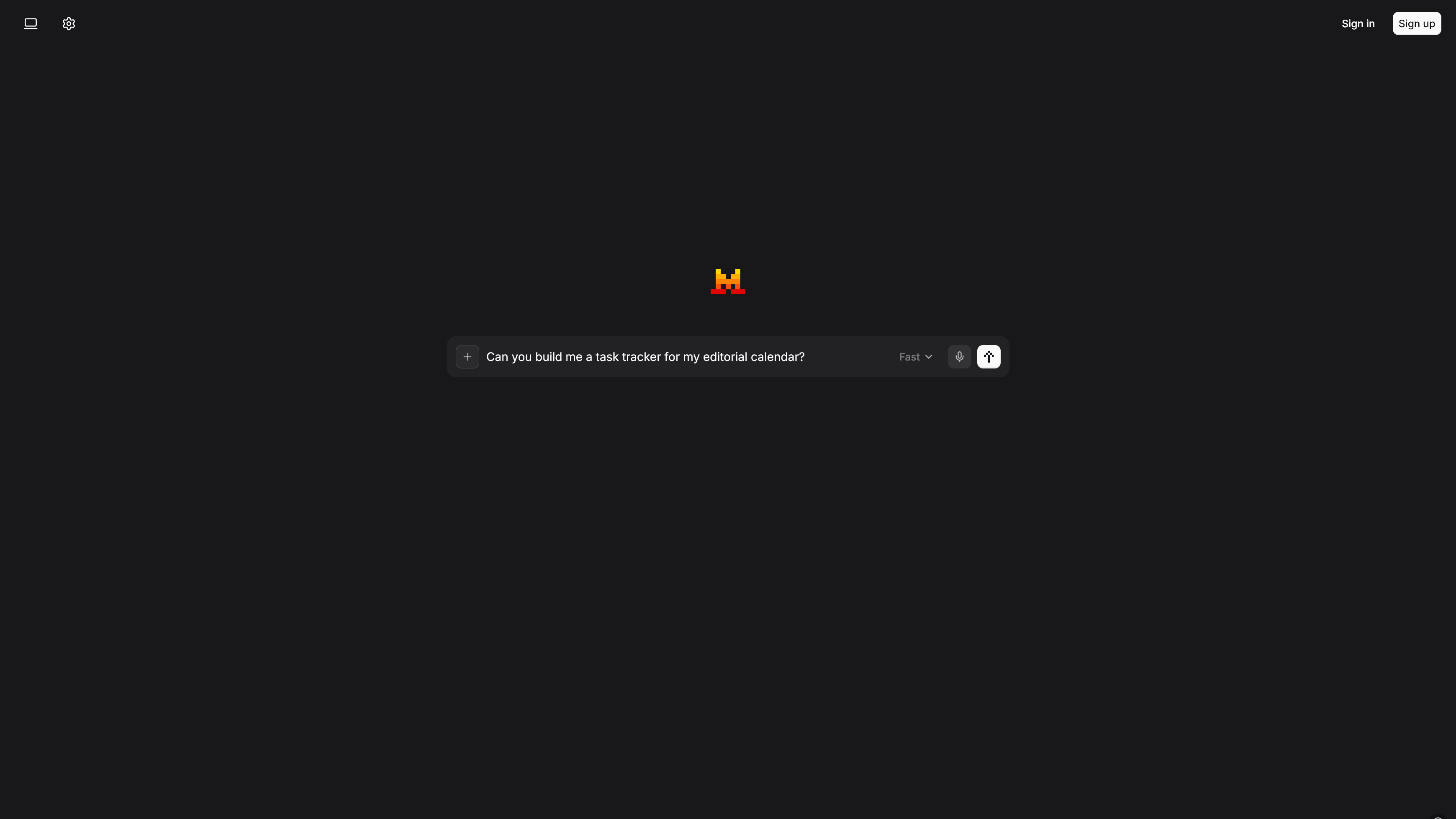
The layout is straightforward: a left sidebar for conversation history and project folders, a central chat window, and model or tool selectors accessible from the input bar. Switching between chat, Work Mode, and Code Mode happens within the same interface rather than routing you to a separate product URL.
The mobile apps mirror the web experience closely. Search, canvas, image generation, and voice input all carry over, which isn’t a given with AI chat platforms on mobile. Onboarding is minimal, which suits experienced AI users but may leave newcomers without much guidance on how to get started with the more complex agentic features.
Mistral Vibe: Customer support
Free and Pro users access support through the help center widget on the Mistral site. Response times are not published, and there’s no live chat or phone support at these tiers. The help documentation covers the most common issues in reasonable depth, but for billing questions or edge-case technical problems, you’re relying on ticket-based email support.
Enterprise customers get a dedicated support workflow with priority routing. Requests go through the same widget but are flagged and handled separately based on account type. For teams in finance, healthcare, or other regulated sectors where response time matters, that distinction is a real consideration when deciding between Team and Enterprise.
Mistral Vibe: Pricing
- Free plan: Around 25 messages per day with limited web searches, reduced image generation, no canvas creation, and no remote coding.
- Pro at $14.99/month: No Telemetry Mode, full canvas access, Work and Code Mode, 5x more web searches, more image generations, and pay-as-you-go Vibe coding beyond included limits.
- Team at $24.99/user/month (or $19.99 on annual billing): Shared workspaces, admin controls, domain verification, data export, and higher storage limits.
The free plan gives you a taste of chat quality and basic search, but the restrictions mean you won’t get a representative experience. Pro at $14.99 is, by most comparisons, the cheapest premium AI chat subscription from any major provider. The No Telemetry Mode and agentic modes are hard to find elsewhere at this cost.
The Team plan’s value depends on your use case. For small teams, the mainly administrative additions over Pro may not justify the per-user cost. Enterprise pricing is negotiated directly with Mistral and covers SAML SSO, on-premise deployment, custom model training, and dedicated support. The API runs on a fully separate billing track with no monthly minimums, making it accessible for developers at any scale.
Mistral Vibe alternatives you should consider
- ChatGPT (OpenAI): The most established option for general productivity, with deeper Microsoft 365 integration and a broader ecosystem of plugins. It costs more at comparable tiers but suits teams already embedded in the Microsoft environment.
- Claude (Anthropic): A strong choice for long-document analysis and nuanced writing. Pricing is competitive and reasoning quality is high, though data privacy controls at the consumer tier are less explicit than Vibe’s No Telemetry Mode.
- Gemini for Google Workspace: The best fit for teams already using Google’s suite. Native Calendar, Docs, and Gmail integration outpaces what Mistral currently offers for Google-centric workflows.
How I tested Mistral Vibe
- Ran prompts across standard chat, Web Search, and Deep Research modes to evaluate response accuracy, source quality, and multi-step research handling across a range of topics and document types.
- Tested agentic task execution through Work Mode, including document drafting via Canvas and recurring task scheduling, and ran coding sessions through Code Mode against a GitHub-connected project to assess end-to-end agent performance.
- Verified plan details and API rates against Mistral’s official pricing page, cross-referenced them with third-party pricing analyses where official documentation was vague, and assessed support options through the Mistral Help Center.
I tested Mistral Vibe on its Pro plan over several weeks using a mix of daily productivity tasks and structured feature evaluations. Pricing data was verified against the official mistral.ai pricing page, with third-party sources used for cross-reference on API rates and plan limits where Mistral’s documentation was unclear. Support quality was assessed through available help center documentation and publicly reported user experiences.