Apple announced the new M5 Max and M5 Ultra Mac Studio on August 25, with shipping from September 22. As the Mac Studio has just received a major update, this is generally a good time to buy if you need a powerful professional desktop.
For most buyers, we recommend the M5 Max Mac Studio (reviewed here). Starting at $2,499/£2,499, it provides more than enough performance for professional video editing, software development, music production, photography and 3D work, with up to 128GB of unified memory.
The M5 Ultra Mac Studio starts at $5,499/£5,499 and is intended for exceptionally demanding workloads, including very large local AI models, complex scientific computing, high-end VFX and large-scale 3D rendering. Most professionals will not need to spend this much.
The new models ship from September 22, although the M5 Ultra configuration with 512GB of unified memory will not be available until late October.
Should you buy a Mac Studio now or wait?
There are reasons to wait before buying the Mac Studio. Discounts may improve in the months after launch, particularly around Black Friday at the end of November, while reduced or refurbished M4 Max and M3 Ultra models may become available as buyers upgrade. If your current Mac still meets your needs, you want to see independent benchmarks or you’re looking for the lowest possible price, there is no need to rush.
However, waiting carries some risk. Memory shortages caused long delivery times and limited availability for the previous generation, and similar constraints could affect popular M5 Max and M5 Ultra configurations. The new Mac Studio with 512GB of unified memory is already delayed until late October, while other build-to-order configurations may also take longer to arrive.
Buy now if…
- You need workstation-class Mac performance.
- You are replacing an Intel Mac or an older Mac Studio.
- Your work benefits from sustained CPU, GPU or Media Engine performance.
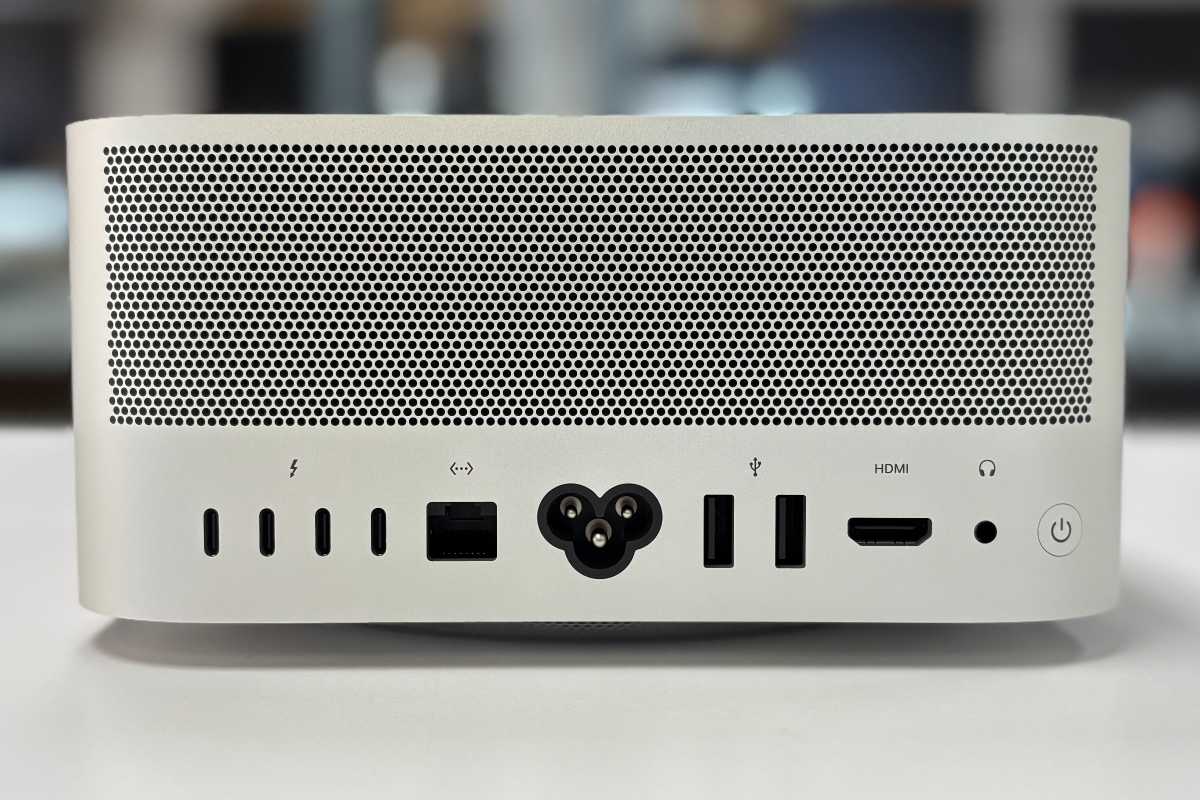
- You need Thunderbolt 5, 10Gb Ethernet or extensive display support.
- The M5 Max supplies all the performance and memory you need.
Consider M5 Ultra if…
- You need more than 128GB of unified memory.
- You work with enormous local AI models or datasets.
- You need the highest possible GPU or multithreaded CPU performance.
- You require up to eight external displays.
- Your work can make use of its additional media engines and 1.2TB/s memory bandwidth.
Wait if…
- Your current Mac Studio still handles your workload comfortably.
- You want independent benchmarks before spending $2,499 or more.
- You need the 512GB M5 Ultra configuration, which arrives in late October.
- You are hoping for M4 Max or M3 Ultra clearance/refurbished prices.
- You don’t need a new workstation urgently.
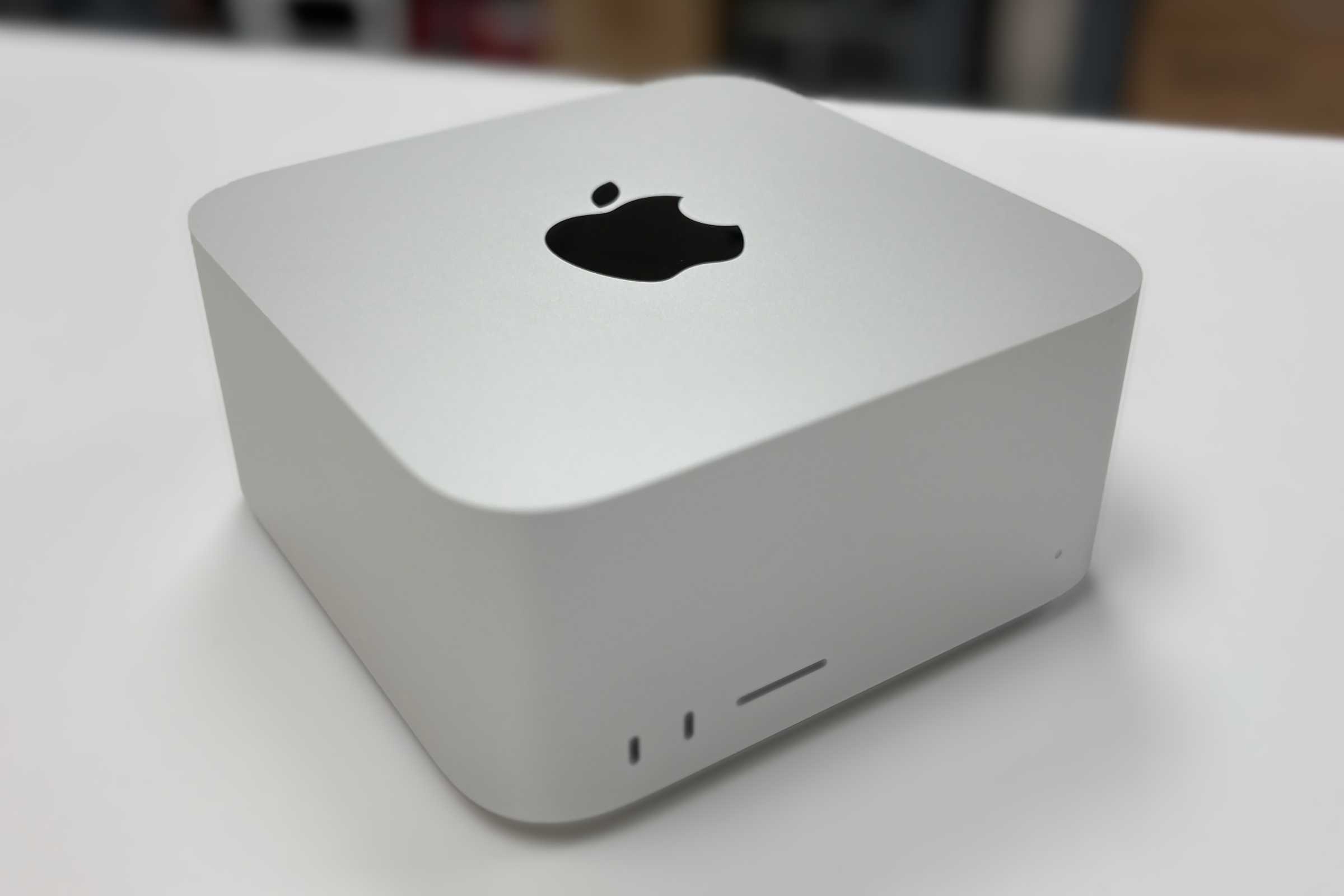

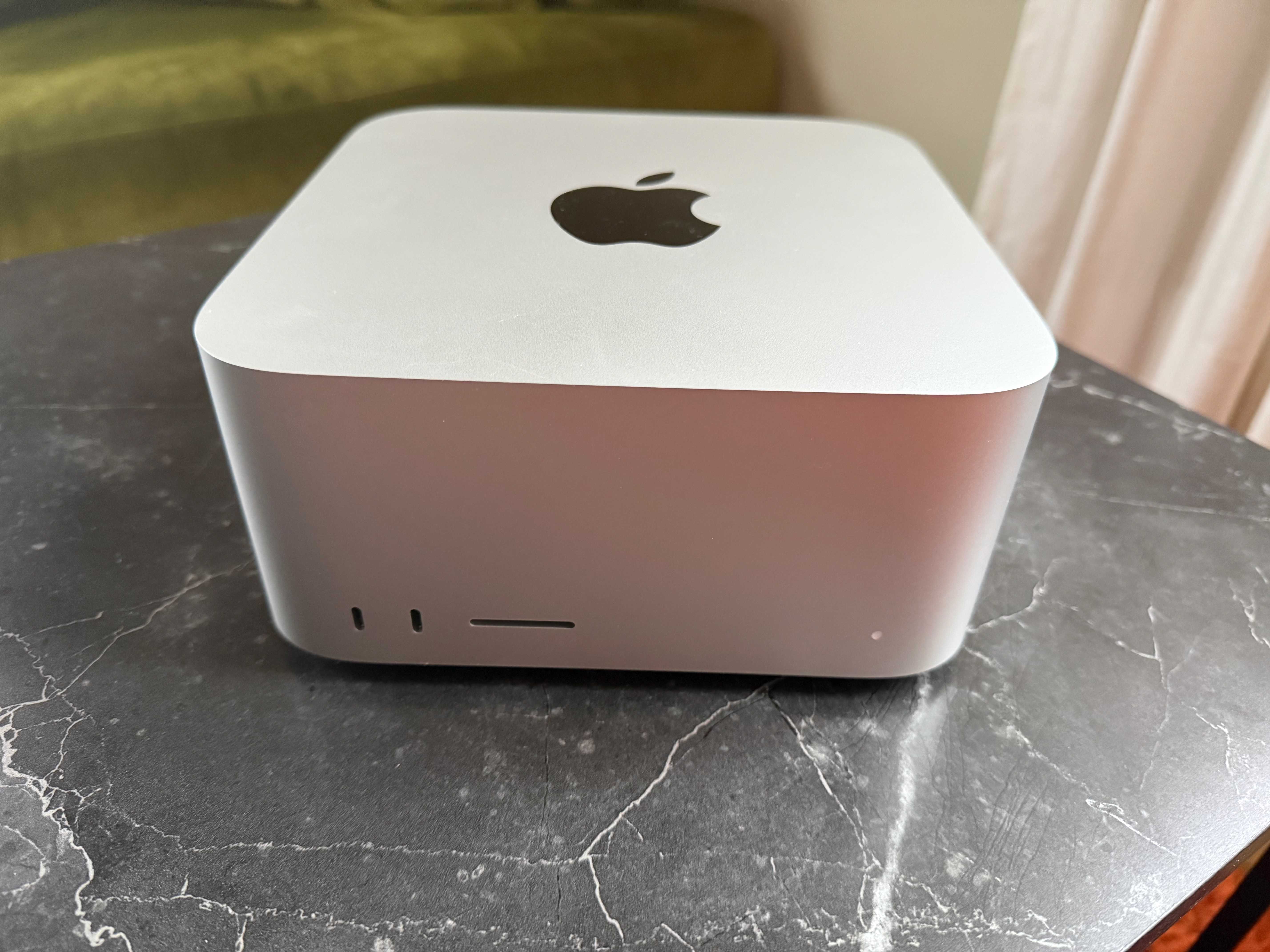
Which Mac Studio to buy: Max vs Ultra?
Foundry
The primary difference between the Mac Studio Ultra and Max models lies in the processing architecture, where the Ultra chip essentially combines two Max chips into a single die to provide roughly double the performance cores and graphical power. The choice between the two comes down to the intensity of your workflow.
Mac Studio (M5 Max): Best for most professionals
The M5 Max Mac Studio offers a lower entry price and is the model most buyers should choose.
It’s ideal for:
- Video editing
- Software development
- Music production
- Photography and design work
- General professional workloads
Starting at $2,499, it delivers workstation-class performance without the significant premium commanded by Ultra models.
Mac Studio (M5 Ultra): Best for extreme workloads
The M5 Ultra, starting at $5,499, is designed for users who regularly push hardware to its limits.
It’s best suited to:
- Large AI models
- Professional 3D rendering
- Scientific computing
- Massive video-production projects
- Heavily multi-threaded workloads
The M5 Ultra architecture provides substantially more CPU and GPU resources, higher memory ceilings, and greater expansion potential than the M5 Max.
However, most professionals will not fully utilise its additional performance.
Mac Studio vs Mac mini: Which is best?
Many buyers should also consider the considerably less expensive Mac mini M5 Pro.
- Mac mini M5 Pro starts at $1,699/£1,699.
- Mac Studio M5 Max starts at $2,499/£2,499.
Will the M5 Pro Mac mini meet your workload, or will the Mac Studio’s additional GPU performance, memory and connectivity save enough working time to justify the extra $800/£800?
The Mac mini offers better value if its GPU performance and maximum 64GB of unified memory are sufficient for your needs. The Mac Studio provides a substantially more powerful GPU, up to 128GB of unified memory with M5 Max, four rear Thunderbolt 5 ports, 10Gb Ethernet as standard and support for up to five displays. The M5 Pro Mac mini has three Thunderbolt 5 ports, optional 10Gb Ethernet and supports up to three displays.
The Mac Studio is worth the extra cost if you need:
- Greater GPU performance
- More than 64GB of unified memory
- More Thunderbolt connectivity
- Support for more than three displays
- Faster performance in demanding video, 3D or AI workloads
- 10Gb Ethernet without paying for an upgrade
Both Macs support Thunderbolt 5, which offers substantially more bandwidth than Thunderbolt 4. It is particularly useful for:
- High-speed external SSDs and storage arrays
- Professional video editing and post-production
- Multiple high-resolution displays
- High-bandwidth docks and expansion systems
- Moving very large media, development or AI datasets
For coding, general productivity and moderately demanding creative work, the M5 Pro Mac mini is likely to offer better value. The Mac Studio makes more sense for sustained professional workloads that can take advantage of its additional GPU cores, media engines, memory and connectivity.
Mac Studio M5 Ultra, M5 Max vs Max mini – At a glance
| Mac Studio (M5 Ultra) | Mac Studio (M5 Max) | Mac mini (M5 Pro) | |
|---|---|---|---|
| Best for | The most demanding production and AI workloads | High-end video, 3D and AI workloads | Demanding coding, creative and professional workloads |
| Starting price | $3,999/£3,999 | $2,499/£2,499 | $1,699/£1,699 |
| Memory | 96GB–512GB | 36GB–128GB | 24GB–64GB |
| Memory bandwidth | 1.2TB/s | 460GB/s or 614GB/s | 307GB/s |
| Storage | Up to 16TB | Up to 8TB | Up to 8TB |
| Thunderbolt | Thunderbolt 5 | Thunderbolt 5 | Thunderbolt 5 |
| Displays | Up to eight 6K displays | Five displays, including four 6K | Up to three 6K displays |
| Our verdict | Buy only if your workload can use its extreme performance | The best balance of power and price for demanding professionals | Best value for most professionals |
What specifications should you choose?
Apple
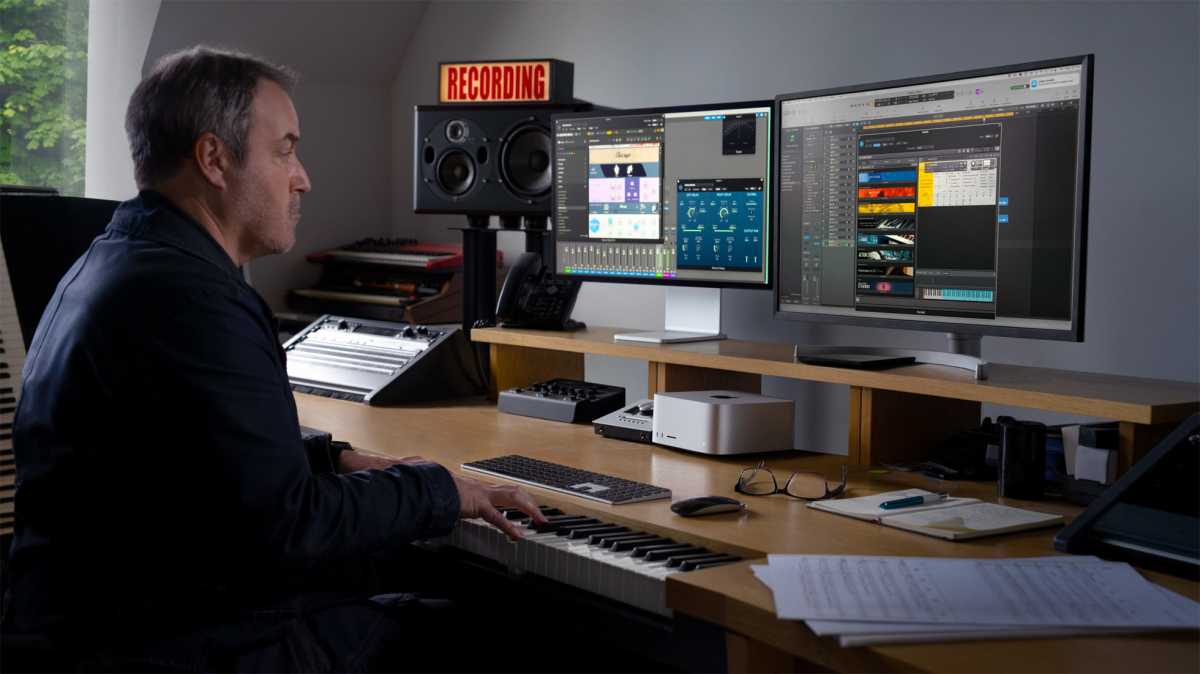
Here is some guidance on which specifications to select.
RAM
Memory is more important than processor upgrades for many buyers.
- 36GB: Suitable for many professional photography, music, development and mainstream video workflows.
- 48GB or 64GB: A sensible choice for heavier multitasking, larger development projects, 4K/8K video and more complex creative work.
- 128GB: For demanding M5 Max workflows, larger local AI models and projects that regularly create significant memory pressure.
- 96GB M5 Ultra: The entry point for buyers whose workload genuinely benefits from Ultra.
- 256GB or 512GB: Specialist options for enormous AI models, datasets, simulations and high-end VFX—not conventional future-proofing.
Storage
Internal storage can be supplemented with external Thunderbolt drives, making it easier to expand later.
For most professional users:
- 512GB is usable but restrictive for a $2,499 workstation.
- 1TB is a more practical starting point for most professionals.
- External Thunderbolt 5 storage can provide cheaper project and archive capacity.
- Internal storage is preferable for applications, caches, active datasets and workflows that depend on maximum SSD performance. M5 Max supports up to 8TB; M5 Ultra supports up to 16TB.
Other things to consider when buying a Mac Studio
Neither the Mac mini nor the Mac Studio includes a display, keyboard or mouse. A professional monitor and other peripherals can add significantly to the total cost, so factor these into your budget.
If you’re buying for the long term:
- Prioritize unified memory, because it cannot be upgraded later.
- Choose enough internal storage for your essential apps and active projects, while remembering that external storage can be added later.
- Buy the configuration that meets your likely needs without paying for performance you will rarely use.
- If a replacement is expected soon, consider whether waiting makes sense – particularly if you plan to keep the Mac for five years or more.
Where to buy Mac Studio to get the best deals
In the U.S., you can usually buy the Mac Studio from Apple and the following stockists.
U.S.
U.K.
Another option is to buy refurbished.
U.S.
U.K.