LaserPecker has been in the laser engraving and cutting sector for a while. Still, the LX2 is its first fully enclosed system of this type, and the first that feels genuinely suited to home and small-business use rather than a workshop with proper ventilation and space to spare.
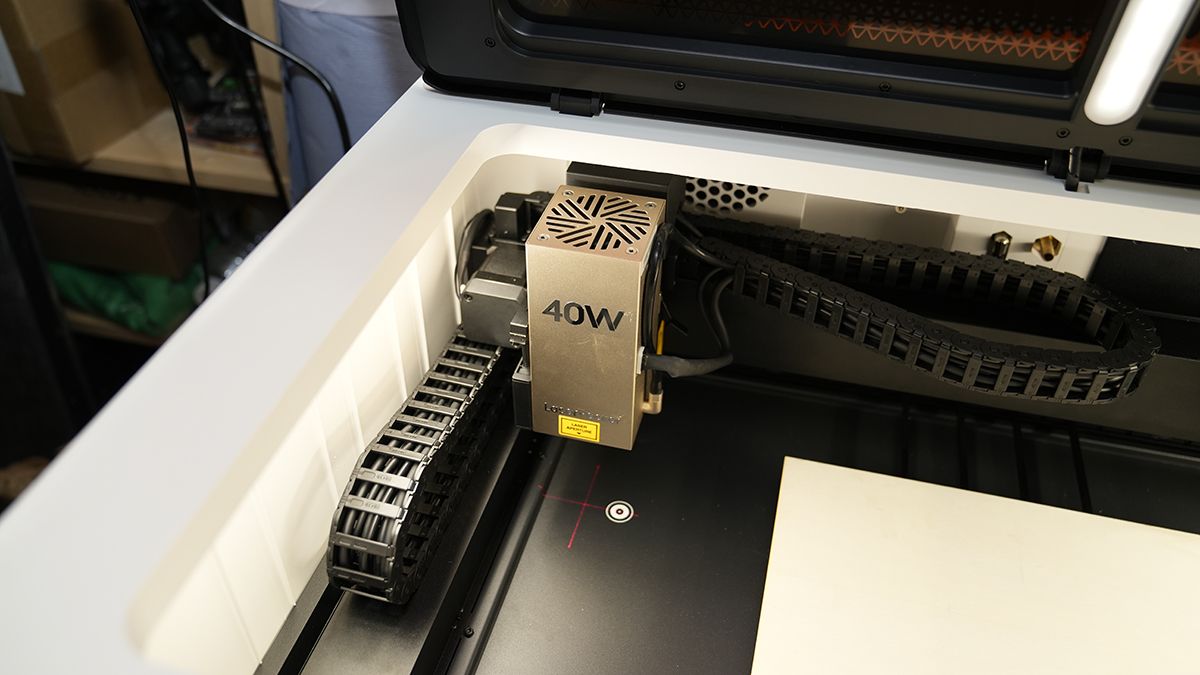
The LX2 pairs the safety of a full enclosure with a modular head system, swapping between 20W, 40W, and 60W diode and 2W infrared without tools, enabling this machine to cover a far wider range of materials and objects than a fixed single-laser engraver. However, those machines are now becoming scarce.
In this test, I’ve looked at the LX2 with the 40W diode and 2W IR heads, connected directly to a MacBook Pro M1 Max, running LaserPecker Design Space in Beta, since the full release does not yet support the LX2.
LaserPecker LX2: Price & availability
The LaserPecker LX2 is available direct from the manufacturer in the US here, and in the UK here.
At time of review, prices start at $1599 (down from $1999) / £1349 (down from £1799) for the 20W standard bundle. The 40W Standard Bundle is $1799 / £1849.
LaserPecker LX2: Design
Laser technology: Interchangeable diode and IR laser modules
Build area: 500 x 305mm
Dimensions: 779.5 x 609.2 x 281.15mm
Weight: 22.5kg, main unit
Bed: Slatted support base, four slats supplied as standard
Software: LaserPecker Design Space (Beta, required for LX2 support), LightBurn also supported
Materials: Wood, acrylic and, with the 2W IR head, metals and plastics; see
Laser options: 20W diode, 40W diode (tested), 2W 1064nm IR (tested), 60W support
Camera: 12MP / 6K positioning camera
Connectivity: USB, Wi-Fi; USB-C on the LX2 end, USB-A on the computer end; a Mac needs an adapter
Standard accessories: Smart Air Assist, cutting slats, fire extinguisher port
The LX2 is relatively heavy at 22.5kg, but despite its size, it is well built and easy enough to lift and move around in the workshop; it’s also lighter than the two other cutters I already have, and at 779.5 x 609.2 x 281.15mm in size, a standard, properly braced project desk is more than sufficient to hold it.
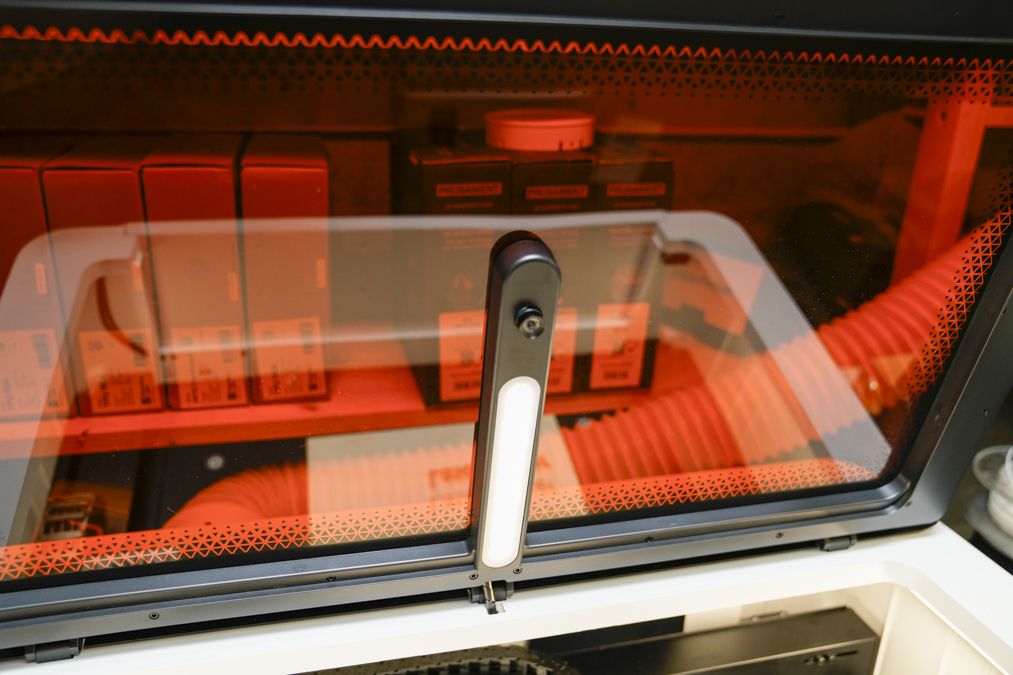
Like most fully enclosed machines, it has a lift-over top lid that lets you watch the cut or engraving in progress, and a handy front-panel opening that makes loading material easier and lets you use the LX2 as a front-loader if you don’t have headroom above the machine. It is the only machine I have come across with this feature.
Round the back are all the ports and connectors, including the USB-C that connects to your computer, with both Mac and PC supported. One oddity worth knowing: the USB-C end of the cable goes into the LX2, and the USB-A end into your computer, so a Mac needs an adapter.
Alongside that are a USB-A port for a USB key, a security key port (which needs a key installed for the machine to run at all), the fire extinguisher port, Air Assist, and the smoke outlet.
The Air Assist itself is a surprise. It’s still external to the device, and while it is nicely designed, it sits alongside the machine rather than being integrated. It connects via its own cable, similar to USB-C but with a proprietary fit, and I found the connector rather delicate; a second cable was needed to complete the test after the original broke.
Inside is the 500 x 305mm work area, with markings on the base for camera alignment during calibration and each cut. There are also two cameras, with a live preview back to the software; accurate positioning is easy enough, as you’d expect on this level of machine.
Once again, there is no honeycomb grid included, something that is an increasingly common omission, and LaserPecker supplies only four thin slats to support material. Four is not enough. If you buy this machine, budget for at least four more, since without them you will be constantly repositioning the slats you have to support each new piece of material.
Otherwise, the design is aesthetically stunning, and the build quality is superb. There’s no doubt that this is a solid machine, but even on initial unboxing you can see a few areas that need a little more design attention.
LaserPecker LX2: Features
The feature list mirrors most other fully enclosed laser cutters at this price, and the build quality was obvious as soon as I lifted the machine out of its packaging. If the cutting accuracy holds up, this looks like a great option for a small business, and the modular heads add the flexibility to work across a huge range of materials and objects rather than being locked to one laser type.
The design is aesthetically stunning, and looks good on the workshop bench. The machine is big, but so is the work area it buys you. I like that it has front- and top-loading capabilities.
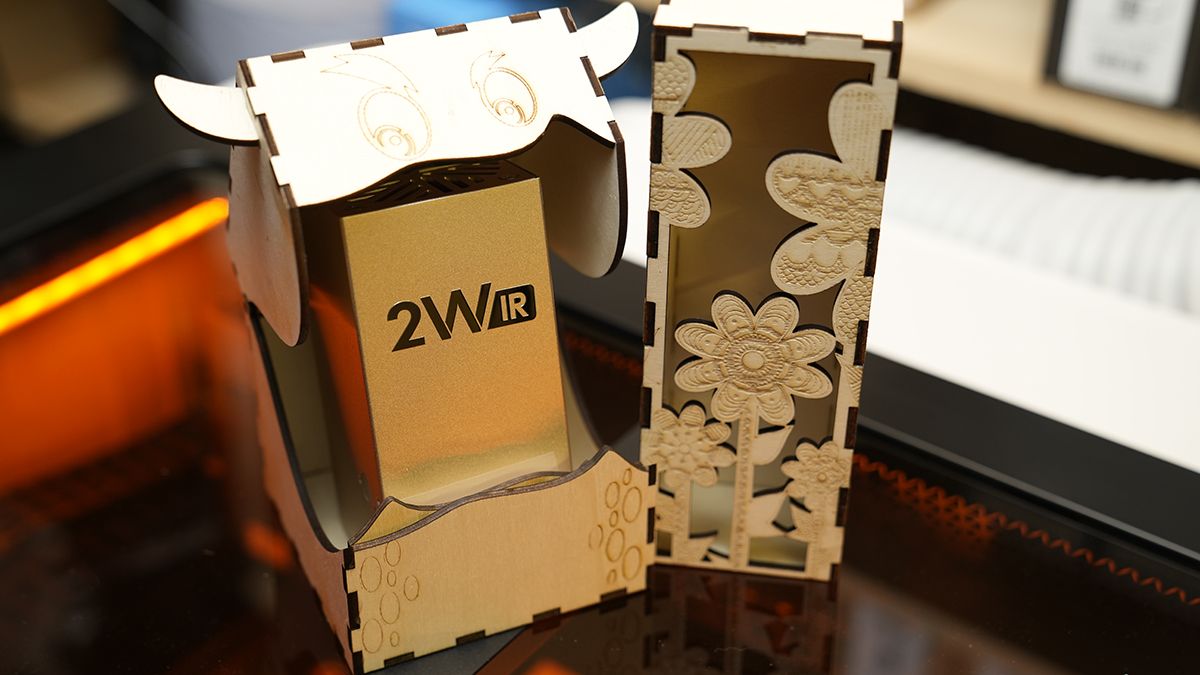
One of the big features is the ability to fit different modules with three diode options: 20W, 40W and 60W and a 2W IR for metal. This offers one of the most flexible solutions out there, so if you are running a business, this will be a great option.
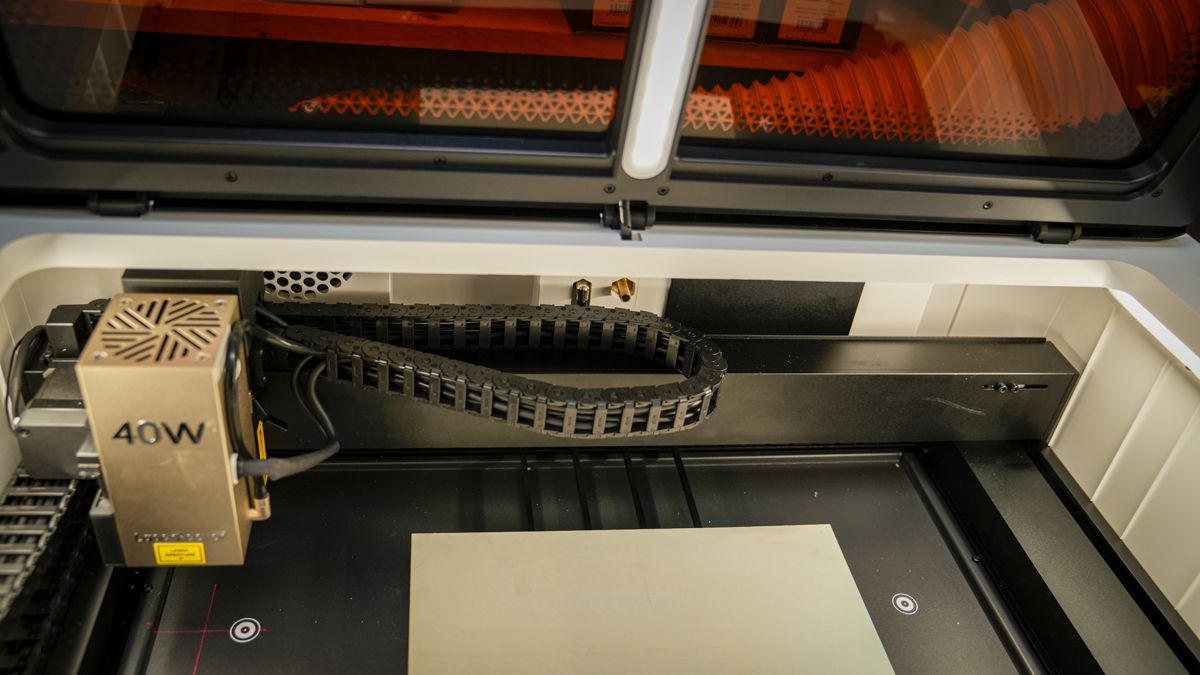
Fitting a module is simple enough, though it does mean connecting a data cable and an air assist tube each time. I would still prefer these integrated into the head itself, but it is easy enough as it stands.
Once running, the engraving and cutting offer impressive speeds, and speed is one of the LX2’s headline features: 1,000mm/s with acceleration up to 10,000mm/s² which means that if used with some of the larger accessories, such as the optional conveyor, much larger projects can be tackled.
Finally, and this is one of the lead features, there are two internal positioning cameras that help with placement accuracy in the software; this positioning accuracy is essential when working with the 2W IR head, where the finished mark is harder to preview by eye.
LaserPecker LX2: Performance
Setup, calibration and connecting the software took around an hour in total, roughly half an hour unpacking and fitting the head, and another half hour on calibration and getting connected. That is in line with other enclosed engravers of this type I have looked at recently.
Fitting the head was easy enough, if not quite as smooth as some rivals, and plugging in the data cable and Air Assist tube alongside it was straightforward, though I would still rather see it integrated into the head itself. Running the vent to an external filter is worth doing and worth budgeting for, though LaserPecker has not yet listed a price.
Installing the software meant finding the Beta build specifically, since the standard release of LaserPecker Design Space does not yet support the LX2. The first run takes you through mandatory safety training before you can use the machine, then through a USB connection to start with. Calibration is more convoluted than rivals I have used.
LaserPecker Design Space is all well laid out, although there are sections where you can still see that this software is in Beta, such as the WiFi connection, re-running calibration and some stability issues. However, it’s extensive, and once you start to familiarise yourself with how it works, it does generally make sense.
Importing designs requires you to add SVG files as an example project and then open them, but line and fill information is retained and accessing those settings and adjusting power and speed is straight forwrad. I also liked the fact that there is a set of material presets, and the settings for these are close to spot on.
When you first get started with a material there is a test chart installed which will show you the effect at the different powers and speeds, this is well worth running on any new material so that you can fine tune the settings.
Some experimentation is still needed to get the perfect result for a given material and finish, but this is a starting point rather than a blank slate for every job, and it improved noticeably over a couple of weeks of regular use.
One issue that I did have during testing was with the Air Assist or to be more accurate the proprietary cable that looks very much like USB-C, and the one I received was delicate enough that the connector broke partway through the test.
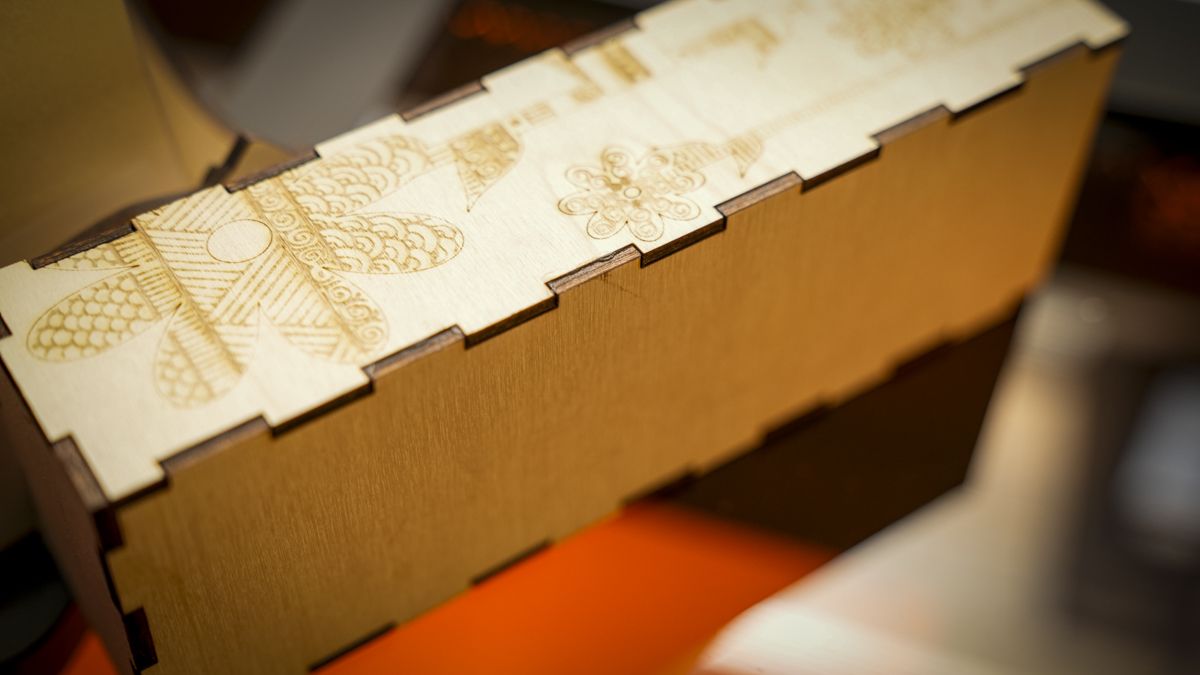
That is why some of the wood samples from this review show scorching; results from earlier in testing, before the cable failed, are noticeably cleaner. Worth knowing if you are relying on Air Assist for consistent results.
Cutting 20mm basswood with multiple passes, with Air Assist working and the settings properly dialled in, produced results with little charring or residue, though getting there took time and experimentation rather than being right first time.
The 2W IR head fitted just as easily as the 40W diode, and its results were excellent; again, with no ready-made preset for every material, building the right settings is part of the process, and this is perfectly normal.
Testing the 40W module, it was able to produce clean and substantial cuts, and I tended to measure the material distance prior to each cut just to ensure the best performance.
LaserPecker LX2: Final verdict
The LX2 is a great machine with a few rough edges and odd decisions. Looking at the negatives, the first has to be the air assist cable to the machine; this is needed for automatic operation.
In the review I ended up just running a power cable directly to the Air Assist and bypassing the auto features. While breaking the cable partway through it was good to see that the Air Assist could be powered in a different way.
In use, the large workspace, high speed when needed, camera alignment and clean cuts definitely make this an appealing machine, but the software at present does hold it back; there are just small issues that need ironing out, such as the calibration process, the loading of files and some stability.
If you’re a serious maker or small business producing a genuine mix of cut wood, engraved products and customised metal items, where the modular approach makes sense at this price and with the flexibility of all those accessories, all makes this look like a great small business solution.
Should you buy the LaserPecker LX2
|
Value: |
Well-balanced price, with huge creative potential |
4 |
|
Design: |
Large and fully enclosed with large work area |
4.5 |
|
Features |
Modular lasers and availability of plenty of accessories future-proof the design |
4 |
|
Performance |
Fast cutting, precise, detailed engraving, but some software issues hold it back |
4 |
|
Total |
A great machine with a few small issues; if you’re aware, it will provide excellent service. |
4 |
Buy it if…
You’re running a small business.
You regularly produce personalised products and need a fast, enclosed machine with enough workspace to handle efficient batch production.
You want maximum versatility.
Swappable diode and infrared modules let one machine tackle cutting, engraving and detailed metal marking across many different materials.View Deal
Don’t buy it if…
You’re into occasional light engraving.
If you only engrave coasters or small gifts occasionally, cheaper compact machines can provide sufficient capability for considerably less money.
You have limited workshop space.
The large footprint and 22.5kg weight mean the LX2 really needs a permanent, sturdy workbench rather than occasional desk space.View Deal
For more crafting tech, I’ve tested and reviewed all the best 3D printers and the best laser engravers.